Is this online image cropper free and watermark-free?
Yes. ZEnhancer Image Cropper is a free online image cropper costing $0 with 0 credits, no sign-up, and zero watermarks. You can crop unlimited JPG, PNG, and WebP photos locally in your browser and download full-resolution files immediately without hitting a paywall.
Does this online image cropper upload my photos?
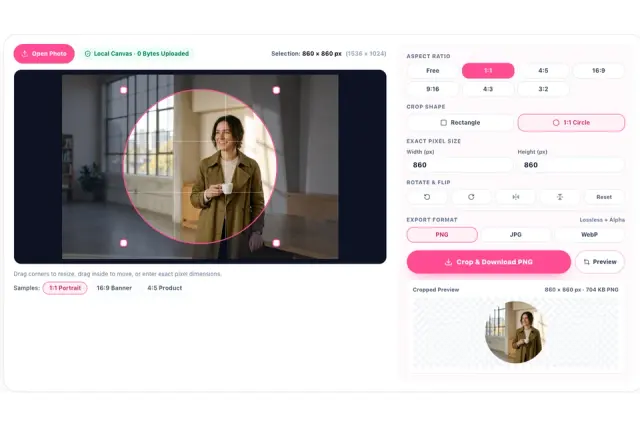
No. Every crop, rotation, flip, and circle mask in this online image cropper executes 100% inside your browser via local HTML5 Canvas, so 0 bytes ever reach remote servers. That keeps private portraits, IDs, and unreleased product photography safe on your device.
Which file formats and sizes work in this online image cropper?
Open JPG, JPEG, PNG, WebP, AVIF, and static GIF files in our online image cropper and export PNG, JPG, or WebP. Because decoding uses browser memory, photos up to 25 MB and 60 megapixels run smoothly; animated GIFs save only frame one.
Which aspect ratios and shapes are in this online image cropper?
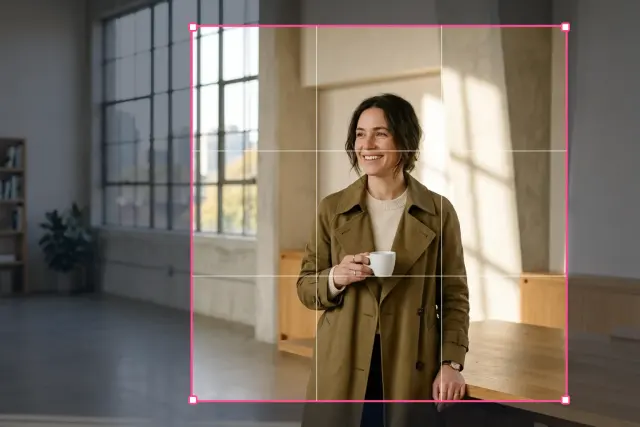
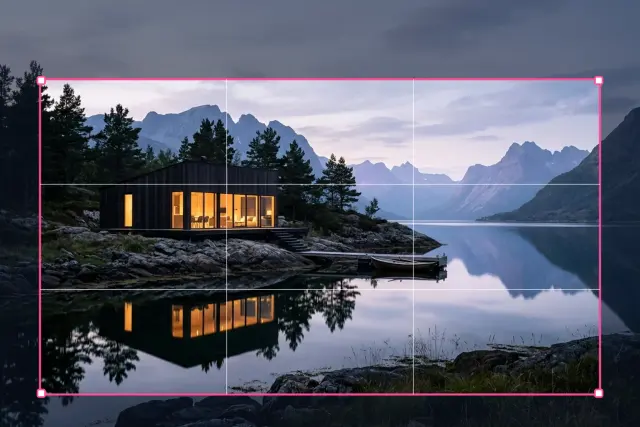
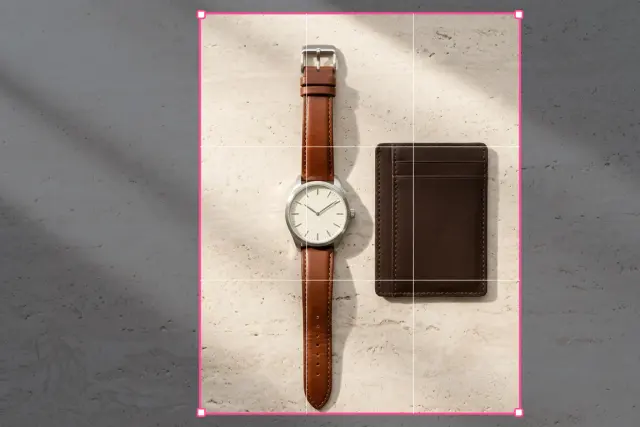
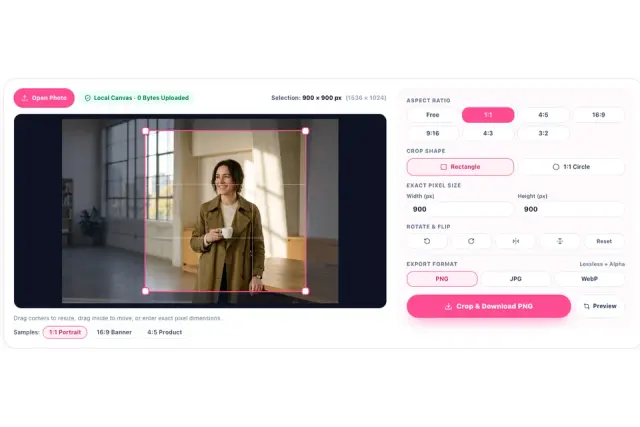
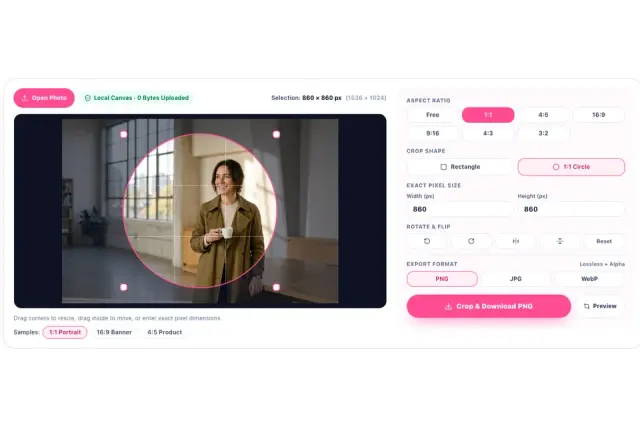
Our online image cropper includes 7 framing presets—Free plus 6 locked aspect ratios (1:1, 4:5, 16:9, 9:16, 4:3, and 3:2)—alongside exact pixel width and height inputs. Switch between Rectangle framing and Circle mode for transparent 1:1 profile avatars.
Does this online image cropper keep EXIF metadata?
No. ZEnhancer Image Cropper exports a single 8-bit sRGB frame, strips original camera EXIF, GPS tags, and ICC profiles during Canvas rendering, and saves only frame one of animated GIFs. Photographers needing intact EXIF or 16-bit RAW data should crop offline.
When should I use another tool instead of an online image cropper?
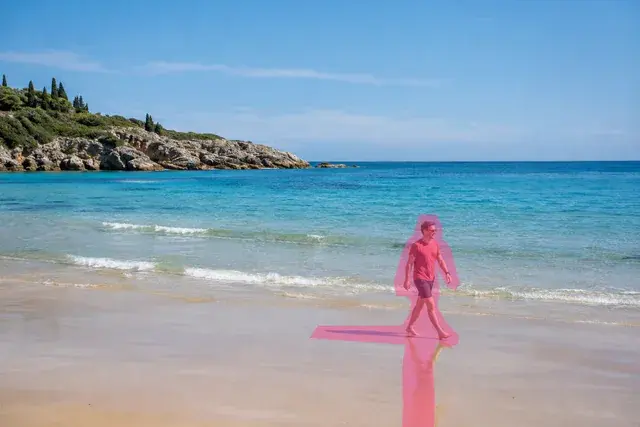
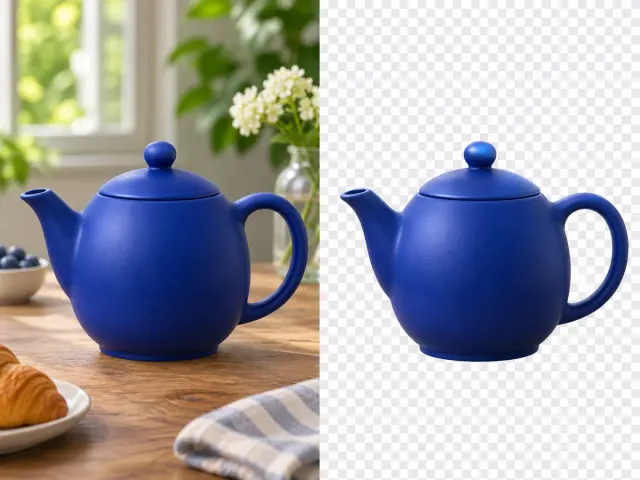
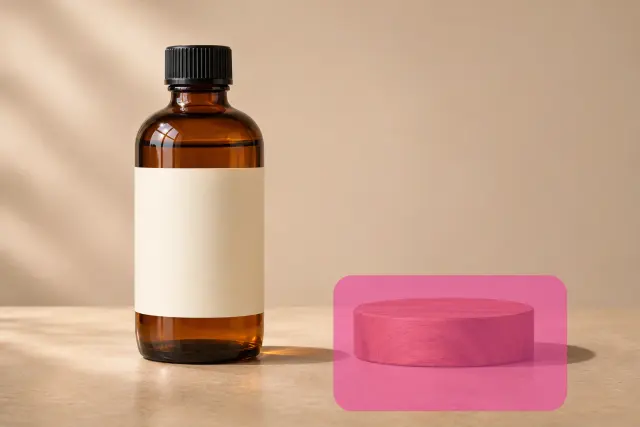
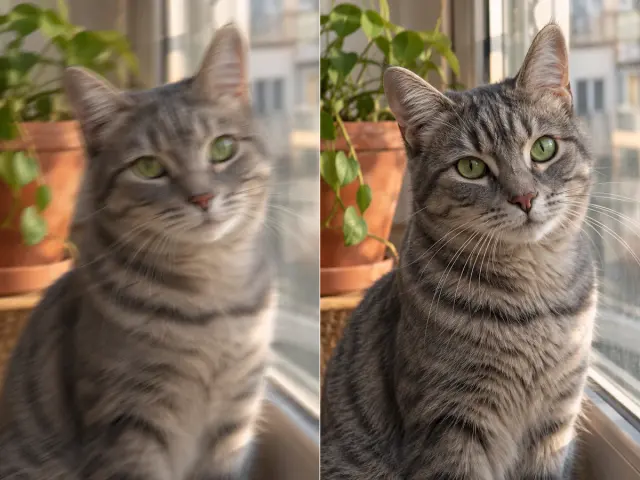
Use ZEnhancer Image Upscaler when trimming margins in an online image cropper leaves your photo too small for print or banners. Use Magic Eraser to remove distractions inside the frame, Background Remover for full subject cutouts, or Image Converter for format-only swaps.
how to crop an image online without losing quality
Open your photo in this online image cropper, drag the handles to select your frame, and set export format to PNG for completely lossless pixel output. If you need a smaller JPG or WebP file, keep quality at 92%–100% and avoid tiny dimensions.
how to crop a picture into a circle
Load your photo into our online image cropper and click the Circle shape button to lock a 1:1 round mask automatically. Drag and resize the circular guide around your subject, then pick PNG or WebP before downloading so outer corners stay completely transparent.
does cropping an image reduce its resolution
Cropping removes pixels outside your selected box, so final width and height dimensions decrease proportionally while pixel sharpness inside the kept area stays identical. Check the live pixel readout inside our online image cropper before downloading so your file meets web or print width targets.
how to crop an image to exact pixel size
Load your file in this online image cropper, pick Free mode or a matching ratio, and type your target pixel width and height directly into the dimension fields. Drag the sized box across your subject to lock composition, then download those exact pixel dimensions.