Denoise Photo Free with AI Noise Reduction

Use ZEnhancer Denoise Photo to clean grainy photos with AI. Denoise Photo helps reduce image noise, fix night shots, smooth low-light grain, recover cleaner faces, and restore natural details online for free with no sign up.

Night photo cleanupGrain reductionCleaner facesPrivate processing
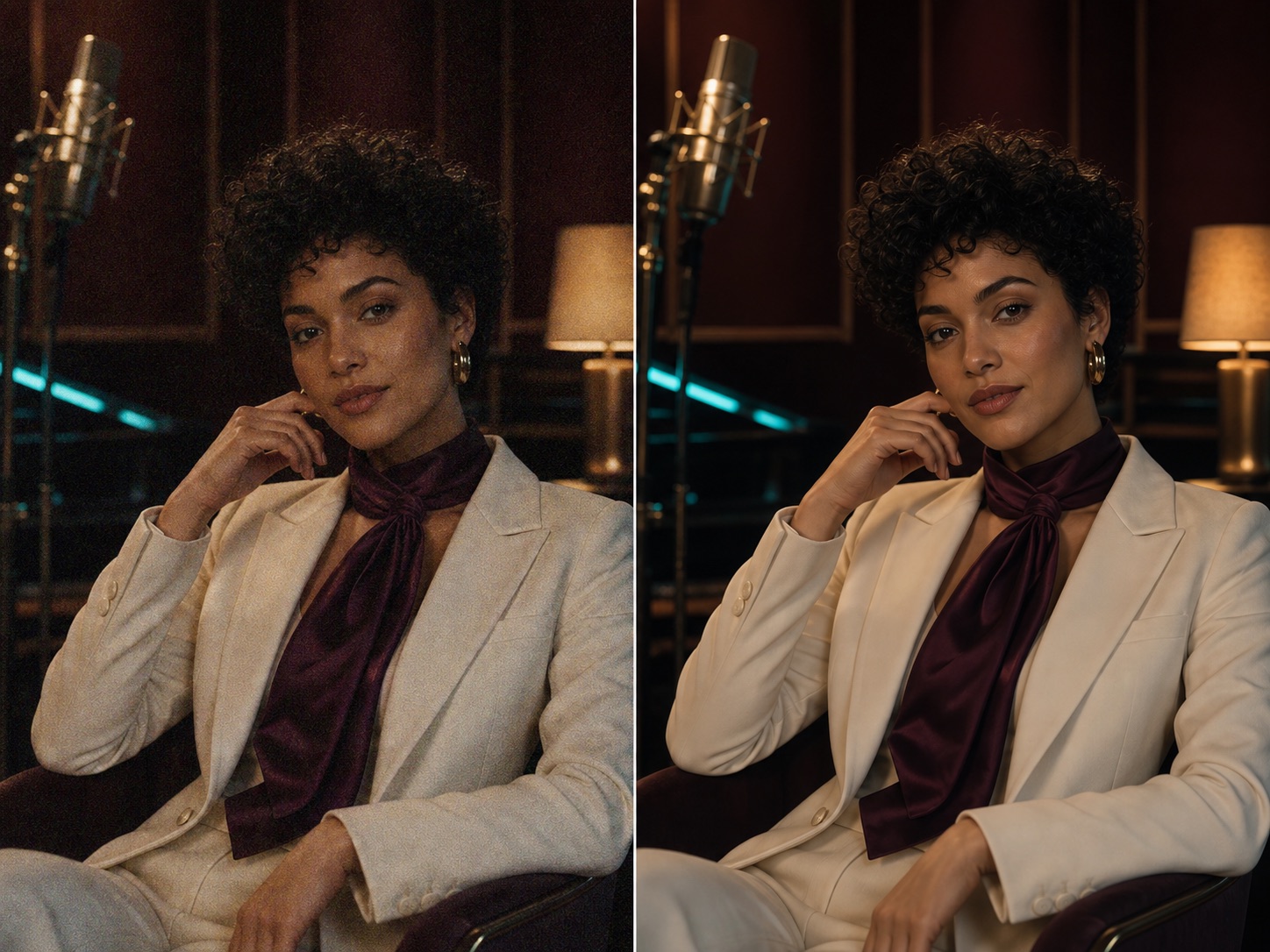
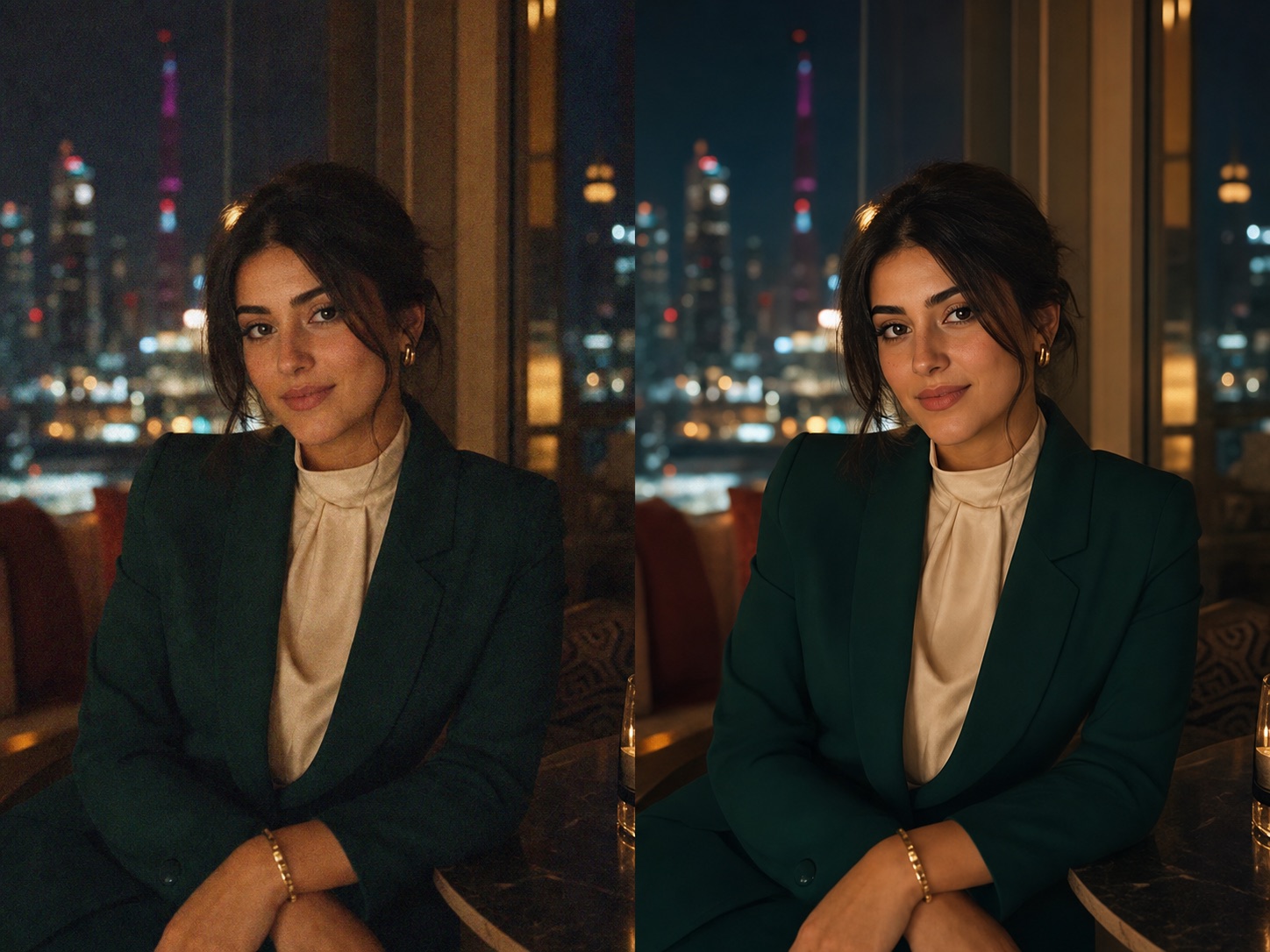
Grainy night portrait before and after Denoise Photo cleanupBeforeAfter

Clean up noise from night portraits, indoor photos, old phone shots, product images, pets, travel pictures, and other grainy moments.

AI Denoise Model

Upload grainy photo

Drag an image here or choose a grainy photo.

Upload up to 10 grainy images at once. JPG, PNG, and WebP supported.

Output format

SecureFastAI denoised
No Photoshop skillsNight cleanupCleaner facesQuick previewNo sign up

How to Denoise Photo Online

Denoise Photo should feel simple: upload a grainy photo, let AI reduce noise and low-light artifacts, then download a cleaner image that still looks natural.

Step 1

Upload a Grainy Photo

Choose a JPG, PNG, or WebP affected by low light, high ISO, night grain, compression noise, old camera artifacts, or rough phone capture. Denoise Photo works best when the subject is visible but the image needs smoother texture and cleaner detail.

Step 2

AI Noise Reduction Processing

Denoise Photo analyzes grain, color noise, facial detail, object edges, shadows, texture, and compression artifacts. Then it reduces visible noise while keeping the original people, background, crop, lighting, and natural photo style intact.

Step 3

Preview and Download

Compare the before and after, check that the cleaner result still feels realistic, then download the Denoise Photo output in PNG, JPG, or WebP for social posts, stores, albums, client previews, or personal archives.

Core Denoise Photo Capabilities

A useful Denoise Photo tool does more than blur the grain. It studies low-light noise, color speckles, compression artifacts, faces, edges, and texture so the result looks cleaner without becoming plastic.

1

Night Photo Noise Reduction

Clean noise caused by low light, high ISO, indoor lighting, or handheld night shots. Denoise Photo reduces grain and color speckles while protecting recoverable edges, faces, clothing, food, streets, and backgrounds. The result stays natural-not overly smooth or artificial. Best for mild to moderate noise in everyday photos.

2

Grainy Portrait and Face Cleanup

Low-light portraits often lose smooth skin tone, eye detail, hair texture, and facial clarity. Denoise Photo cleans noisy faces while keeping identity, expression, skin texture, and natural contrast intact. It helps selfies, group photos, event portraits, profile pictures, and family images look clearer without a waxy finish.

3

Compression and Texture Cleanup

Noisy images are often compressed, saved from messaging apps, or captured on older phones. Denoise Photo helps clean the cloudy, gritty look from social downloads, restaurant shots, product reviews, pet photos, travel pictures, and indoor images. Tiny or heavily damaged files have limits, but many grainy photos can look smoother and easier to share.

Grainy Photoswith AIDenoise Photo

Use Denoise Photo when a good image is held back by grain, color noise, dark shadows, or rough low-light texture. Denoise Photo can help night shots, portraits, food photos, product images, old phone pictures, travel images, and work photos look cleaner for sharing, posting, printing, or keeping.

Built for night shots, portraits, product photos, and travel images

Low-light street photo cleaned with Denoise Photo night noise reduction

Clean Night Photos Without Losing Mood

Reduce low-light grain, color speckles, and shadow noise while keeping the original night atmosphere, lighting, and composition natural.

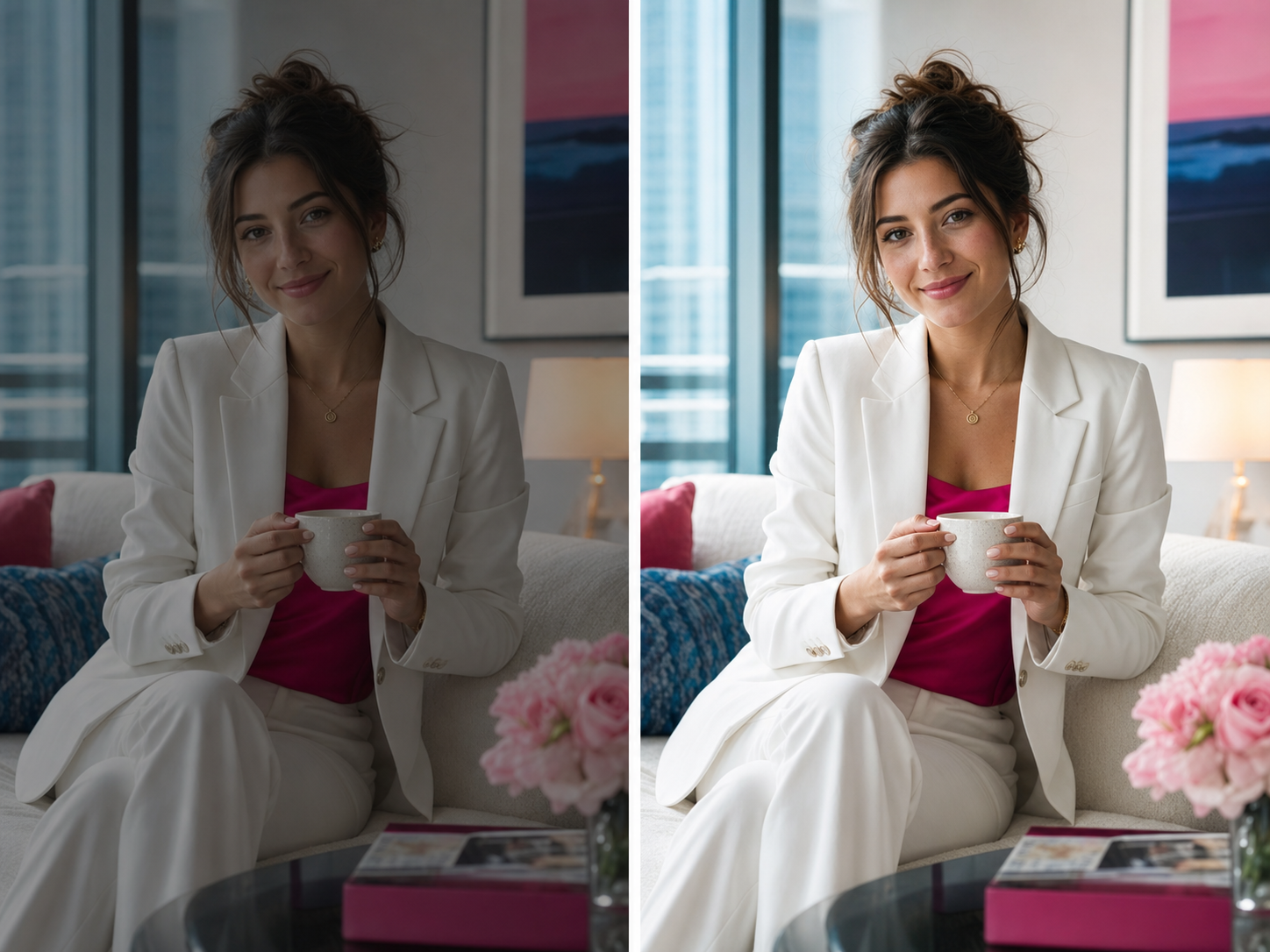
Grainy portrait improved with Denoise Photo natural face cleanup

Reduce Grain in Portraits

Clean noisy selfies, group photos, and portraits while preserving eyes, hair, skin texture, facial structure, and identity.

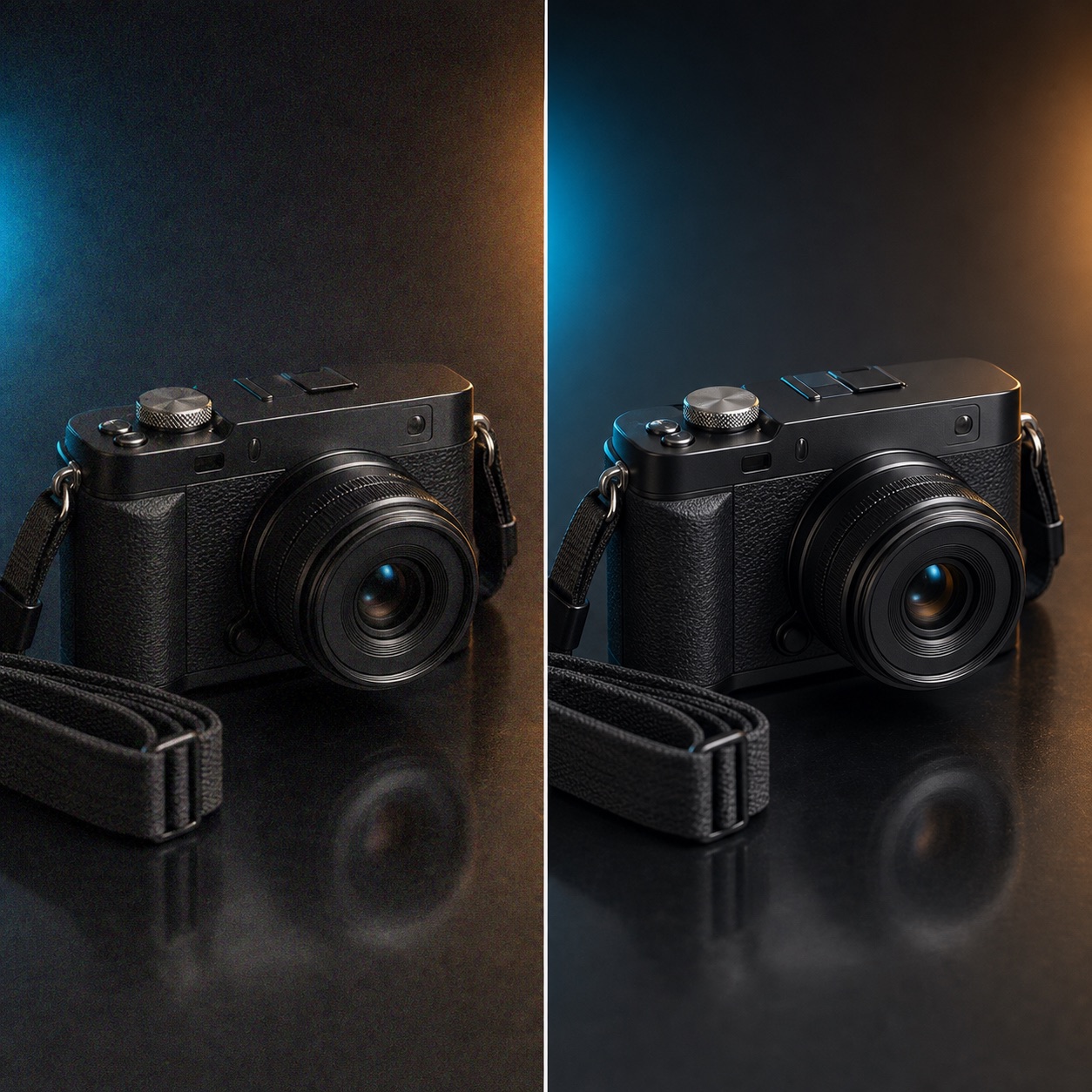
Product photo cleaned with Denoise Photo texture and noise cleanup

Make Product Photos Look Cleaner

Remove rough grain from product images, restaurant photos, review pictures, and indoor catalog shots so surfaces and edges look cleaner.

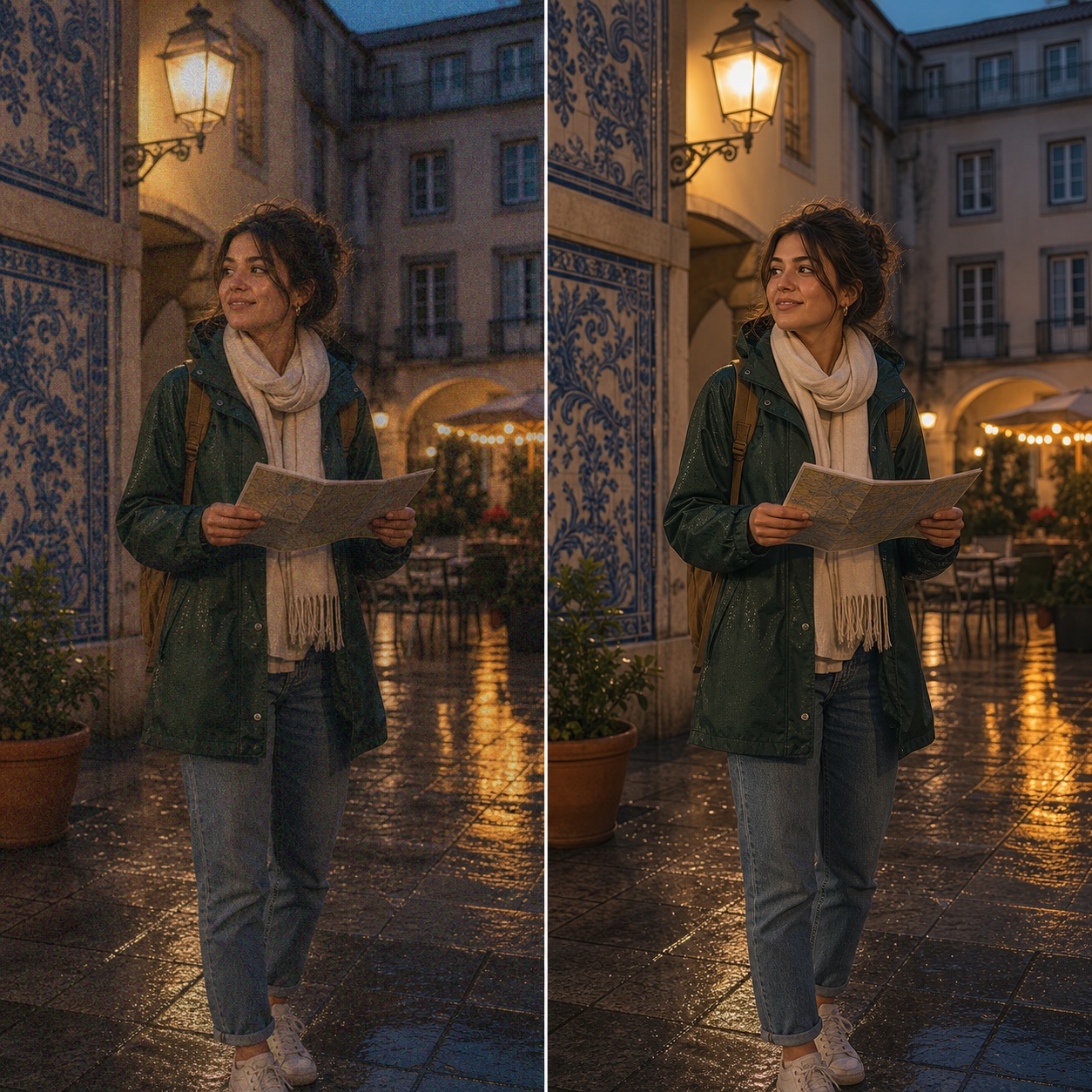
Travel phone photo fixed with Denoise Photo low-light cleanup

Fix Old Phone and Travel Shots

Improve noisy photos from older phones, walking trips, hotels, streets, restaurants, concerts, and quick indoor captures.

AI Denoise PhotoThat Still Looks Natural

Collage of photos improved with Denoise Photo

This Denoise Photo model is built for practical cleanup. It reduces recoverable noise, protects the original scene, and avoids turning your upload into a plastic or artificial generated photo.

Denoise first, do not repaint the photoReduce grain while preserving the original people, objects, crop, color, lighting, and camera angle.
Natural texture without waxy smoothingAvoid over-smoothed skin, flat surfaces, and fake textures while making noisy details easier to see.

Together, these Denoise Photo controls cover night noise, color speckles, face cleanup, texture preservation, batch denoise, and private downloads while keeping the original photo intact.

More ZEnhancer AI Photo Tools

Explore focused AI photo tools for cleanup, upscaling, sharpening, restoration, and background editing. Each one helps you move from a tired image to a cleaner result without complicated editing software.

AI Photo Enhancer before and after lifestyle portrait quality cleanup

AI Photo Enhancer – Enhance Photo Quality

Use AI Photo Enhancer when your image looks dull, noisy, or low quality. It improves clarity, lighting, color, and fine details for portraits, travel photos, product images, and everyday pictures.

Try Photo Enhancer
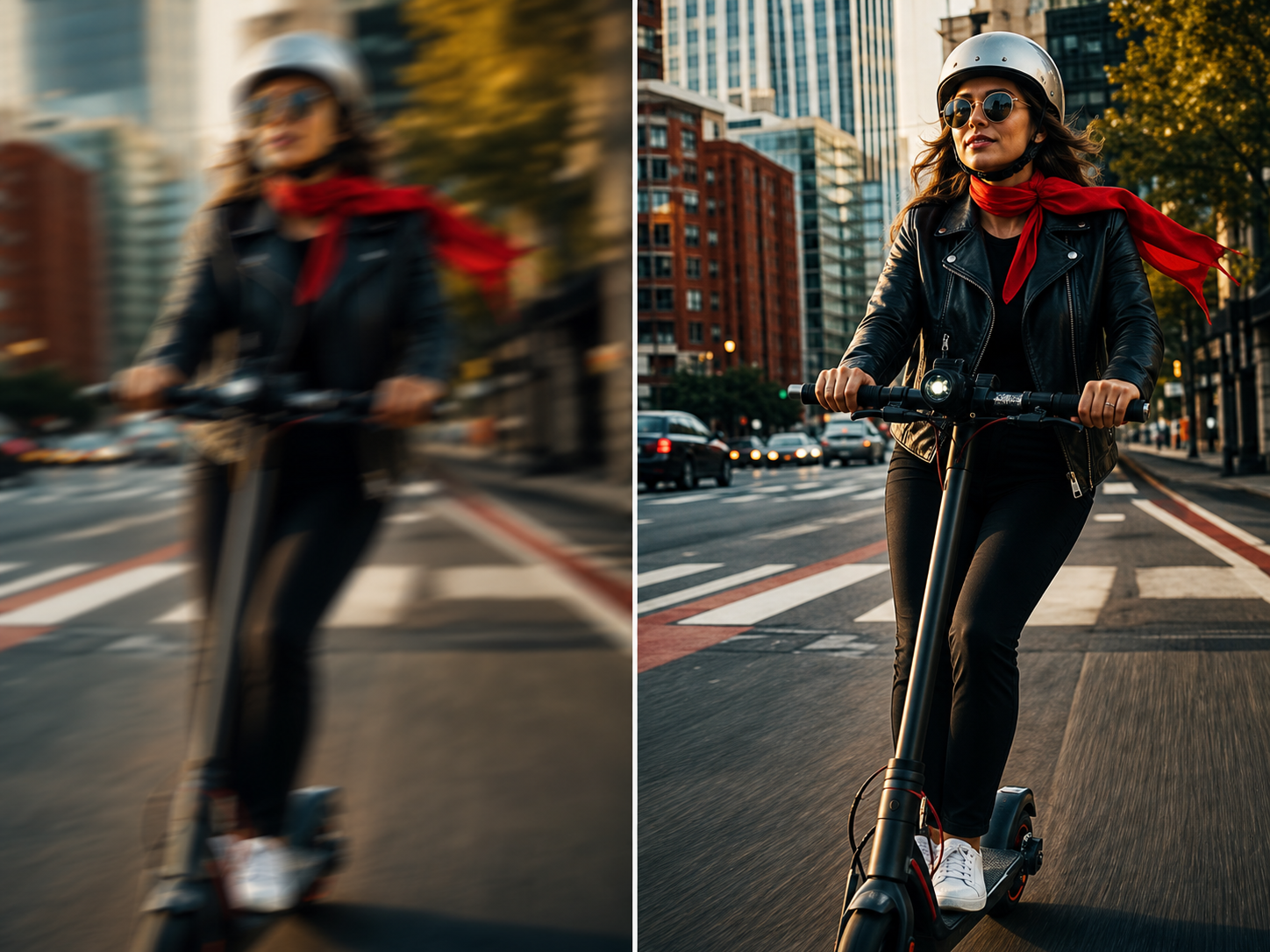
Unblur Image before and after electric scooter action photo

Unblur Image – Fix Blurry and Soft Photos

Recover clearer details from photos affected by soft focus, slight motion blur, camera shake, or compression. Use Unblur Image for faces, screenshots, food photos, work images, and everyday pictures that need a cleaner look.

Try Unblur Image
Background Remover isolated sneaker product cutout

Background Remover - Remove Image Backgrounds

Cut out products, portraits, avatars, logos, pets, objects, and marketing images with AI. Export transparent PNG or WebP cutouts, or place the subject on white or branded backgrounds.

Try Background Remover
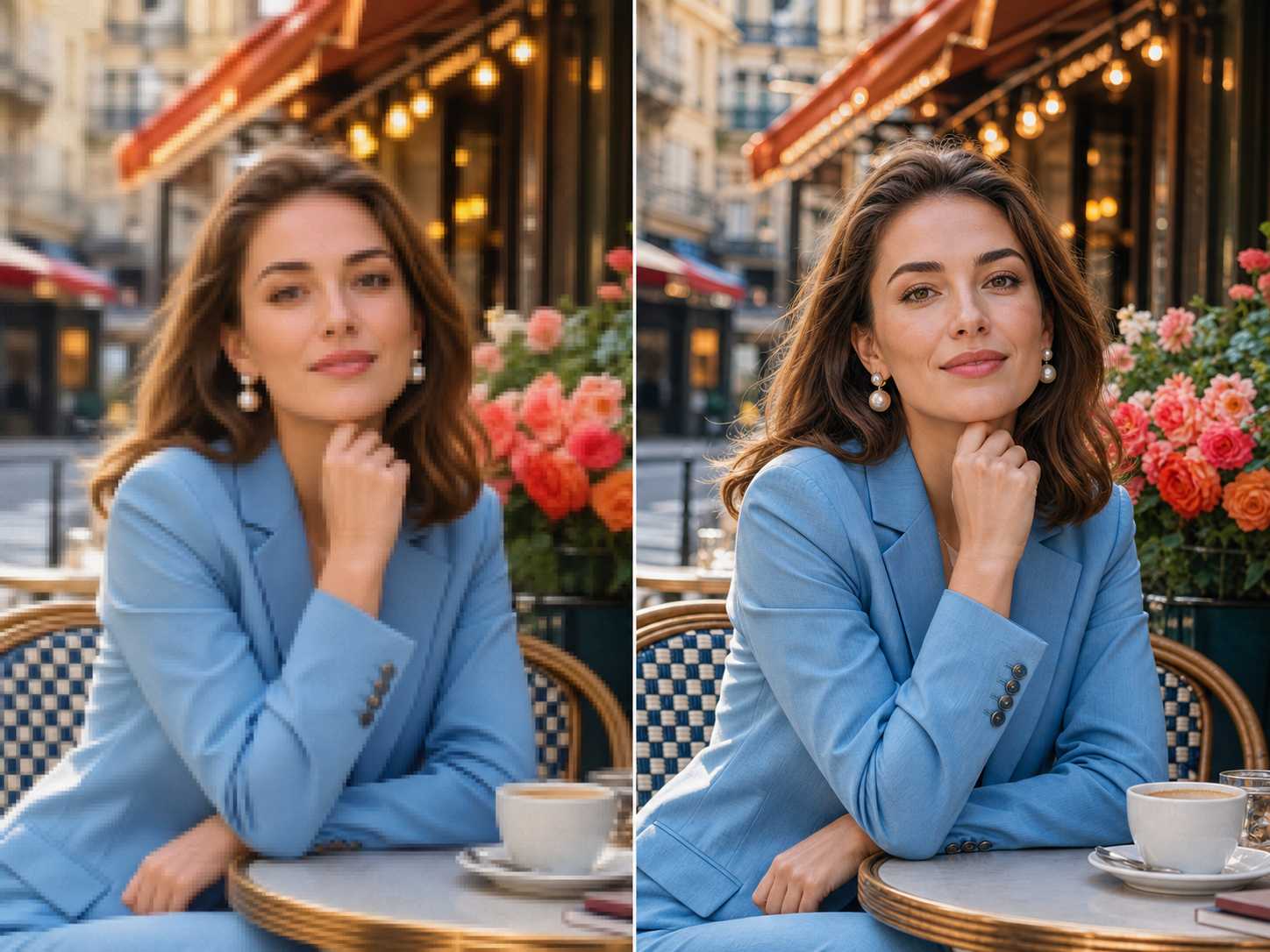
Image Upscaler before and after Paris cafe portrait

Image Upscaler – Enlarge Photos Without Losing Quality

Make small or low-resolution images larger for printing, sharing, product pages, wallpapers, and family albums. ZEnhancer upscales photos while keeping edges cleaner and details more natural.

Try Image Upscaler

Trusted by People Denoising Grainy Photos

Real workflows from creators, families, photographers, teams, and store owners who need cleaner low-light images without complicated editing.

Maya R.

Creator

"Denoise Photo cleaned a grainy night portrait I wanted to post. The face looked smoother without losing the original mood."

Verified Denoise

Daniel K.

Store Owner

"Some indoor product shots looked rough because of poor lighting. Denoise Photo reduced the grain before I uploaded the listing."

Verified Denoise

Nina P.

Photographer

"I use Denoise Photo for fast low-light previews. It gives noisy images a cleaner first pass without making them look fake."

Verified Denoise

Owen S.

Event Planner

"Party photos are often dark and grainy. Denoise Photo made the best moments cleaner enough for galleries and recap posts."

Verified Denoise

Ava C.

Parent

"Indoor family photos always have noise. Denoise Photo helped several favorite pictures look smoother and worth keeping."

Verified Denoise

Leo M.

Designer

"The results were cleaner than a basic smoothing filter. Denoise Photo reduced grain while keeping edges and texture natural."

Verified Denoise

Maria S.

Office Manager

"We used Denoise Photo on quick work photos before adding them to a report. Details looked cleaner and the files stayed natural."

Verified Denoise

Henry P.

Traveler

"Some travel shots were noisy from night streets and restaurants. Denoise Photo cleaned them up without changing the feeling of the trip."

Verified Denoise

Maya R.

Creator

"Denoise Photo cleaned a grainy night portrait I wanted to post. The face looked smoother without losing the original mood."

Verified Denoise

Daniel K.

Store Owner

"Some indoor product shots looked rough because of poor lighting. Denoise Photo reduced the grain before I uploaded the listing."

Verified Denoise

Nina P.

Photographer

"I use Denoise Photo for fast low-light previews. It gives noisy images a cleaner first pass without making them look fake."

Verified Denoise

Owen S.

Event Planner

"Party photos are often dark and grainy. Denoise Photo made the best moments cleaner enough for galleries and recap posts."

Verified Denoise

Ava C.

Parent

"Indoor family photos always have noise. Denoise Photo helped several favorite pictures look smoother and worth keeping."

Verified Denoise

Leo M.

Designer

"The results were cleaner than a basic smoothing filter. Denoise Photo reduced grain while keeping edges and texture natural."

Verified Denoise

Maria S.

Office Manager

"We used Denoise Photo on quick work photos before adding them to a report. Details looked cleaner and the files stayed natural."

Verified Denoise

Henry P.

Traveler

"Some travel shots were noisy from night streets and restaurants. Denoise Photo cleaned them up without changing the feeling of the trip."

Verified Denoise

Denoise Photo FAQ

Short answers to the questions people ask before they use an online Denoise Photo tool on grainy photos that matter.

Denoise Photo reduces visible image noise in photos affected by low light, high ISO, night shooting, compression, old cameras, or rough phone capture. Instead of simply blurring the image, Denoise Photo analyzes grain, color speckles, faces, texture, and edges to create a cleaner result while keeping the original photo natural.