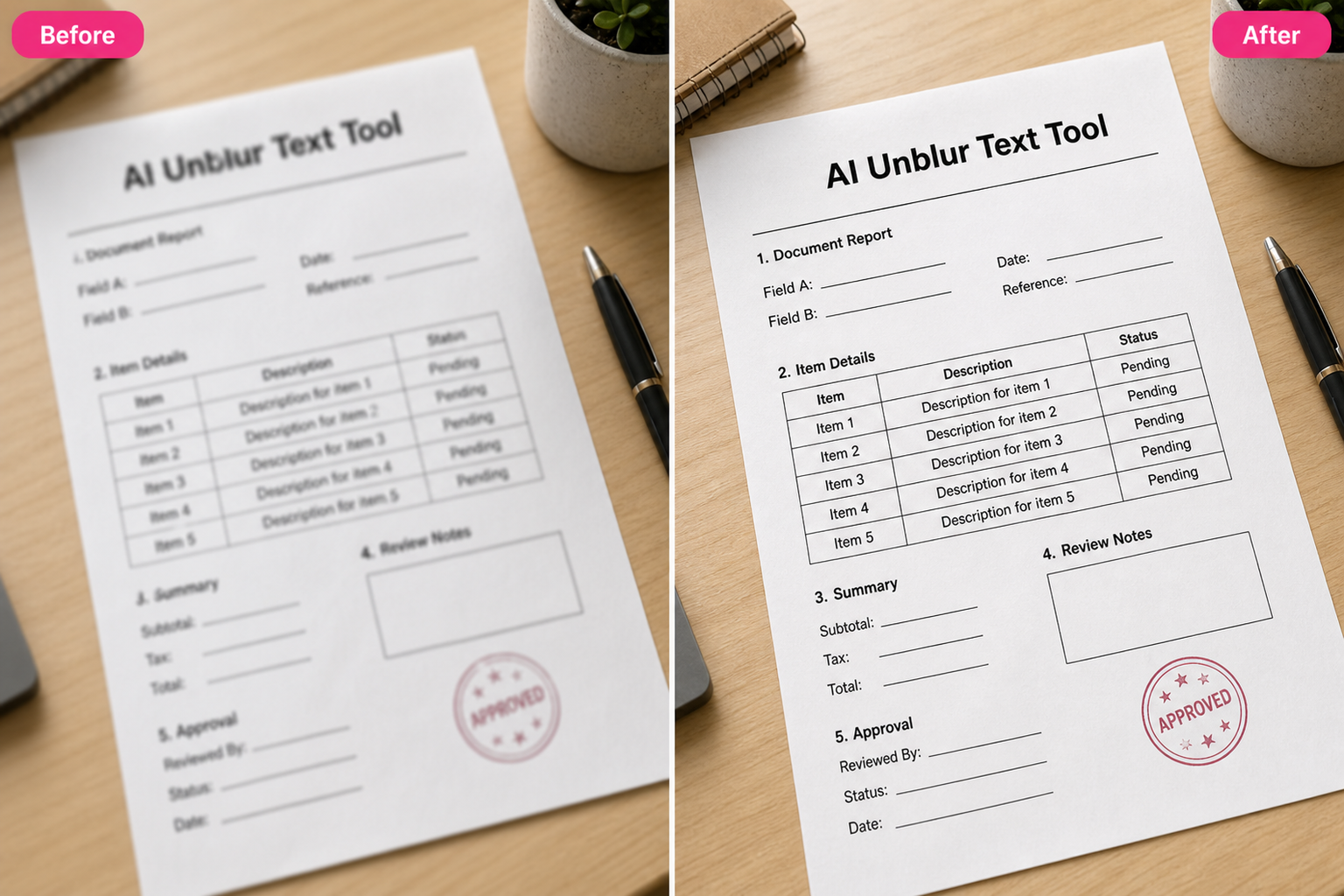
Unblur Text Free with AI Text Deblurring

Use ZEnhancer Unblur Text to fix blurry text in screenshots, scanned documents, labels, notes, receipts, and photos with AI. Unblur Text helps sharpen letters, recover cleaner edges, improve readability, and restore everyday text images online for free with no sign up.

Screenshot text cleanupDocument readabilityFast previewPrivate processing
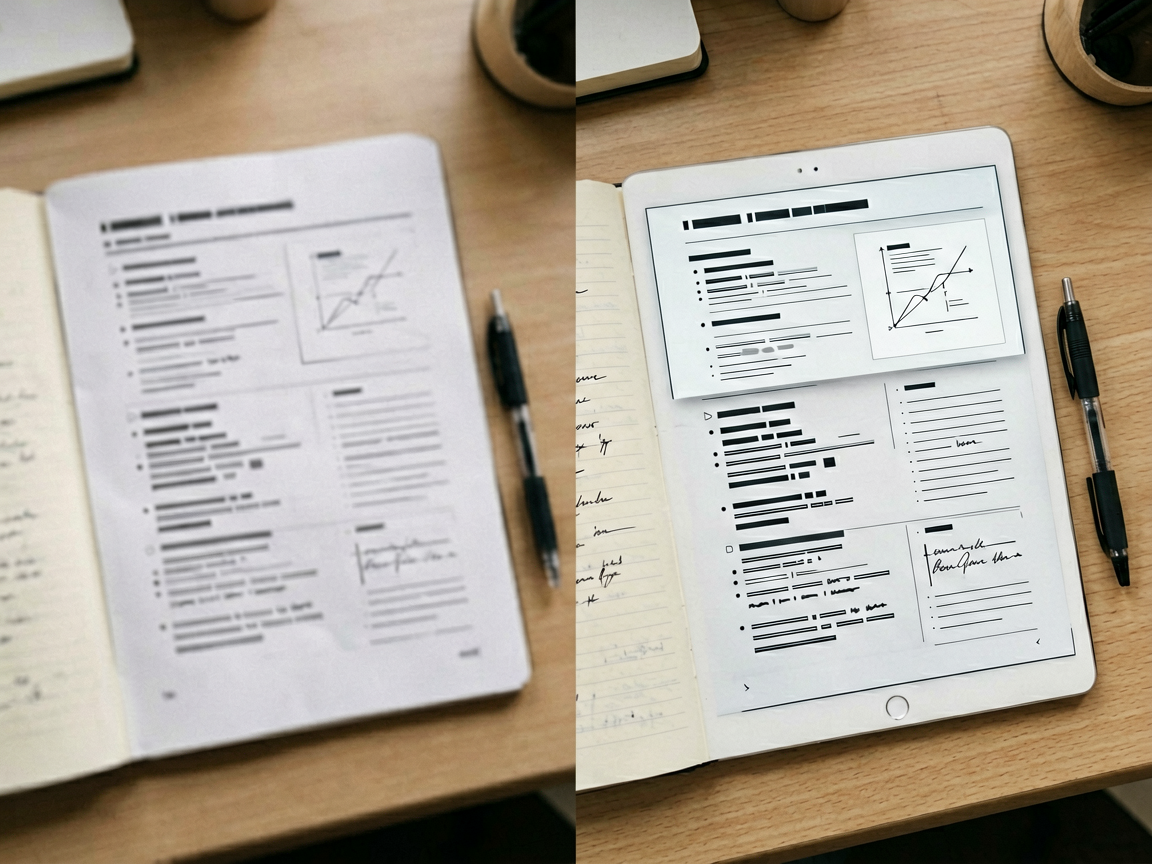
Blurry receipt text before and after Unblur Text cleanup

Clean up blurry words from screenshots, scanned pages, receipts, labels, signs, slides, and quick phone captures.

AI Text Deblur Model

Upload blurry text image

Drag an image here or choose a screenshot, document, or photo with blurry text.

Upload up to 10 blurry text images at once. JPG, PNG, and WebP supported.

Output format

SecureFastAI text unblurred
No Photoshop skillsScreenshot cleanupDocument readabilityQuick previewNo sign up

How to Unblur Text Online

Unblur Text should feel simple: upload a blurry screenshot, scanned document, or photo with text, let AI read the blur pattern around letters, then download a clearer image that stays true to the original layout.

Step 1

Upload a Blurry Text Image

Choose a JPG, PNG, or WebP with soft, compressed, low-resolution, out-of-focus, or motion-blurred text. Unblur Text works best when letters are still partly visible but need cleaner edges, stronger contrast, and better readability.
Step 2

AI Text Deblur Processing

Unblur Text analyzes letter shapes, text edges, line spacing, document layout, compression artifacts, shadows, and noise. Then it sharpens recoverable text detail while preserving the original crop, colors, layout, and image style.

Step 3

Preview and Download

Compare the before and after, check that the clearer result still feels natural and readable, then download the Unblur Text output in PNG, JPG, or WebP for study notes, work files, product references, receipts, reports, or personal archives.

Core Unblur Text Capabilities

A useful Unblur Text tool does more than push a sharpness slider. It studies character edges, low-resolution screenshots, document scans, labels, and compression haze so words become easier to read without fake-looking artifacts.

1

Screenshot Text Recovery

Fix soft UI text, app screenshots, chat captures, presentation slides, error messages, and saved social images. Unblur Text restores cleaner letter edges and contrast where detail can still be recovered, making small words easier to read and share. Best for mild to moderate blur or compression.

2

Document and Scan Readability

Scanned pages, receipts, notes, certificates, forms, and printed materials can look fuzzy after camera capture or compression. Unblur Text improves lines, paragraphs, numbers, and printed details while keeping layout, margins, page color, and original formatting intact.

3

Labels, Signs, and Small Text Cleanup

Photos of product labels, packaging, street signs, menus, manuals, and whiteboards often lose tiny text. Unblur Text reduces softness, noise, and compression haze around letters so useful details become clearer. Extremely tiny, covered, or fully erased text still has limits.

Blurry Text Imageswith AIUnblur Text

Use Unblur Text when an image almost has the information you need but blur gets in the way. It can help screenshots, scanned documents, receipts, labels, signs, notes, slides, and work photos look clearer for reading, saving, sharing, or reporting.

Built for screenshots, documents, receipts, labels, notes, and text photos

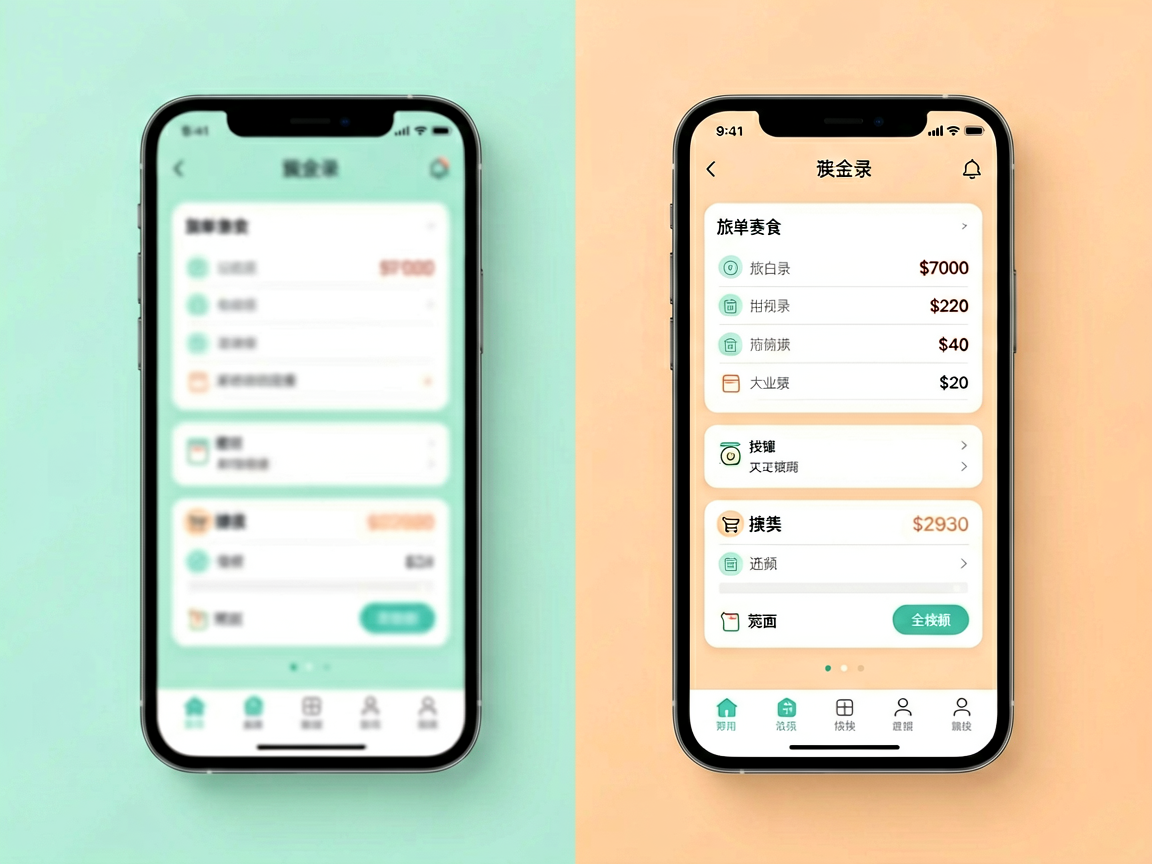
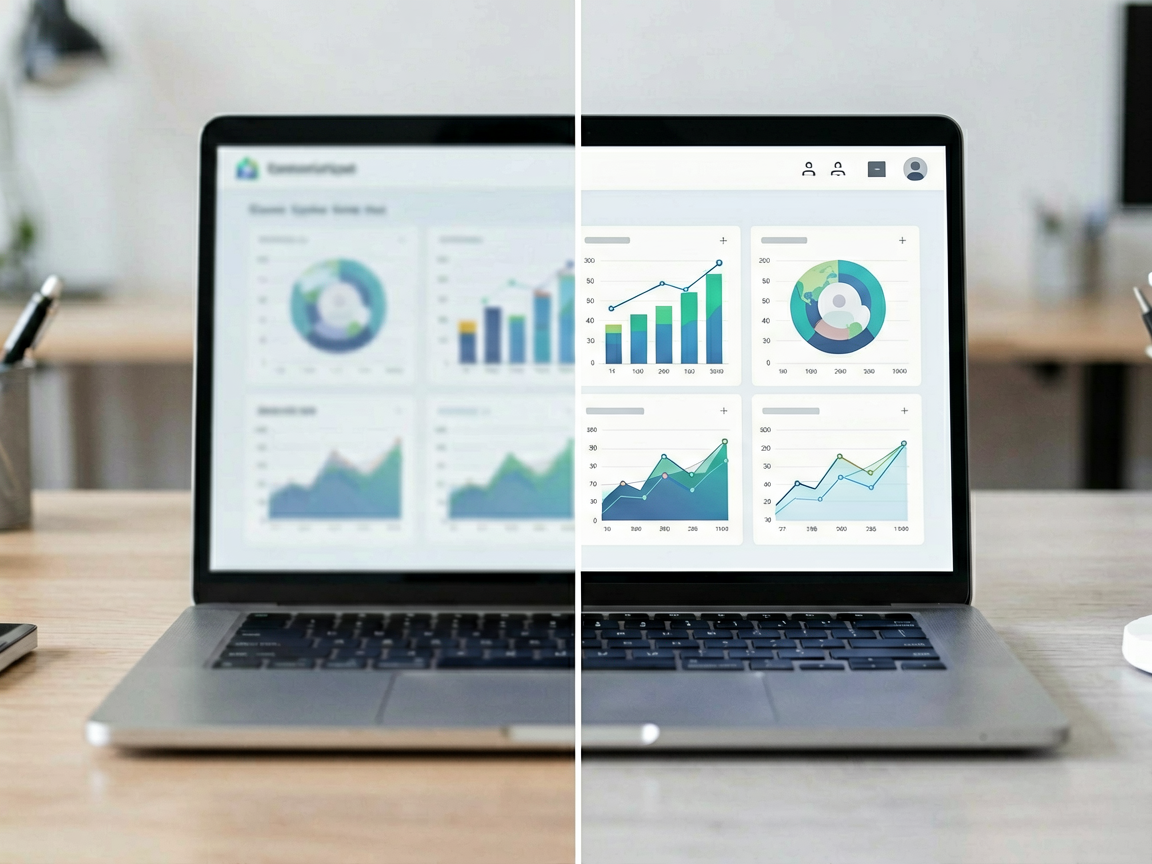
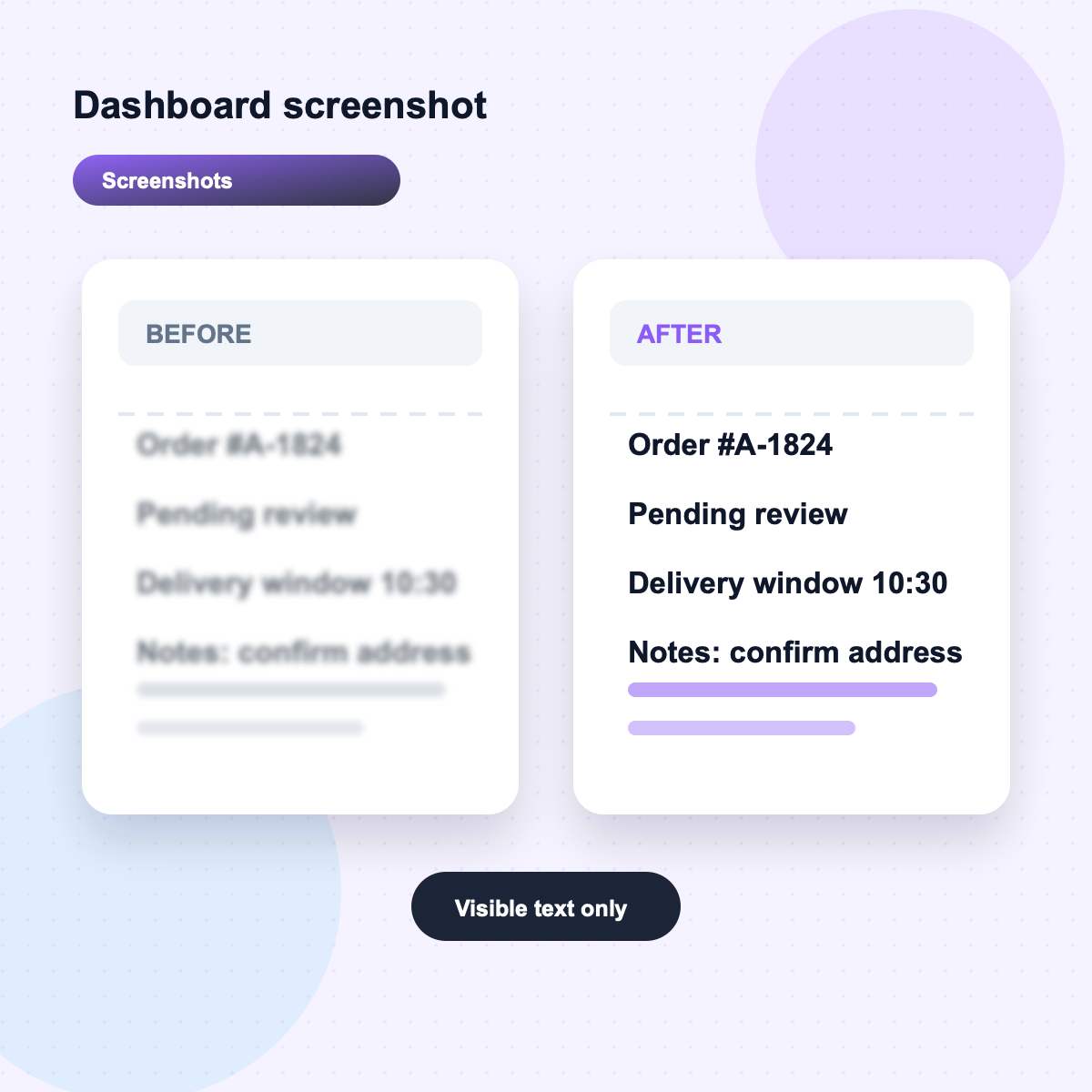
Blurry screenshot text before and after Unblur Text cleanup

Fix Blurry Screenshots

Clean up soft UI captures, chat screenshots, slide images, web clippings, and saved social posts so small text, buttons, and numbers become easier to read.

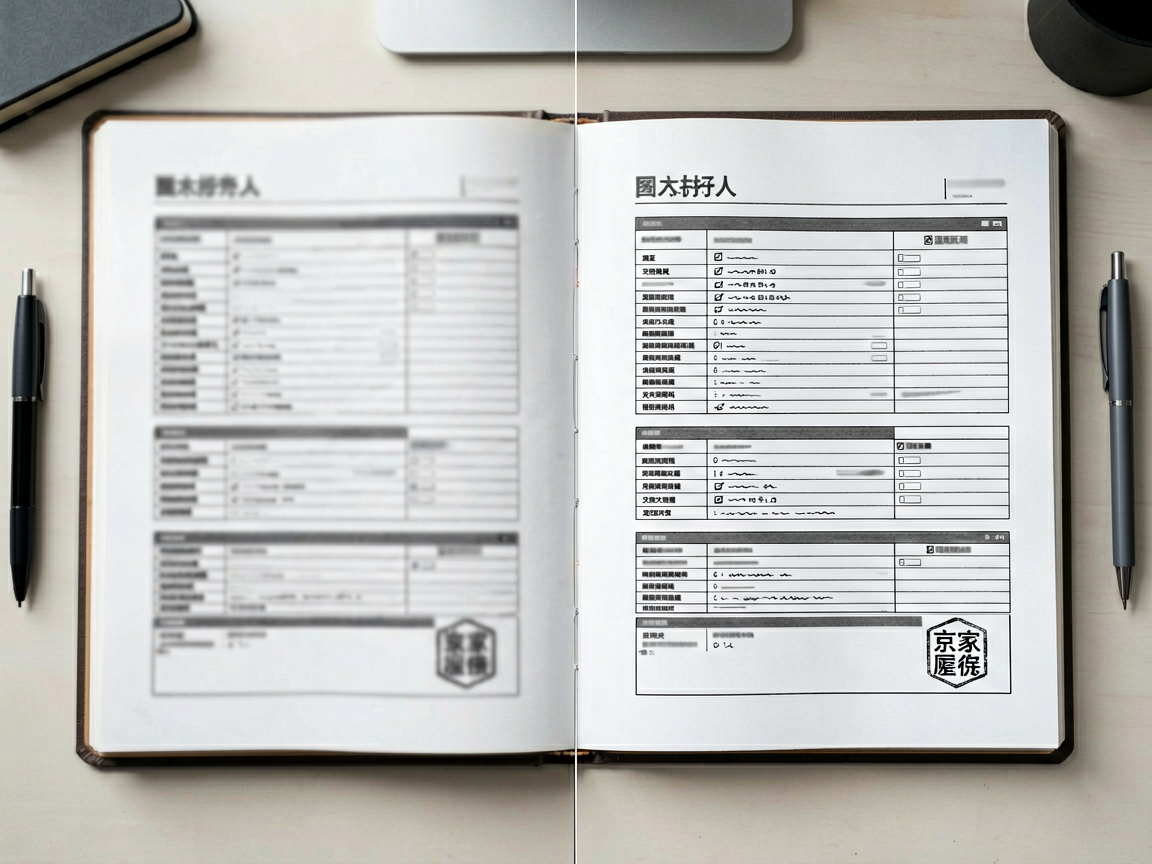
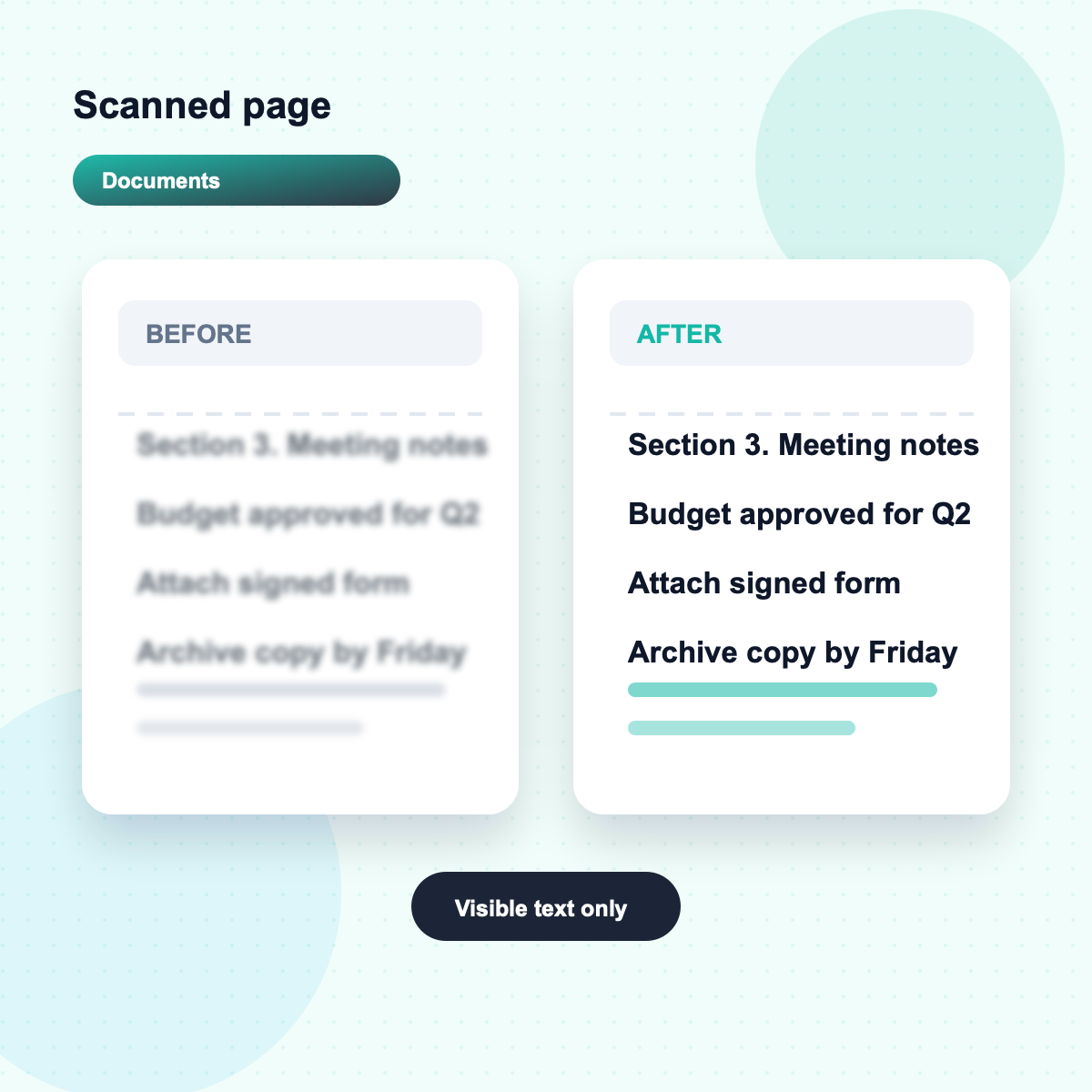
Scanned document before and after Unblur Text readability cleanup

Make Scanned Documents Readable

Improve blurry scans, forms, receipts, letters, certificates, and photographed paperwork while preserving the original page layout and document feel.

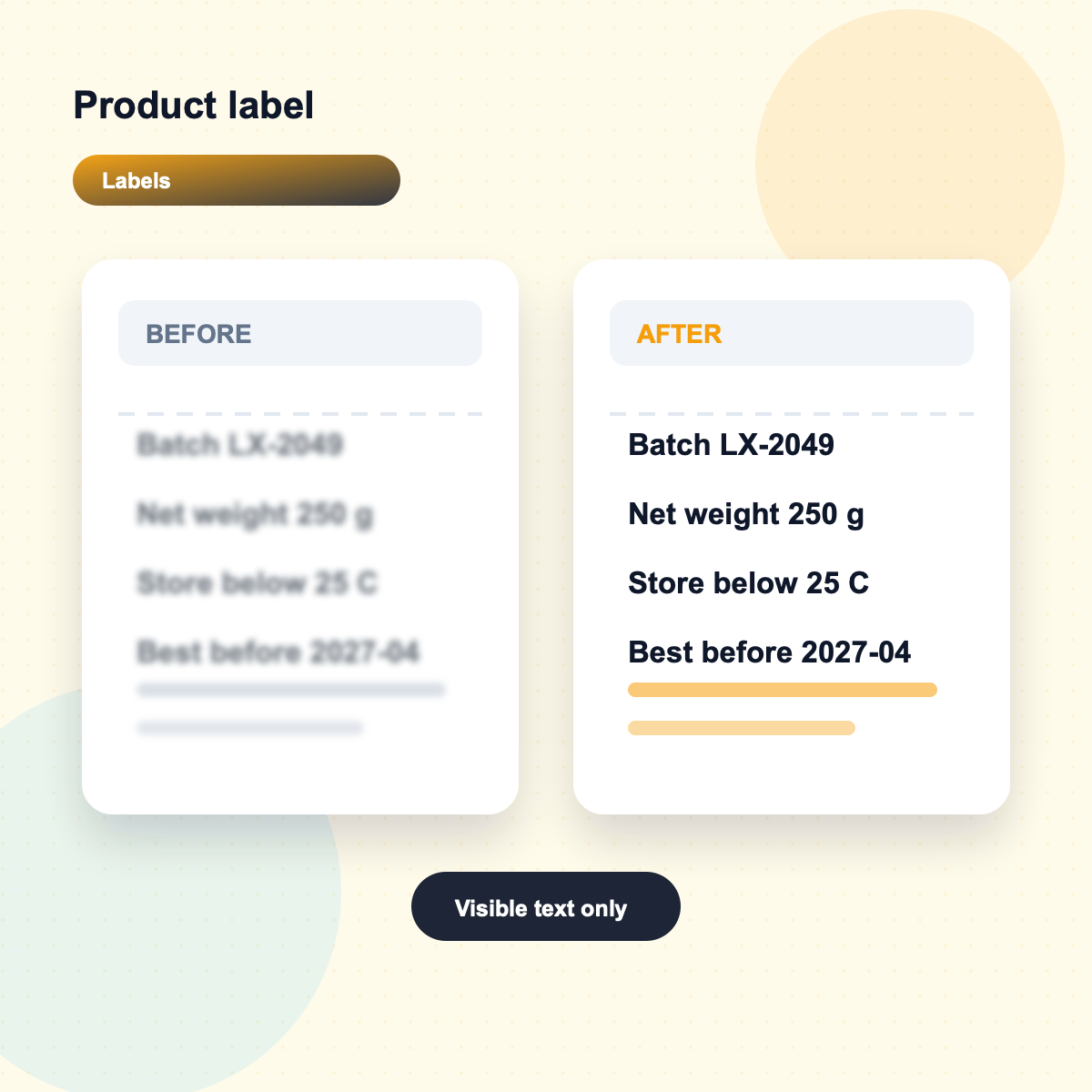
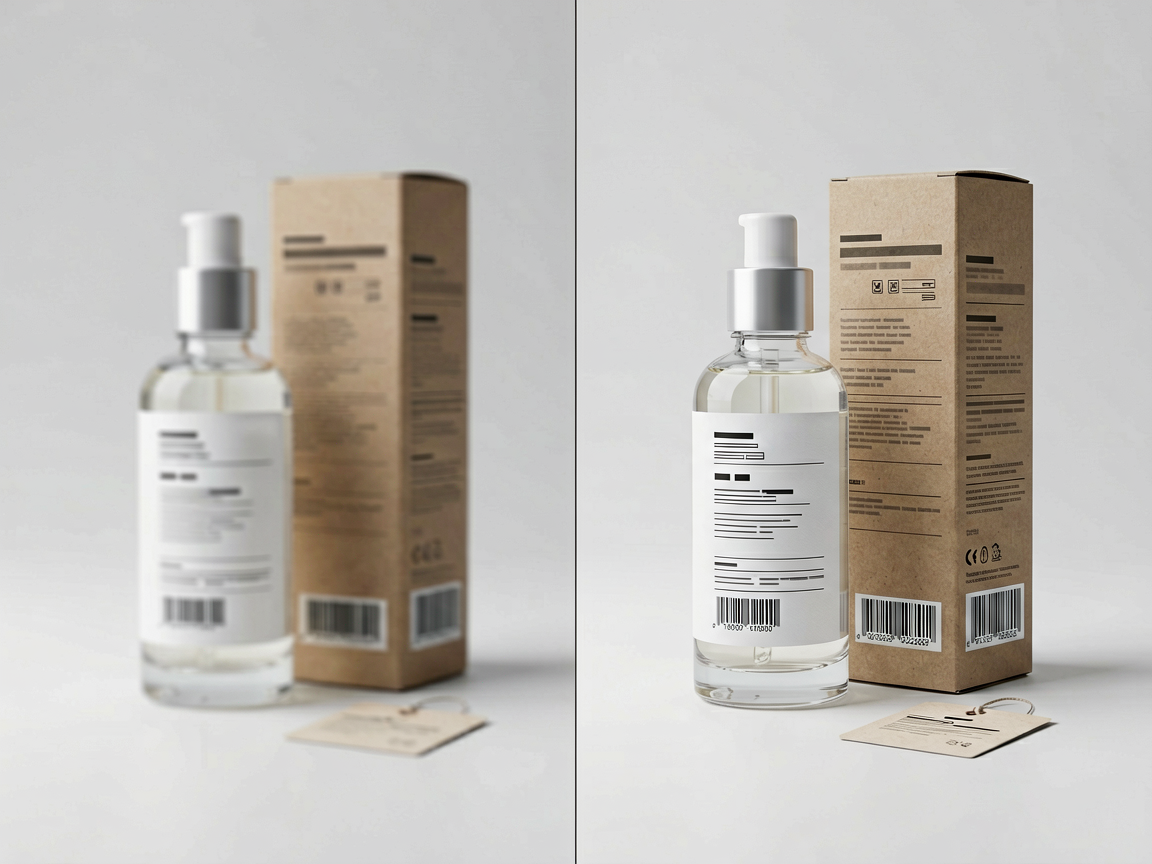
Product label and sign text before and after Unblur Text cleanup

Recover Product Labels and Signs

Sharpen labels, menus, packaging, street signs, whiteboards, manuals, and reference photos so important words and numbers stand out better.

Study notes and slide text before and after Unblur Text enhancement

Enhance Notes, Slides, and Study Text

Make class notes, meeting boards, presentation slides, book photos, and research captures clearer for reviewing, archiving, or sharing with a team.

AI Unblur TextThat Keeps the Original Layout

Document text layout preserved with Unblur Text

This Unblur Text model is built for practical readability. It improves recoverable text detail, protects the original page or screenshot, and avoids inventing words that were never visible.

Readability first, do not rewrite the textImprove visible letters while preserving the original wording, layout, crop, color, and camera angle.
Clearer letters without fake wordsAvoid hallucinated text, harsh halos, and over-sharpened edges while making recoverable characters easier to read.

Together, these Unblur Text controls cover screenshot cleanup, document readability, small text recovery, label clarity, batch cleanup, and private downloads while keeping the original image intact.

More ZEnhancer AI Photo Tools

Explore focused AI photo tools for cleanup, upscaling, sharpening, text clarity, and restoration. Each one helps you move from a tired image to a cleaner result without complicated editing software.

Unblur Image before and after blurry photo cleanup

Unblur Image – Fix Blurry and Soft Photos

Recover clearer details from photos affected by soft focus, slight motion blur, camera shake, or compression. Use Unblur Image for faces, screenshots, food photos, work images, and everyday pictures that need a cleaner look.

Try Unblur Image
Sharpen Image before and after screenshot detail cleanup

Sharpen Image – Make Fine Details Look Clearer

Use Sharpen Image when a photo is not badly blurred but still lacks crisp detail. Improve edges, textures, facial details, pet photos, product shots, and screenshots with a cleaner finish.

Start Sharpen Image
Denoise Photo before and after image noise reduction

Denoise Photo - AI Image Noise Reduction

Use Denoise Photo to reduce grain, color speckles, low-light artifacts, and compression noise while preserving natural texture, faces, products, and travel memories.

Start Denoise Photo
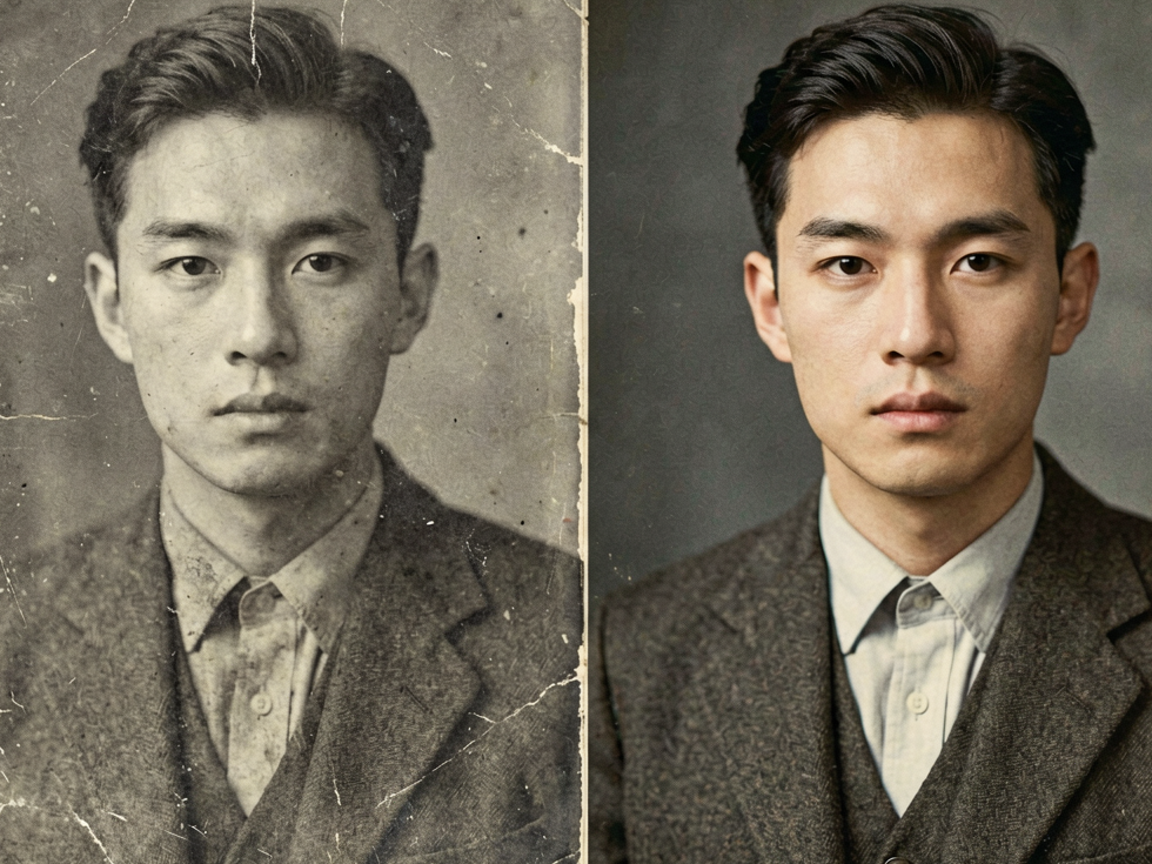
AI Photo Restoration before and after vintage photo repair

AI Photo Restoration - Repair Damaged Photos

Use photo restoration for scratched, faded, torn, or stained images. ZEnhancer repairs visible damage, recovers lost contrast, sharpens faces, and prepares old photos for sharing, archiving, or printing.

Restore Photo
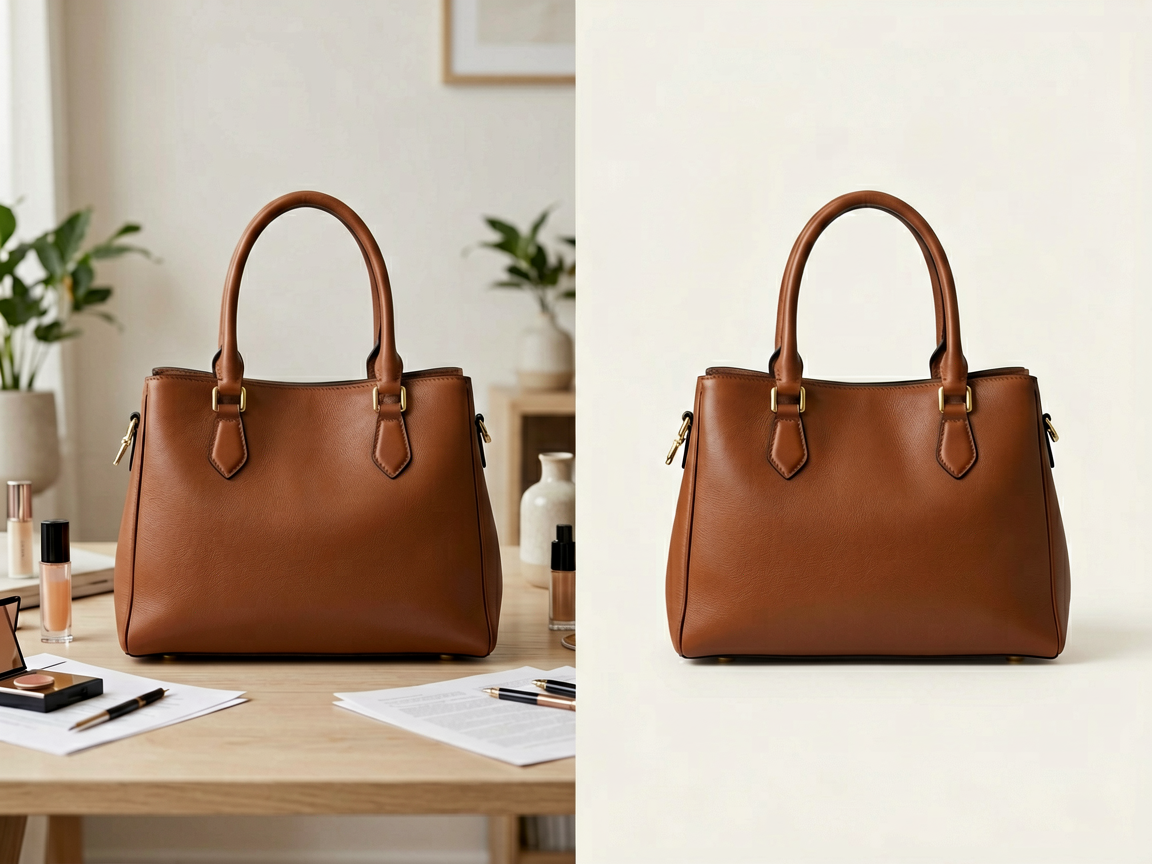
Background Remover product cutout with transparent background

Background Remover - Remove Image Backgrounds

Cut out products, portraits, avatars, logos, pets, objects, and marketing images with AI. Export transparent PNG or WebP cutouts, or place the subject on white or branded backgrounds.

Try Background Remover

Trusted by People Recovering Blurry Text

Real workflows from students, office teams, sellers, researchers, designers, and everyday users who need clearer text without complicated editing.

Emma L.

Student

"Unblur Text made a blurry slide screenshot readable enough for my notes. I could review the key points without retaking the photo."

Verified Text

Marcus T.

Operations Lead

"A photographed receipt was too soft for our report. Unblur Text cleaned the numbers while keeping the original file layout."

Verified Text

Priya S.

Researcher

"I used it on a scanned page from old notes. The paragraphs looked clearer without turning the document into a fake rewrite."

Verified Text

Noah B.

Store Owner

"Product label photos looked fuzzy after compression. Unblur Text made the important specs easier to read before upload."

Verified Text

Olivia C.

Designer

"It helped me clean a UI screenshot before sending feedback. Small buttons and menu text were easier to check."

Verified Text

Daniel K.

Office Manager

"Quick work screenshots are not always crisp. Unblur Text gave us a cleaner version for a client update."

Verified Text

Nina P.

Teacher

"Whiteboard and slide photos from class became easier for students to read after one pass."

Verified Text

Leo M.

Archivist

"Old document photos looked soft, but the tool improved readability while keeping the paper texture natural."

Verified Text

Emma L.

Student

"Unblur Text made a blurry slide screenshot readable enough for my notes. I could review the key points without retaking the photo."

Verified Text

Marcus T.

Operations Lead

"A photographed receipt was too soft for our report. Unblur Text cleaned the numbers while keeping the original file layout."

Verified Text

Priya S.

Researcher

"I used it on a scanned page from old notes. The paragraphs looked clearer without turning the document into a fake rewrite."

Verified Text

Noah B.

Store Owner

"Product label photos looked fuzzy after compression. Unblur Text made the important specs easier to read before upload."

Verified Text

Olivia C.

Designer

"It helped me clean a UI screenshot before sending feedback. Small buttons and menu text were easier to check."

Verified Text

Daniel K.

Office Manager

"Quick work screenshots are not always crisp. Unblur Text gave us a cleaner version for a client update."

Verified Text

Nina P.

Teacher

"Whiteboard and slide photos from class became easier for students to read after one pass."

Verified Text

Leo M.

Archivist

"Old document photos looked soft, but the tool improved readability while keeping the paper texture natural."

Verified Text

Unblur Text FAQ

Short answers to the questions people ask before they use an online Unblur Text tool on screenshots, documents, and blurry text images that matter.

Unblur Text improves the readability of blurry text in screenshots, scanned documents, receipts, labels, notes, signs, slides, and photos. Instead of only adding sharpness to the whole image, Unblur Text focuses on recoverable character edges, contrast, compression haze, and text detail so visible words become easier to read.