Step 1
Upload a Soft Photo
Choose a JPG, PNG, or WebP that looks slightly soft, low-detail, compressed, or not crisp enough. Sharpen Image works best when the subject is visible but edges, faces, or textures need cleaner definition.
Use ZEnhancer Sharpen Image to make soft photos clearer online. Sharpen Image improves edges, textures, faces, product details, screenshots, and everyday pictures without harsh halos or overprocessed results.
 Before
Improve eyes, hair, clothing edges, and facial details while keeping portraits natural.
Drag an image here or choose a photo that needs sharper detail.
Upload up to 10 images at once. JPG, PNG, and WebP supported.
Sharpness level
Output format
 AI sharpened
Sharpen Image should feel simple: upload a soft photo, let AI find recoverable detail, then download a clearer image that still looks natural.
Choose a JPG, PNG, or WebP that looks slightly soft, low-detail, compressed, or not crisp enough. Sharpen Image works best when the subject is visible but edges, faces, or textures need cleaner definition.
Sharpen Image analyzes edges, faces, hair, fabric, product surfaces, text, and texture. Then it improves local clarity while avoiding harsh halos, crunchy contrast, and unnatural over-sharpening.
Compare the before and after, check that edges and faces still feel natural, then download the Sharpen Image output in PNG, JPG, or WebP for social posts, stores, work files, albums, or creative projects.
Use Sharpen Image when a photo is not badly blurred but still lacks crispness. It can help portraits, product photos, screenshots, food images, pet pictures, travel shots, and everyday photos look cleaner for sharing, selling, printing, or keeping.
Start Sharpen Image
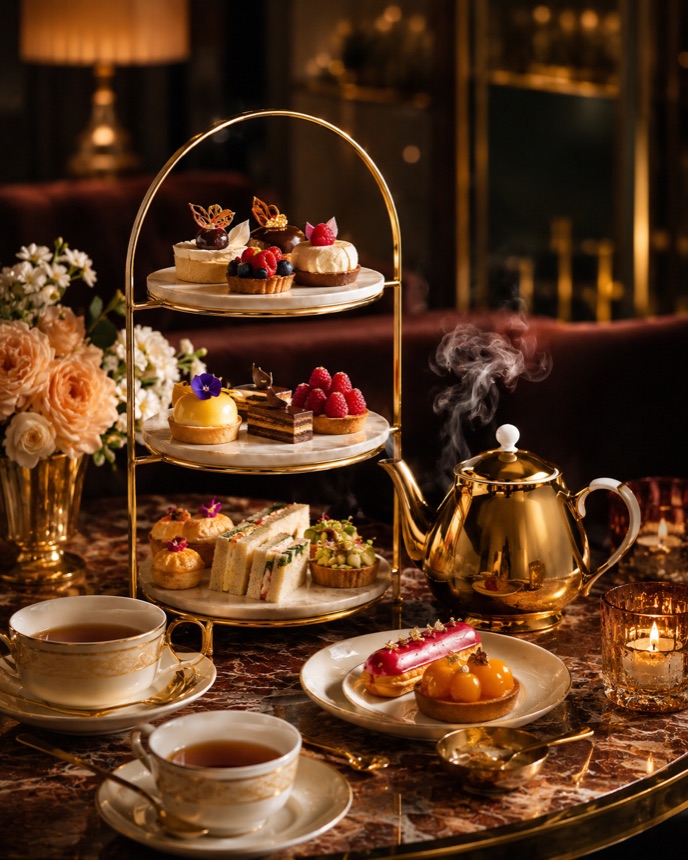
Built for portraits, product shots, screenshots, food, pets, and travel images
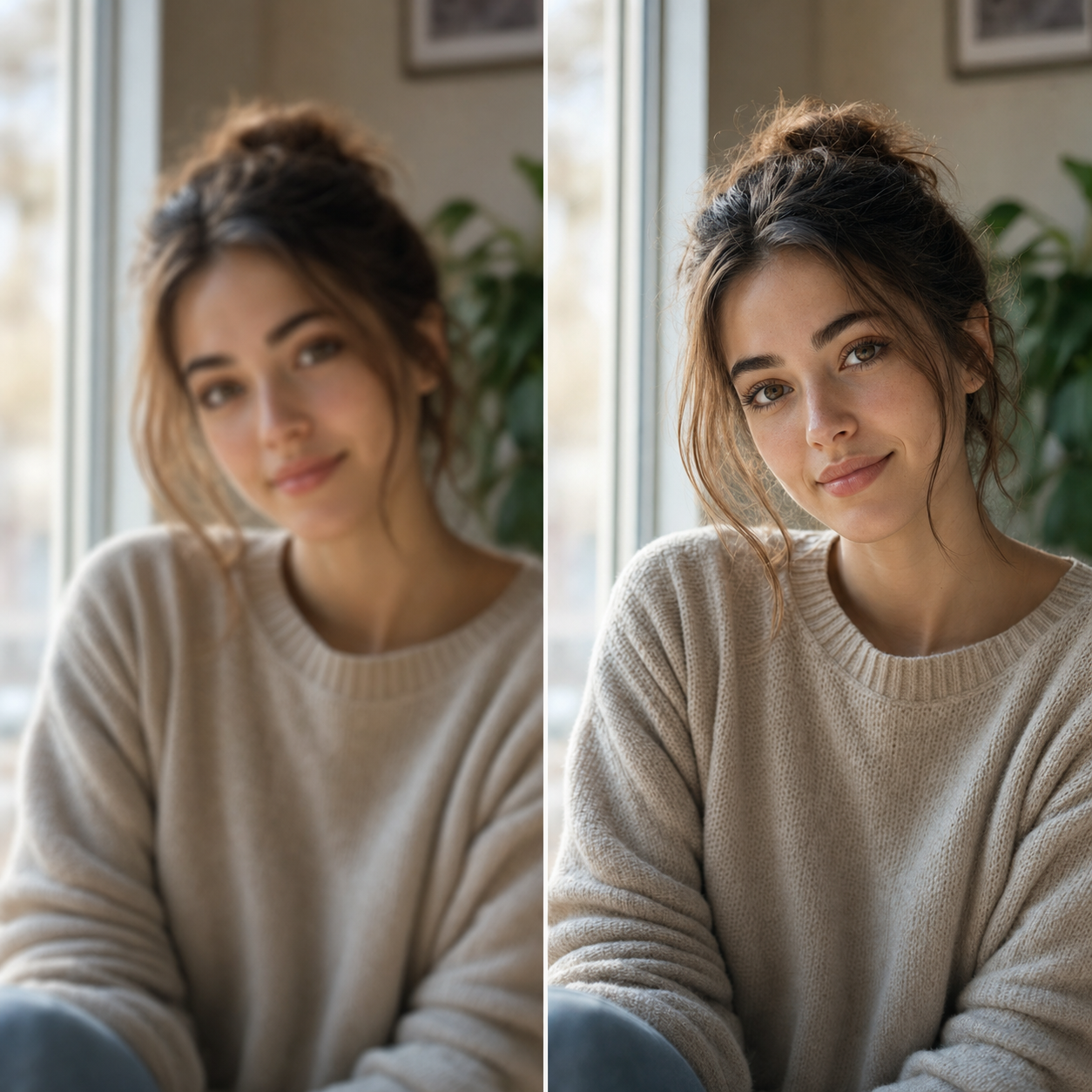
Improve eyes, hair, clothing edges, and facial details in selfies, group photos, profile pictures, and event portraits without changing identity.
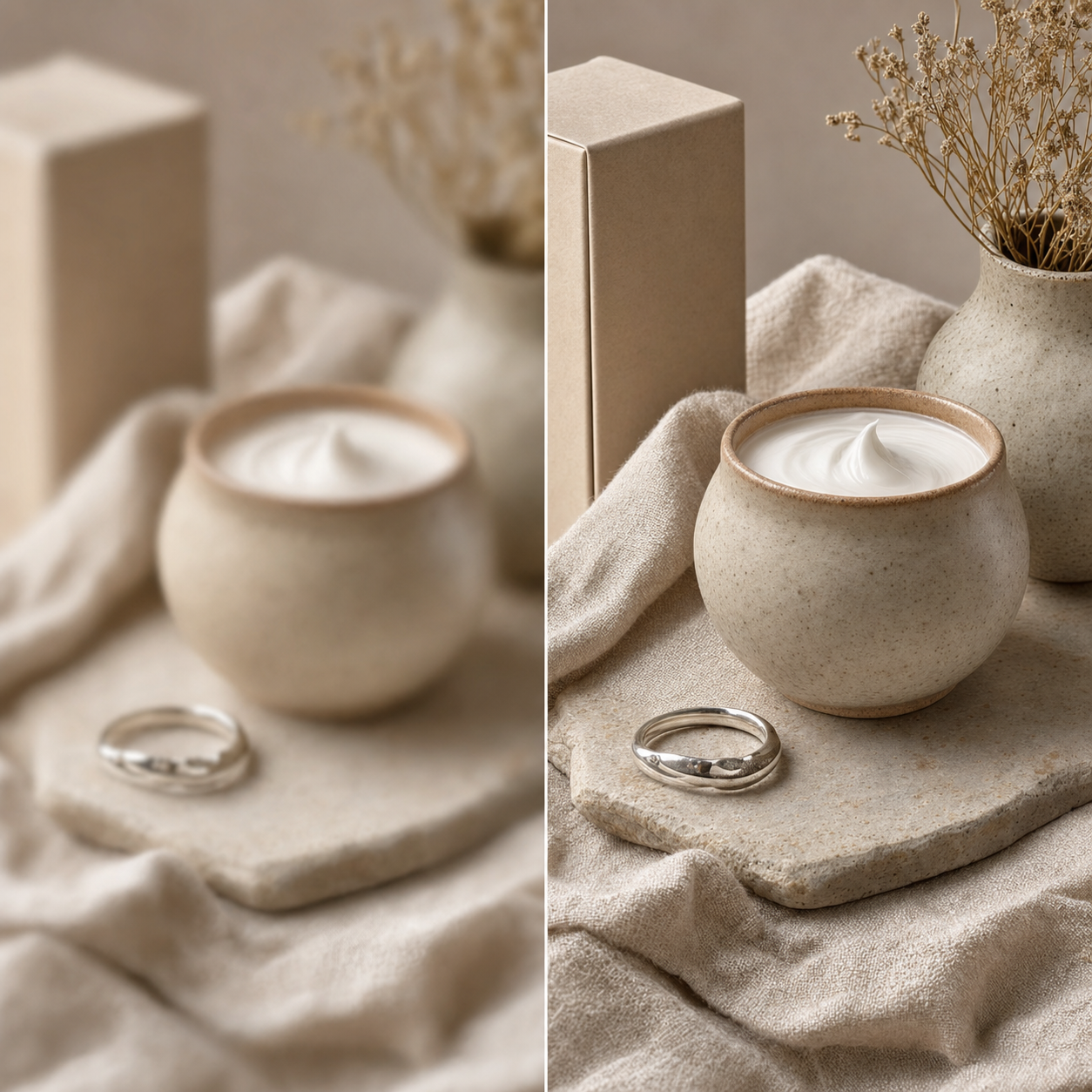
Make fabric, packaging, jewelry, skincare bottles, food, and handmade items look cleaner before uploading to a store or marketplace.
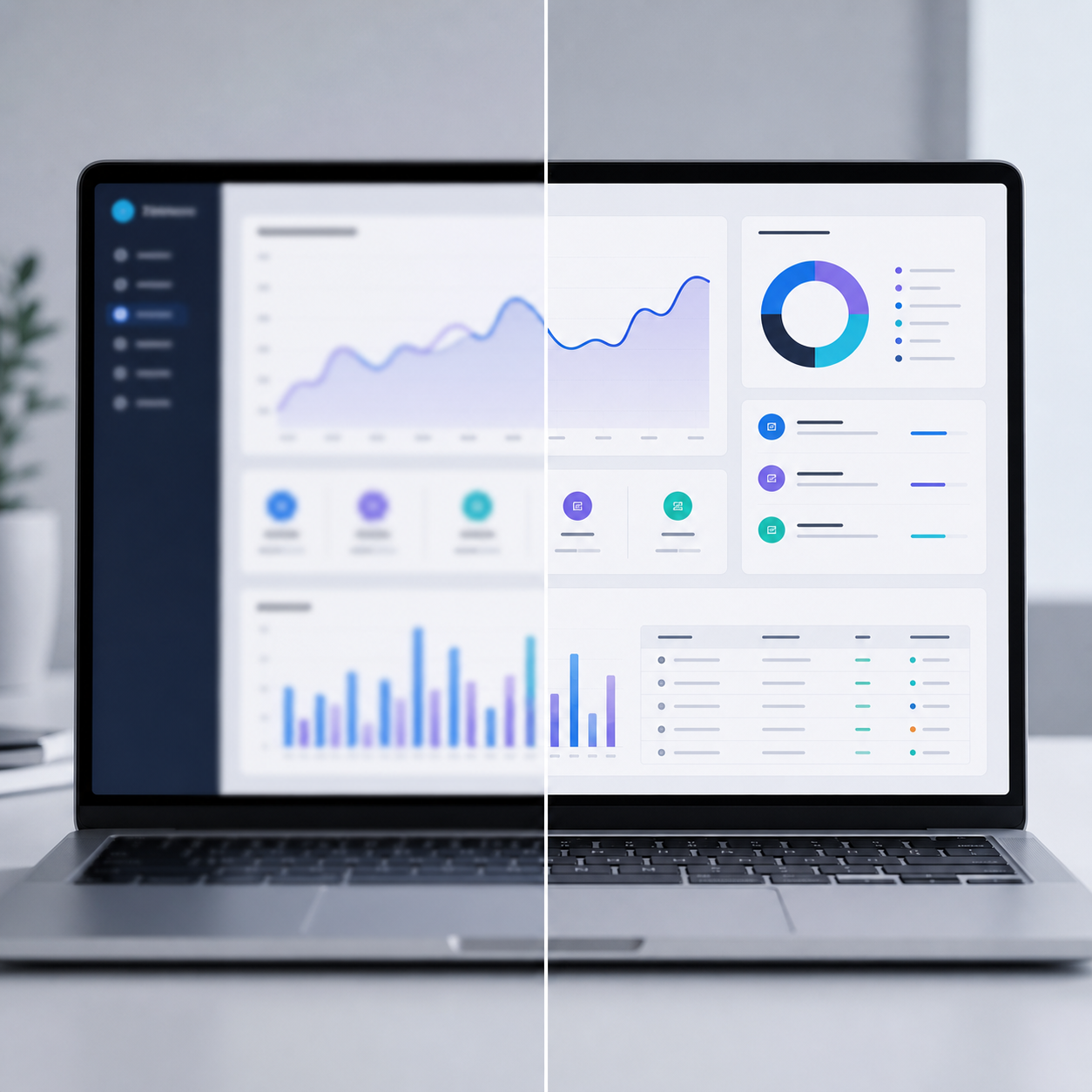
Clean up slightly soft screenshots, slide images, UI captures, and saved work files so small edges and readable details stand out better.
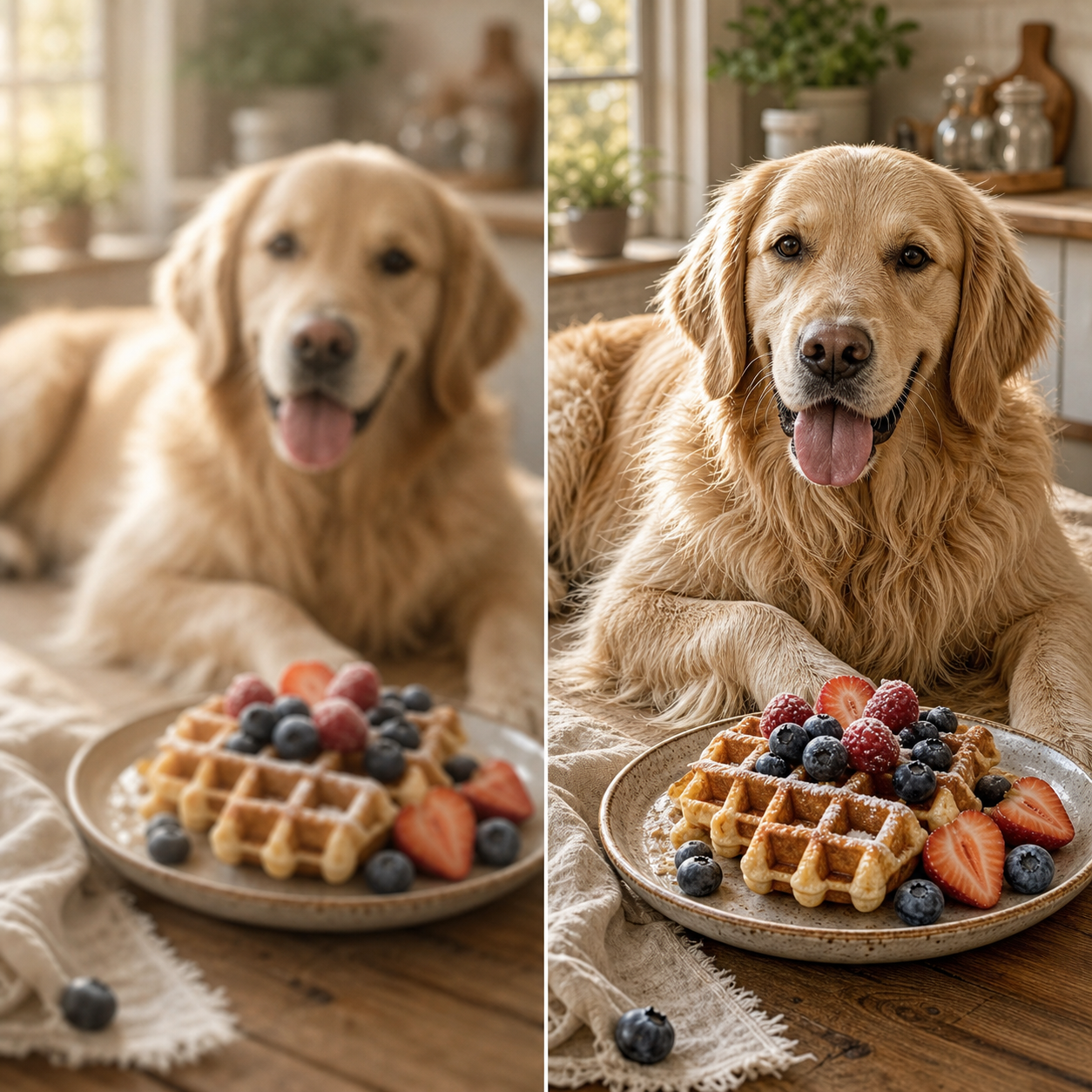
Bring back fur, texture, edges, and surface detail in food, pets, travel, and everyday pictures that feel a little too soft.

This Sharpen Image model is built for practical clarity. It improves recoverable detail, protects the original subject, and avoids turning your upload into an overprocessed filter result.
Together, these Sharpen Image controls cover natural sharpness, stronger edge detail, face clarity, texture recovery, batch cleanup, and private downloads while keeping the original photo intact.
Explore focused AI photo tools for cleanup, upscaling, sharpening, and restoration. Each one helps you move from a tired image to a cleaner result without complicated editing software.
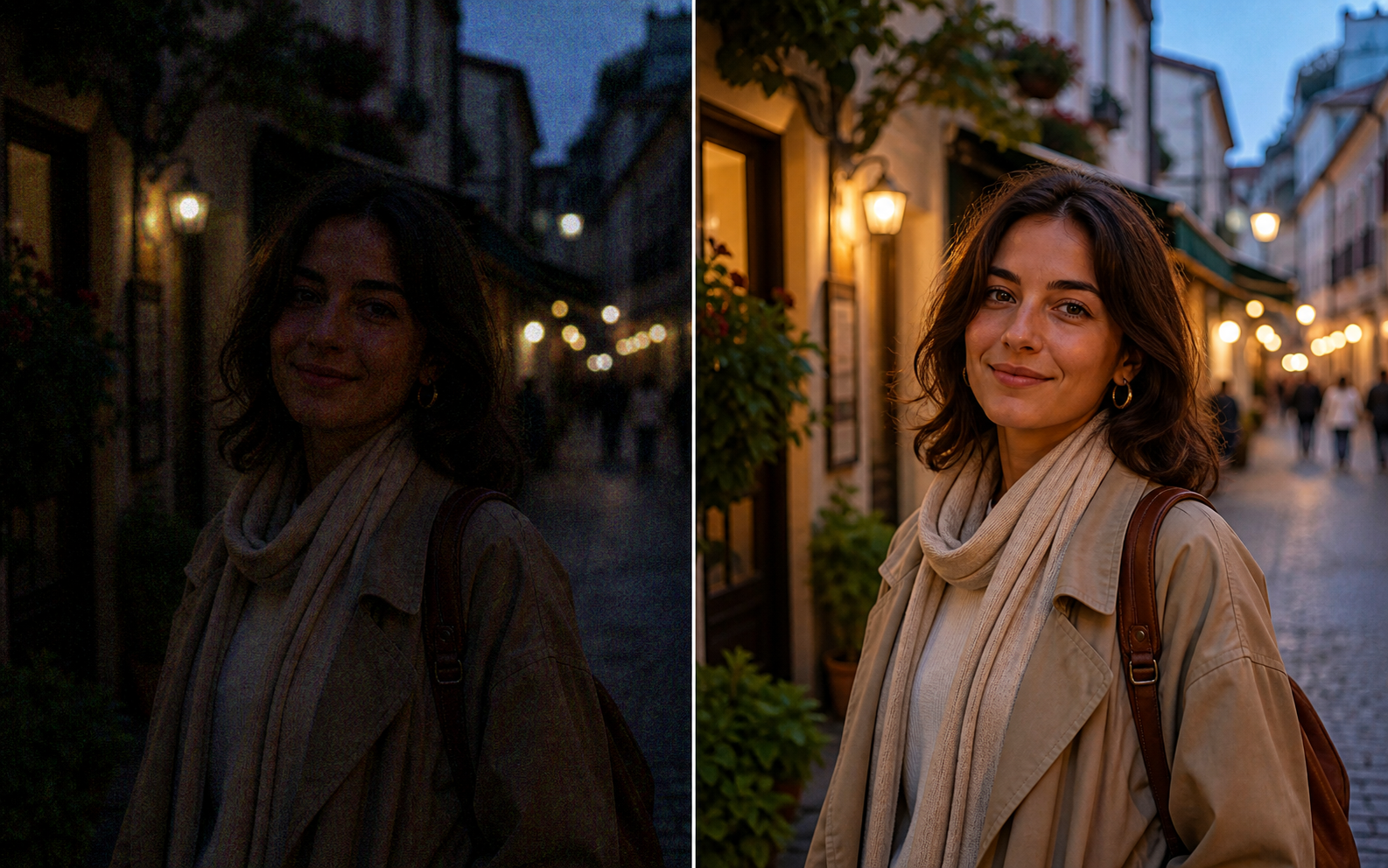
Use AI Photo Enhancer when your image looks dull, noisy, or low quality. It improves clarity, lighting, color, and fine details for portraits, travel photos, product images, and everyday pictures.
Try Photo Enhancer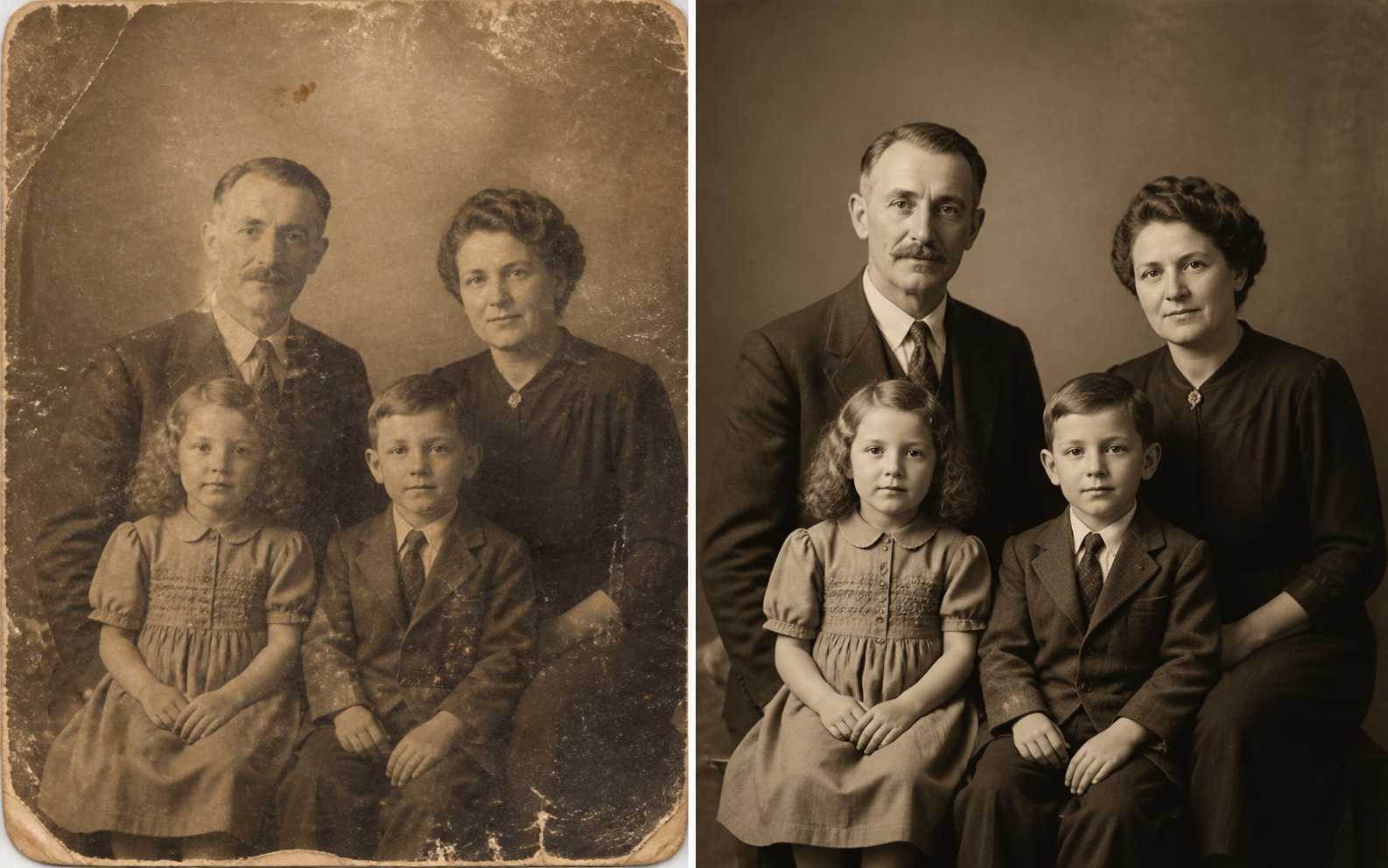
Use photo restoration for scratched, faded, torn, or stained images. ZEnhancer repairs visible damage, recovers lost contrast, sharpens faces, and prepares old photos for sharing, archiving, or printing.
Restore Photo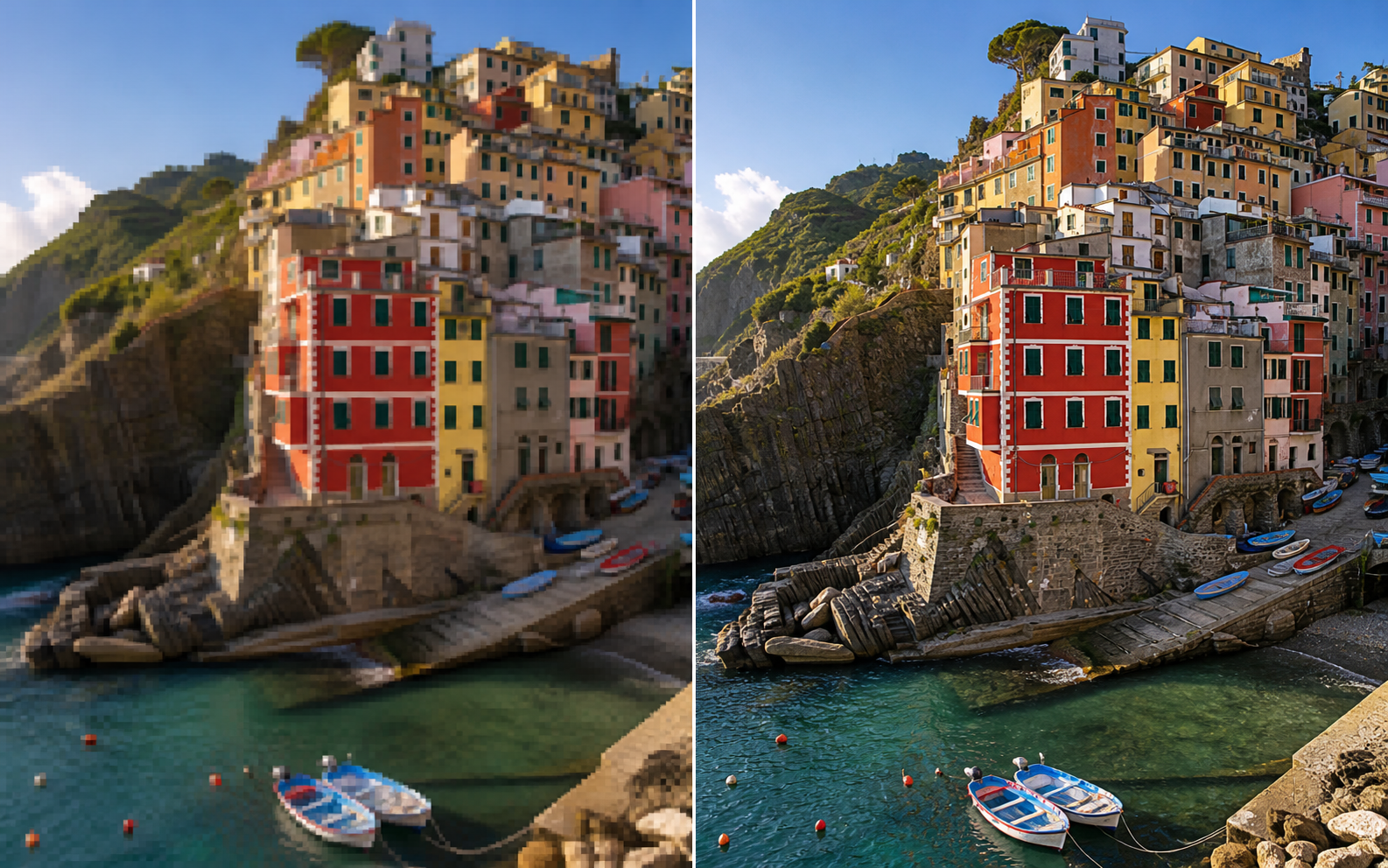
Make small or low-resolution images larger for printing, sharing, product pages, wallpapers, and family albums. ZEnhancer upscales photos while keeping edges cleaner and details more natural.
Try Image Upscaler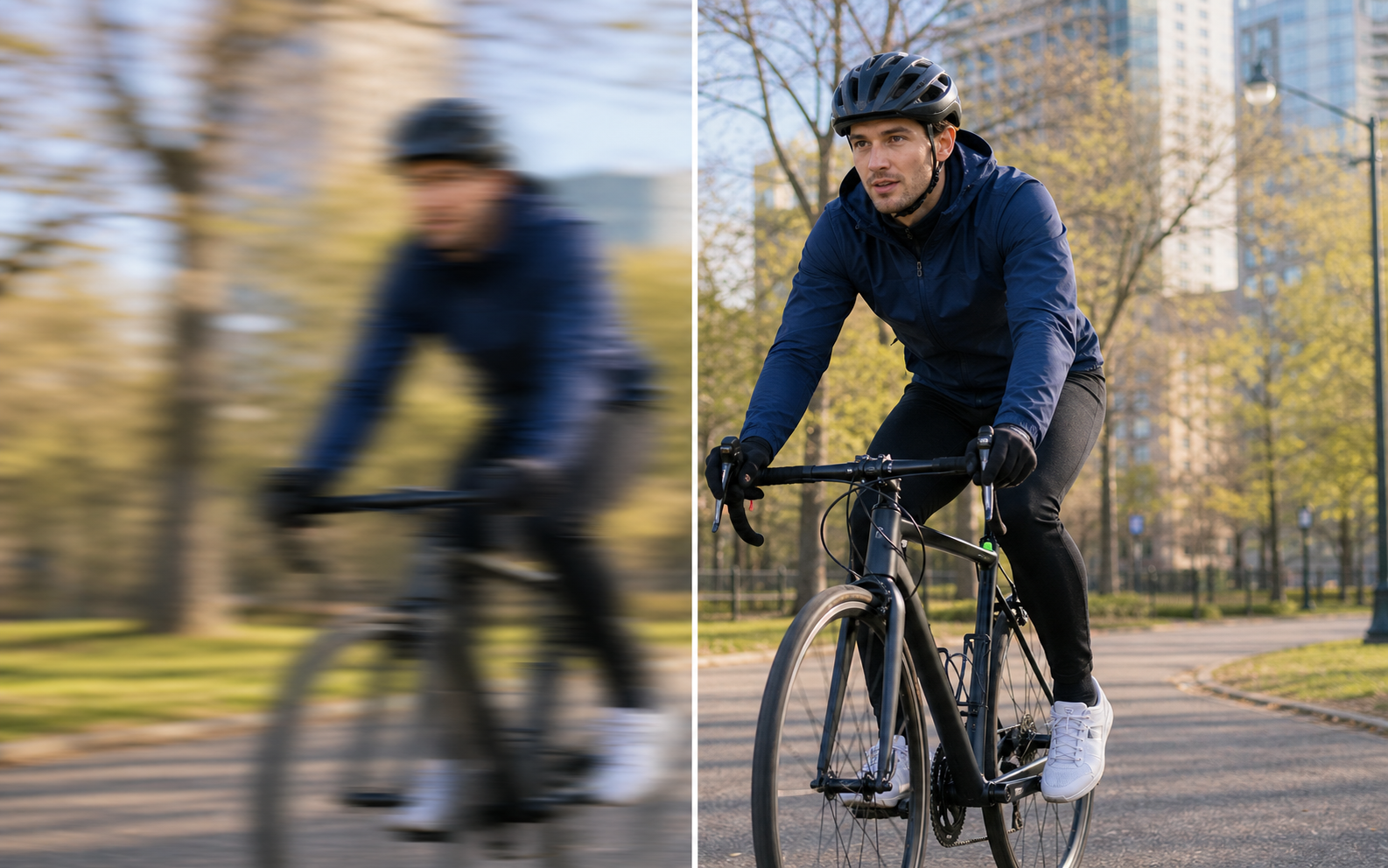
Recover clearer details from photos affected by soft focus, slight motion blur, camera shake, or compression. Use Unblur Image for faces, screenshots, food photos, work images, and everyday pictures that need a cleaner look.
Try Unblur Image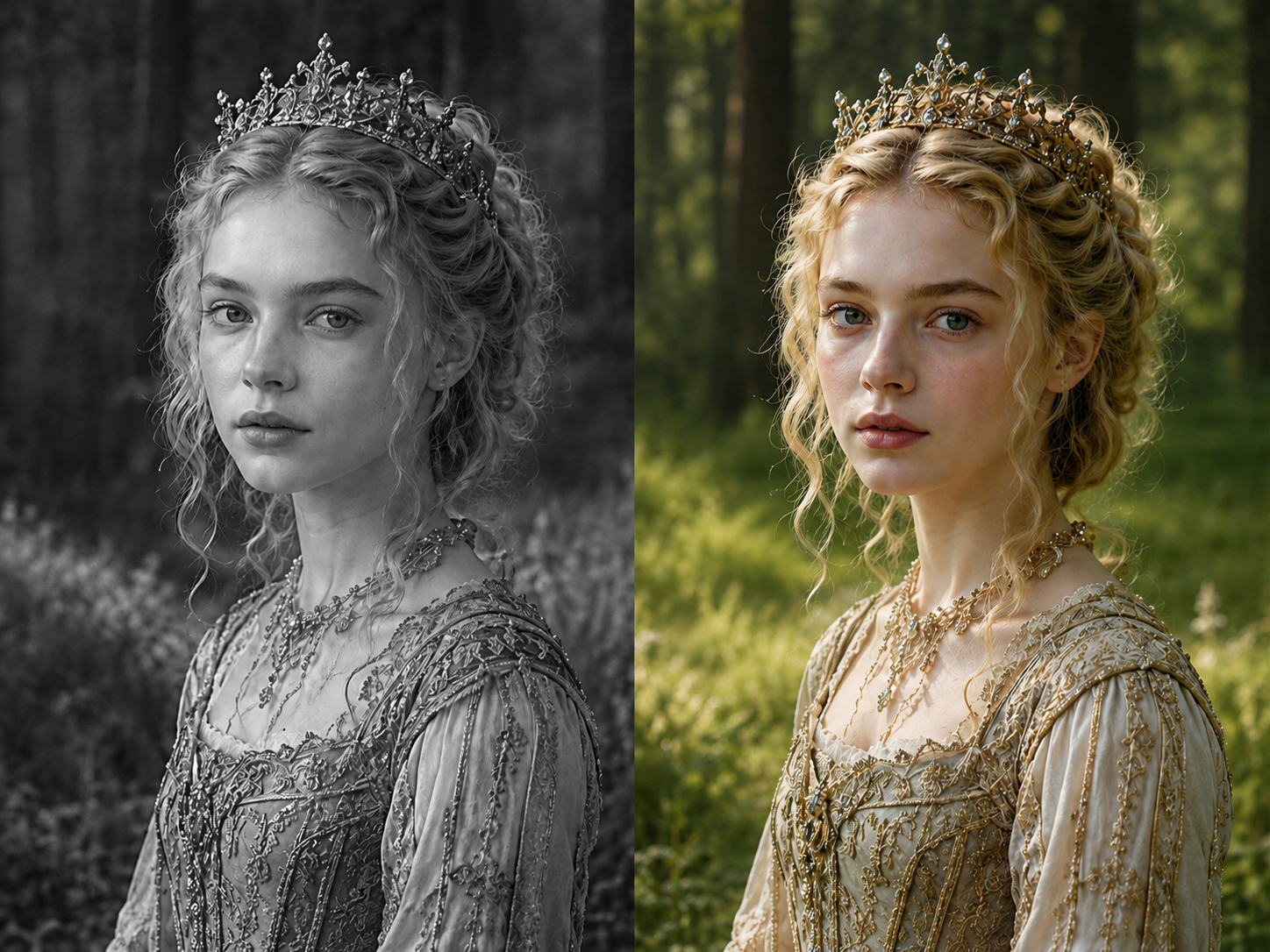
Add natural color to old family photos, portraits, weddings, archives, and black-and-white scans while preserving the original people, expressions, crop, and memory.
Start Photo ColorizerReal workflows from creators, families, photographers, teams, and store owners who need clearer images without complicated editing.

Creator
"Sharpen Image cleaned up a soft portrait I wanted to post. The face looked clearer without turning into a different person."

Store Owner
"A few product shots were just soft enough to look cheap. Sharpen Image cleaned the edges and texture before I uploaded the listing."

Photographer
"I use Sharpen Image for quick client previews when a good candid needs more crisp detail. It gives me a clean first pass fast."

Event Planner
"Birthday and party photos are never perfect. Sharpen Image made the best moments crisper for galleries and thank-you posts."

Parent
"My favorite family photos sometimes look too soft. Sharpen Image helped several shots become worth keeping."

Designer
"The results were cleaner than a simple sharpen filter. Sharpen Image added detail without harsh halos around every edge."

Office Manager
"We used Sharpen Image on quick work photos before sending a report. Details were easier to read and the files stayed natural."

Traveler
"Some travel shots looked a little flat after compression. Sharpen Image made the street scenes clearer without changing the mood."
Creator
"Sharpen Image cleaned up a soft portrait I wanted to post. The face looked clearer without turning into a different person."
Store Owner
"A few product shots were just soft enough to look cheap. Sharpen Image cleaned the edges and texture before I uploaded the listing."
Photographer
"I use Sharpen Image for quick client previews when a good candid needs more crisp detail. It gives me a clean first pass fast."
Event Planner
"Birthday and party photos are never perfect. Sharpen Image made the best moments crisper for galleries and thank-you posts."
Parent
"My favorite family photos sometimes look too soft. Sharpen Image helped several shots become worth keeping."
Designer
"The results were cleaner than a simple sharpen filter. Sharpen Image added detail without harsh halos around every edge."
Office Manager
"We used Sharpen Image on quick work photos before sending a report. Details were easier to read and the files stayed natural."
Traveler
"Some travel shots looked a little flat after compression. Sharpen Image made the street scenes clearer without changing the mood."