AI Pet Portrait Generator

Turn a photo of your dog or cat into a royal portrait, watercolor, cartoon, oil painting or pencil sketch. Choose a preset or describe your own style, then compare and download your pet portrait.

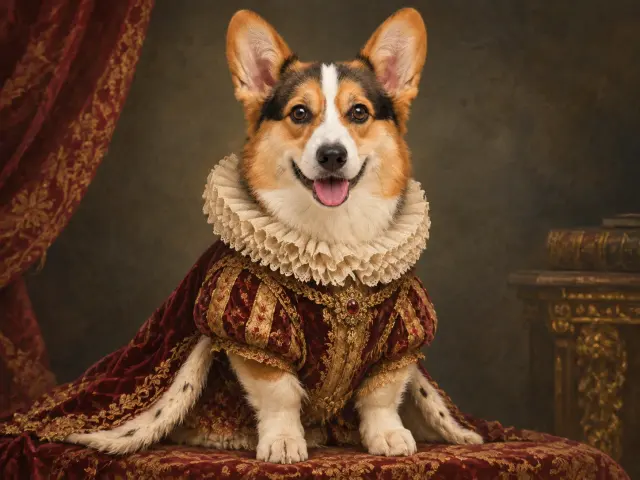
Pet portrait returned by the selected model
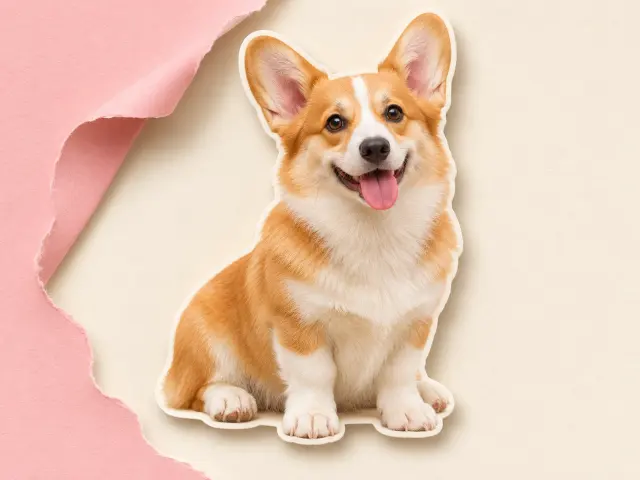
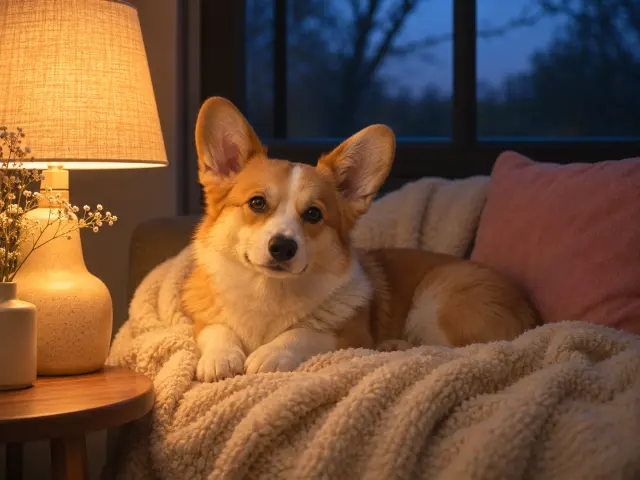
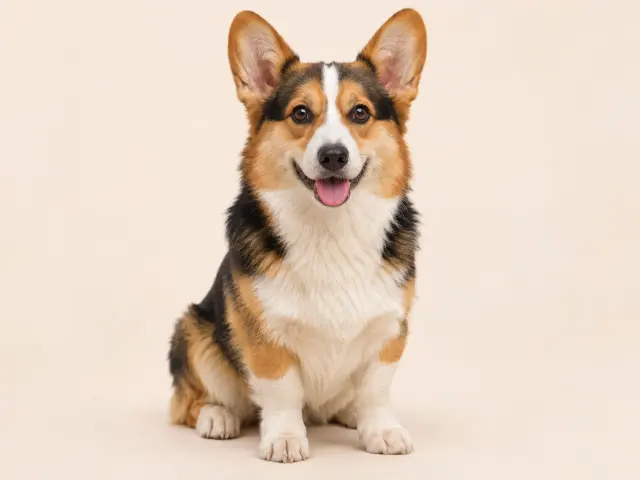
AI-generated corgi source photo with clear ears and a white forehead blaze
Original
Royal
AI-generated source photoExample details

AI-generated source photo · ZModel V1 · Royal · Requested shape: Match source · Actual: 1448 × 1086 px · Nov 15, 2026.

Upload one pet photo

Drag & drop or choose a file

JPG, PNG or WebP · Up to 10 MiB · 40 MP

5 credits per generation

Your photo is sent for processing when you generate. Photo privacy

About this tool

ZEnhancer’s AI pet portrait generator is an online image-editing tool that turns one pet photo into a digital portrait in a selected art style. Start with a clear dog or cat photo, choose a preset or describe a custom direction, then inspect the result before saving. Use it for creative restyling; choose a clarity tool when you want to keep the photograph’s original appearance.

Use the AI pet portrait generator online for a royal portrait, soft watercolor, drawn cartoon, textured oil painting or pencil sketch. Keep visible pet markings, eye color and ear shape in view; artistic interpretation can change them. Choose a model and review the credit cost before generating. The pet portrait generator creates a digital file to compare and download.

Choose an AI Pet Portrait Generator Style

Choose an art direction in the AI pet portrait generator before adding extra instructions. Presets give this AI pet portrait maker a named starting point; custom mode accepts your own description.

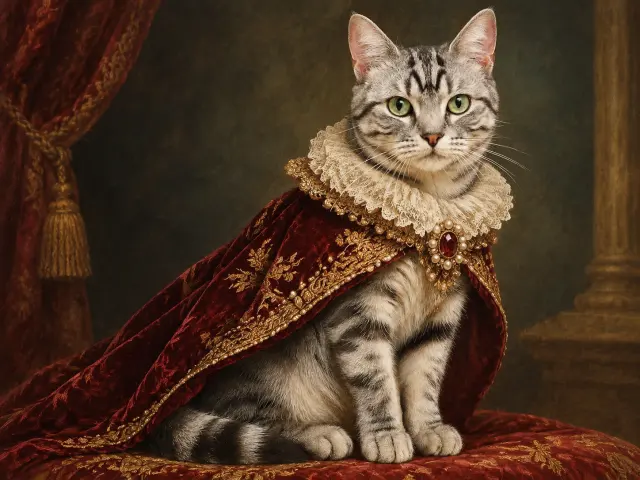
Royal and Renaissance Pet Portraits

A royal pet portrait adds Renaissance-inspired costume and a painted backdrop. Choose a formal look, then check that the pet’s face remains recognizable beneath decorative changes.

1448 × 1086 · ZModel V1 · Nov 15, 2026
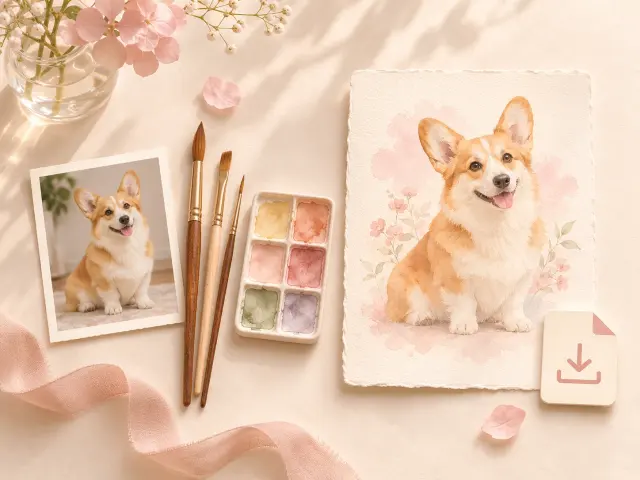
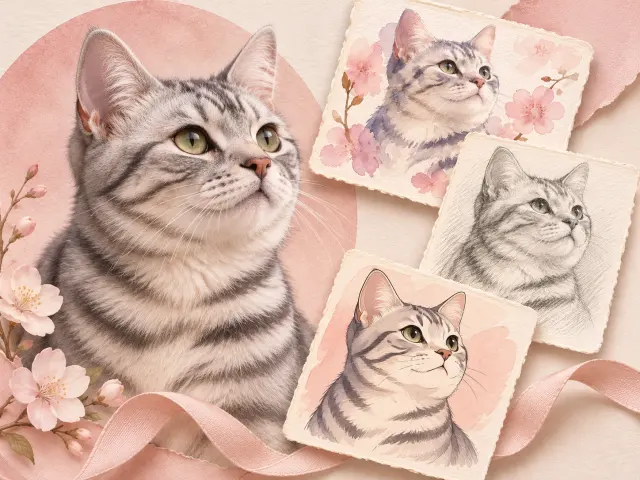
Watercolor Pet Portrait Styles

A watercolor pet portrait uses soft washes and paper texture. Check small pet markings: gentle edges can make a narrow stripe less distinct.

1448 × 1086 · ZModel V1 · Nov 15, 2026
Cartoon Pet Portrait Styles

A cartoon pet portrait favors drawn outlines and simplified shading. Clear shapes suit avatars; inspect pet eye shape and facial proportions before saving.

1448 × 1086 · ZModel V1 · Nov 15, 2026
Oil Painting Pet Portrait Styles

An oil painting pet portrait adds brushwork and textured color. Dark pet fur still needs readable structure around the nose, ears and eyes.

1448 × 1086 · ZModel V1 · Nov 15, 2026
Pet Portrait Sketch Styles

A pet portrait sketch uses pencil contours and tonal shading. Compare pet markings as light and dark patterns; monochrome cannot demonstrate matching fur colors.

1448 × 1086 · ZModel V1 · Nov 15, 2026
AI-generated source photo · Recorded tool output

  • Start with one pet photo: single-file upload and local preview.

  • Choose a pet portrait style: five presets and optional direction.

  • Check costs first: model selection and a visible credit quote.

  • Inspect pet features: source comparison and actual output dimensions.

  • Recover an existing task: request tracking and a status check.

  • Save your pet portrait: PNG and white-background JPG export.

How to Use an AI Pet Portrait Generator

Prepare your source photo before using this AI pet portrait generator online. Selecting settings does not start a paid generation.

Illustration of choosing a pet photo, selecting a style and saving a portrait
Illustration of a use case; not a recorded result from this tool.
  1. Upload One Clear Pet Photo

    Upload one clear pet photo in a supported format, with the face and desired pose visible. Check the local preview before submitting.

  2. Choose a Style and Model, Then Check the Cost

    Select a pet portrait preset or custom style, model and shape. Check credits, then complete any required sign-in or verification.

  3. Compare and Download Your Pet Portrait

    Create the pet portrait and inspect the finished result. Save as PNG or JPG; downloading does not start another pet portrait generation.

Choose a Photo for Your Pet Portrait

Choose a clear photo of one pet. Better visibility gives the model more identity details to work with, especially around the face and fur markings.

Pet photo selection guide showing a visible face and ears
Illustration of a use case; not a recorded result from this tool.

Clear Faces, Markings and Poses

Keep the pet’s eyes, nose, ears and distinctive fur patches visible. Include paws and tail for a full-body pet portrait. Add important markings to preservation notes.

Avoid Cropping, Blur and Heavy Shadows

Avoid blur, dark shadows and crops hiding the pet’s face or ears. The model may guess missing details; exact reconstruction is not guaranteed.

Check AI Pet Portraits Against Your Photo

One Photo, Documented Style Comparisons

Compare styles on the same pet photo, keeping model and requested shape consistent. Check actual output pixels. Different sources cannot establish which style preserved your pet better.

Check Markings, Eyes, Ears and Limbs

Compare fur markings, eyes, ears and limbs with the source; artistic interpretation may alter them. View original and result separately, or different shapes side by side. A recovered result may lack its original photo; save it, but compare only when the source is available.

AI-generated corgi source photo with clear ears and a white forehead blazePet portrait returned by the selected model
AI-generated source photo · ZModel V1 · Royal · Requested shape: Match source · Actual: 1448 × 1086 px · Nov 15, 2026.
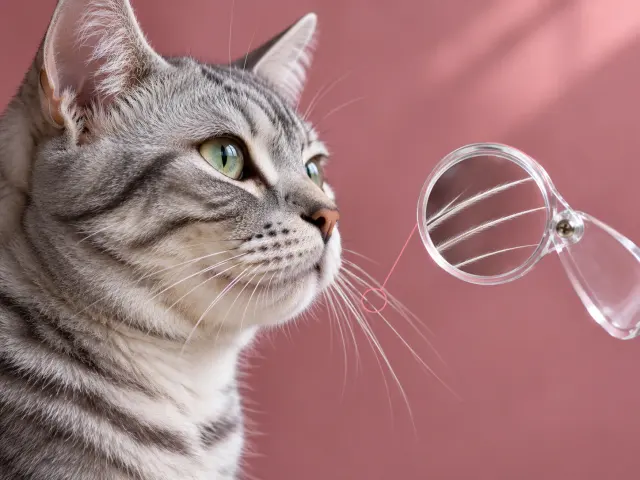
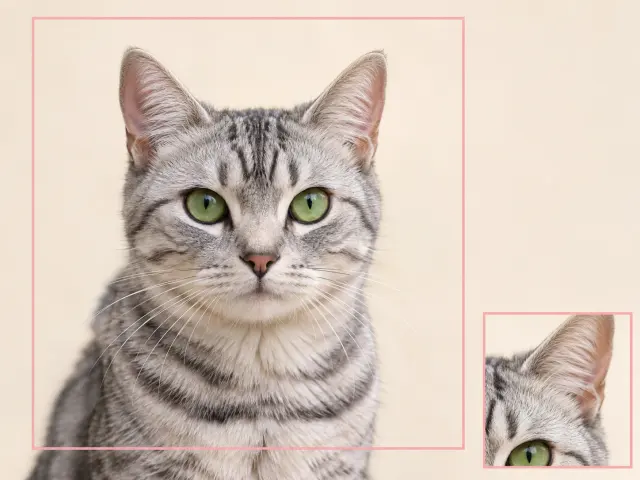
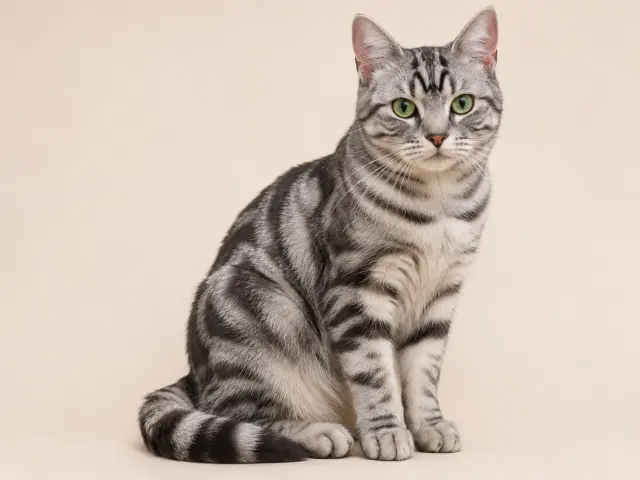
AI-generated silver tabby source photo with green eyesPet portrait returned by the selected model
AI-generated source photo · ZModel V1 · Royal · Requested shape: Match source · Actual: 1448 × 1086 px · Nov 15, 2026.

Recorded samples cover specific inputs; results for other pet photos may vary.

Compare Pet Portrait Generator Costs

Models, Credits and Access Conditions

ZEnhancer’s AI pet portrait generator costs 5 credits per task with ZModel V1, or 8 with ZModel V2 Pro. V2 requires an eligible Pro/Ultra plan or eligible premium-pack credits. Free credits, sign-in and verification depend on account and region; check the live balance. A pet portrait generator quote does not promise unlimited free use. Credits are usage units, not cash prices.

Compare Three Pet Portrait Tools

Compare the AI pet portrait generator online by workflow and visible settings, rather than an unsupported quality ranking. ZEnhancer uses one photo per task; VibeArt’s inspected form offers two or four variations from one photo.

FeatureZEnhancerEzEnhancerAtommVibeArt
Style inputFive presets or customPresets or customPreset plus notesStyles plus preservation notes
Photo workflowOne photo, one resultSingle photo or VIP batchPreset workspaceOne photo, 2/4 variations
Output in this comparisonRecorded samplesSubmission unconfirmedNot generatedNot generated
Observed detailZEnhancerEzEnhancerAtommVibeArt
Preset styles59 observed35 claimed; not counted5 observed
Shape choices6 requests8 observedNot checked3 observed
Generation creditsV1: 5; V2: 84 quoted6 quoted for The KingNot checked

Sources checked 15 November 2026. Competitor settings, quotes and page claims use different conditions. Unconfirmed outputs do not support comparisons of speed, likeness or reliability.

EzEnhancerAtommVibeArt

Pet Portraits from Photos for Everyday Uses

Illustration of a use case; not a recorded result from this tool.

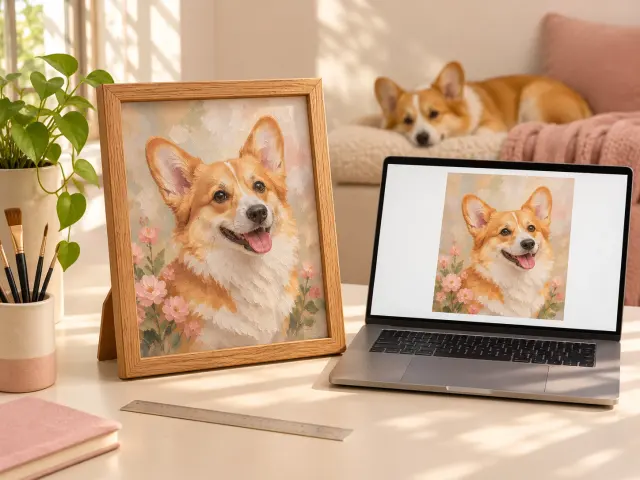
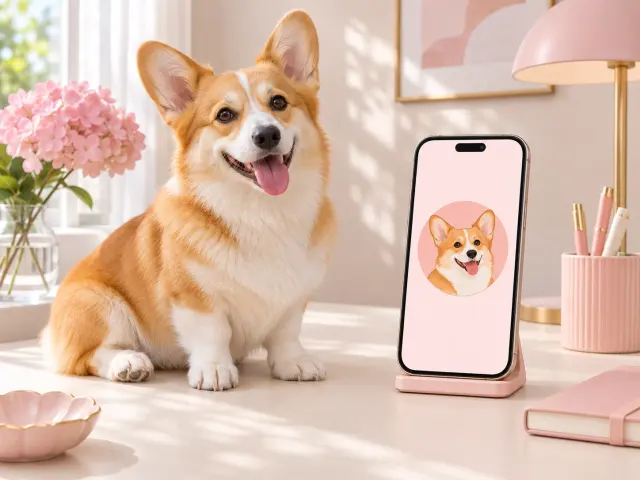
Illustration of a dog portrait used as a phone avatar
Illustration

AI Dog Portrait Generator for Avatars

Start with a dog photo that clearly shows muzzle shape, both ears and distinctive fur patches. With an AI pet portrait generator online, choose a cartoon or royal direction for a dog avatar, then request a square shape. Keep extra space around the head so the final circular avatar crop does not cut off ears. Compare eye placement and coat markings with the source before saving. Download the pet portrait and check it at the small size where it will appear, rather than judging only a large preview.

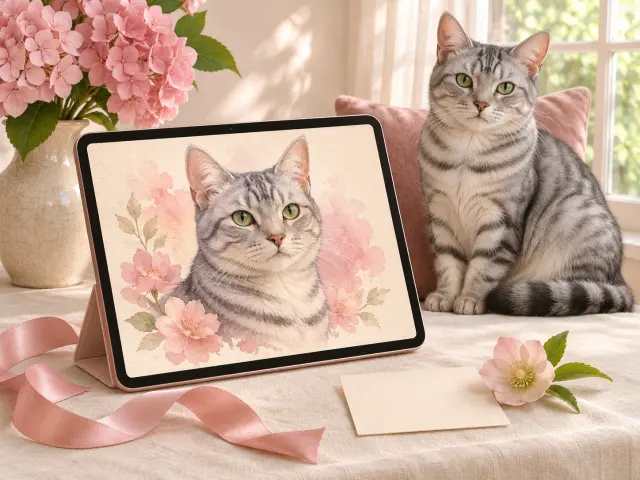
Illustration of a cat portrait prepared as a digital gift
Illustration

AI Cat Portrait Generator for Gifts

Choose a cat photo with clear eyes, whisker area and visible coat patterns for a personal digital gift. Use a source that already shows the expression you want, rather than asking the model to invent it. Try watercolor for soft color or oil painting for visible brushwork. Add a short note about a distinctive forehead stripe, then inspect the cat’s eyes and ear shape. Save the pet portrait as a file to share; a digital gift does not include printing or delivery.

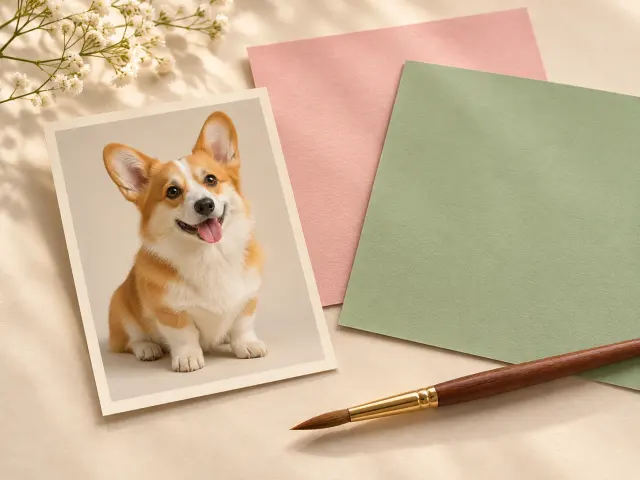
Illustration of a digital pet portrait beside a frame for discussing print preparation
Illustration

Digital Pet Portraits for Sharing and Prints

Use a digital pet portrait for a profile, a message or a file prepared for printing. ZEnhancer’s AI pet portrait generator provides downloadable artwork; physical printing and delivery are outside its workflow. Check the saved image’s actual pixels before selecting a print size. For illustration, 1200 pixels divided by 300 pixels per inch gives 4 inches; that calculation does not describe every output or guarantee print quality. If more pixels are needed, consider the image upscaler and inspect the pet portrait again after enlargement. Commercial use requires checking applicable rights and terms.

Terms of Service

AI Pet Portrait Generator: Common Questions

Which photos can I upload to the pet portrait generator?

ZEnhancer’s pet portrait generator accepts one still JPG, PNG or WebP, up to 10 MiB and 40 megapixels, with neither edge above 16,384 pixels. Use a clear photo of one dog or cat. Multiple selected files, HEIC images and animated formats are unsupported; a group photo does not guarantee every pet will remain intact.

Can AI keep my pet’s markings and facial features?

ZEnhancer’s AI pet portrait generator does not guarantee exact preservation of fur markings, eyes or ear shape. Describe a distinctive detail in the preservation field, then inspect the output. Do not treat an attractive pet portrait as proof that every source feature survived.

How do presets and custom pet portrait styles differ?

Choose among five presets or describe a custom style. Limits: 300 extra-direction characters for presets, 400 for custom style and 120 for preservation notes. The complete instruction stays within 1000 characters.

Is the AI pet portrait generator free, and when must I sign in?

An AI pet portrait generator online uses credits. Free credits and sign-in depend on account, region and verification. ZModel V1 costs 5 credits; ZModel V2 Pro costs 8 and requires eligible access. Check the quote; style selection and existing-result downloads do not start another generation.

What should I do if my pet portrait is still processing?

Check the existing request before resubmitting; unknown status does not confirm failure. A lost connection does not prove the AI pet portrait generator failed or that no charge occurred. Keep checking that request. Pending refunds remain incomplete; closing the tab does not cancel an accepted task.

Can I download and print AI pet portraits?

Save a completed pet portrait as PNG or JPG; JPG uses a white background. Check actual pixels before printing: requested shape does not guarantee exact proportions or dimensions. This is a digital file; print quality, commercial rights and physical delivery need separate checks or services.

How are my pet photo and generated portrait handled?

ZEnhancer sends your pet photo for processing when you generate a portrait. Images are stored as part of processing. Anyone with the complete result link can view that image. This page does not establish image retention periods, deletion timing or provider training use. Confirm those terms with support before generating with sensitive material.

Privacy PolicyContact support

Related Tools for Your Pet Portrait

Continue with These Photo Tools

Continue with a tool matched to the next photo task.

Illustration of a use case; not a recorded result from this tool.

Ask AI About This Pet Portrait Tool

Try our AI pet portrait generator online with one clear pet photo.