
Step 1
Upload an Image
Choose a JPG, PNG, or WebP from your device. Background Remover works well on product photos, portraits, avatars, headshots, logos, pets, objects, ecommerce images, and social media pictures that need a cleaner background.
Use ZEnhancer Background Remover with AI enhancement to cut out products, people, avatars, logos, and everyday photos, then export clean transparent or white-background images. Single-image processing needs no account.
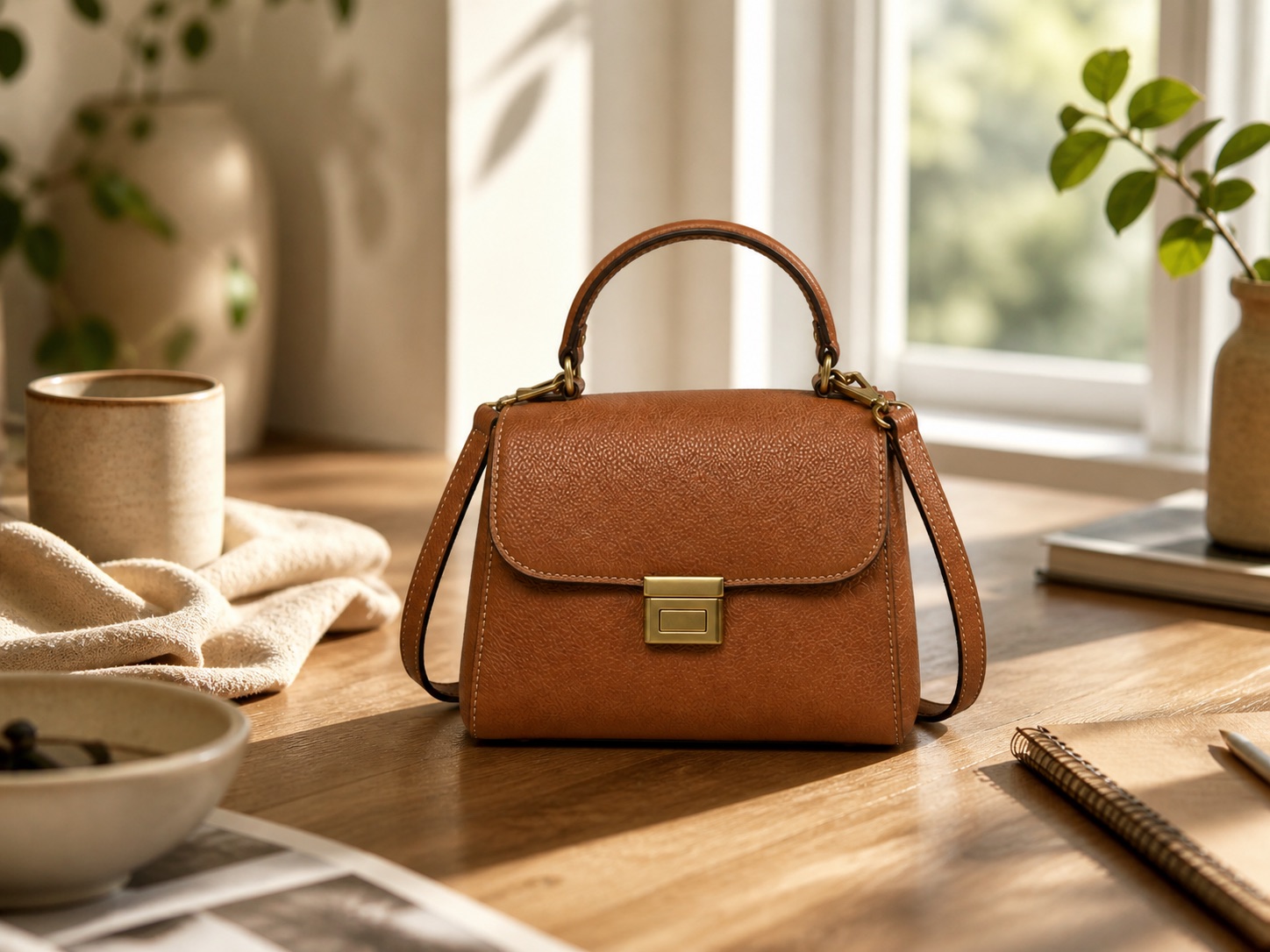
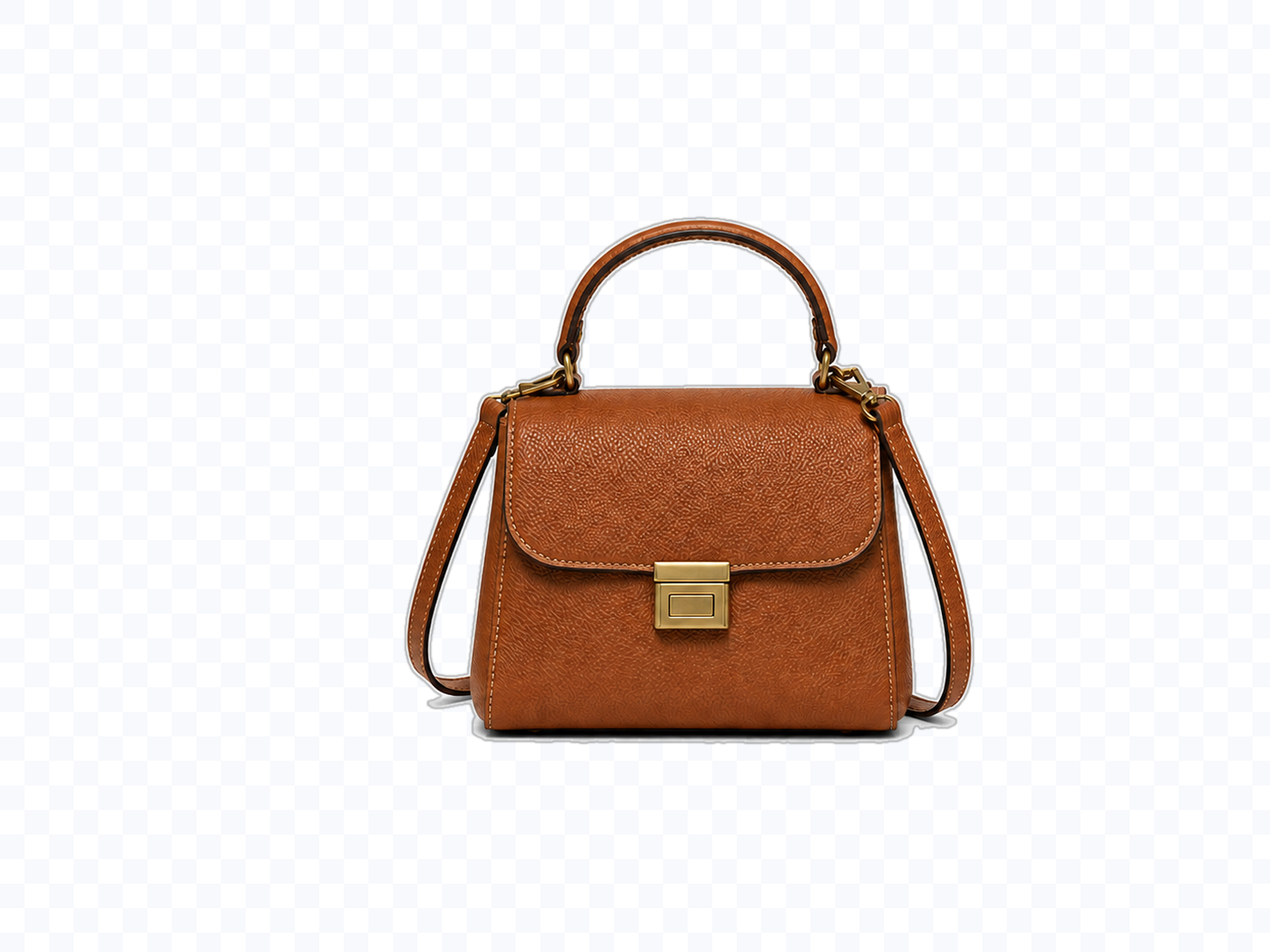 After
AfterRemove busy product photo backgrounds and prepare clean ecommerce cutouts.
Drag an image here or choose a photo to cut out.
Upload up to 10 images at once. JPG, PNG, and WebP supported.
Background
Output format
Use PNG or WebP for transparent background. Use JPG for white or custom background.
Background Remover should feel simple: upload an image, let AI detect the subject, choose a transparent, white, or custom background, then download a clean cutout that is ready to use.
Choose a JPG, PNG, or WebP from your device. Background Remover works well on product photos, portraits, avatars, headshots, logos, pets, objects, ecommerce images, and social media pictures that need a cleaner background.
Background Remover analyzes the main subject, edges, hair, fur, product outlines, shadows, and background area. Then it removes the background while keeping the subject, crop, color, and important details intact.
Preview the cutout, choose transparent, white, or custom background, then download the Background Remover output in PNG, JPG, or WebP for product listings, profile photos, marketing images, presentations, or design work.
A useful Background Remover does more than erase pixels. It detects the subject, protects clean edges, handles hair and product outlines, and creates a usable cutout without requiring manual masking.
Remove the background from people, products, pets, objects, logos, and everyday images automatically. Background Remover detects the main subject and separates it from the scene, helping you create a clean transparent or white-background image in seconds. It is best for photos where the subject is visible and not fully blended into the background.
Clean product photos for online stores, marketplaces, catalogs, ads, and social posts. Background Remover removes cluttered tables, walls, rooms, shadows, and inconsistent backgrounds so products look cleaner and easier to place on white, transparent, or branded layouts.
Create cleaner profile photos, avatars, team headshots, creator images, and social media pictures. Background Remover helps isolate people while preserving natural edges around hair, clothing, shoulders, and faces. It works well for personal profiles, LinkedIn-style photos, thumbnails, and marketing visuals.
Use Background Remover when the subject is good but the background is distracting. Background Remover can cut out products, people, avatars, logos, pets, and objects, then place them on transparent, white, or branded backgrounds for stores, profiles, social posts, and marketing visuals.
Start Background Remover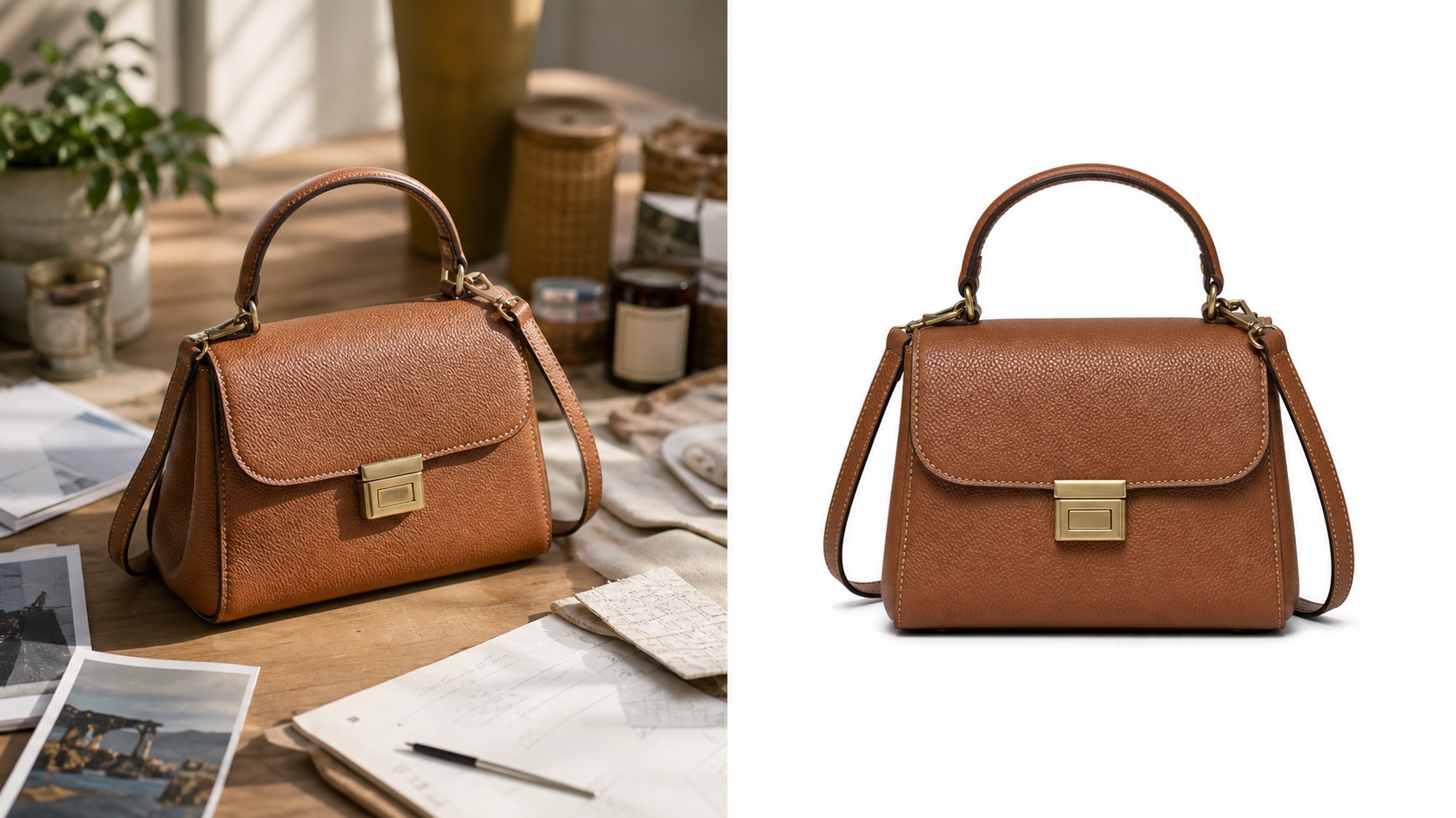

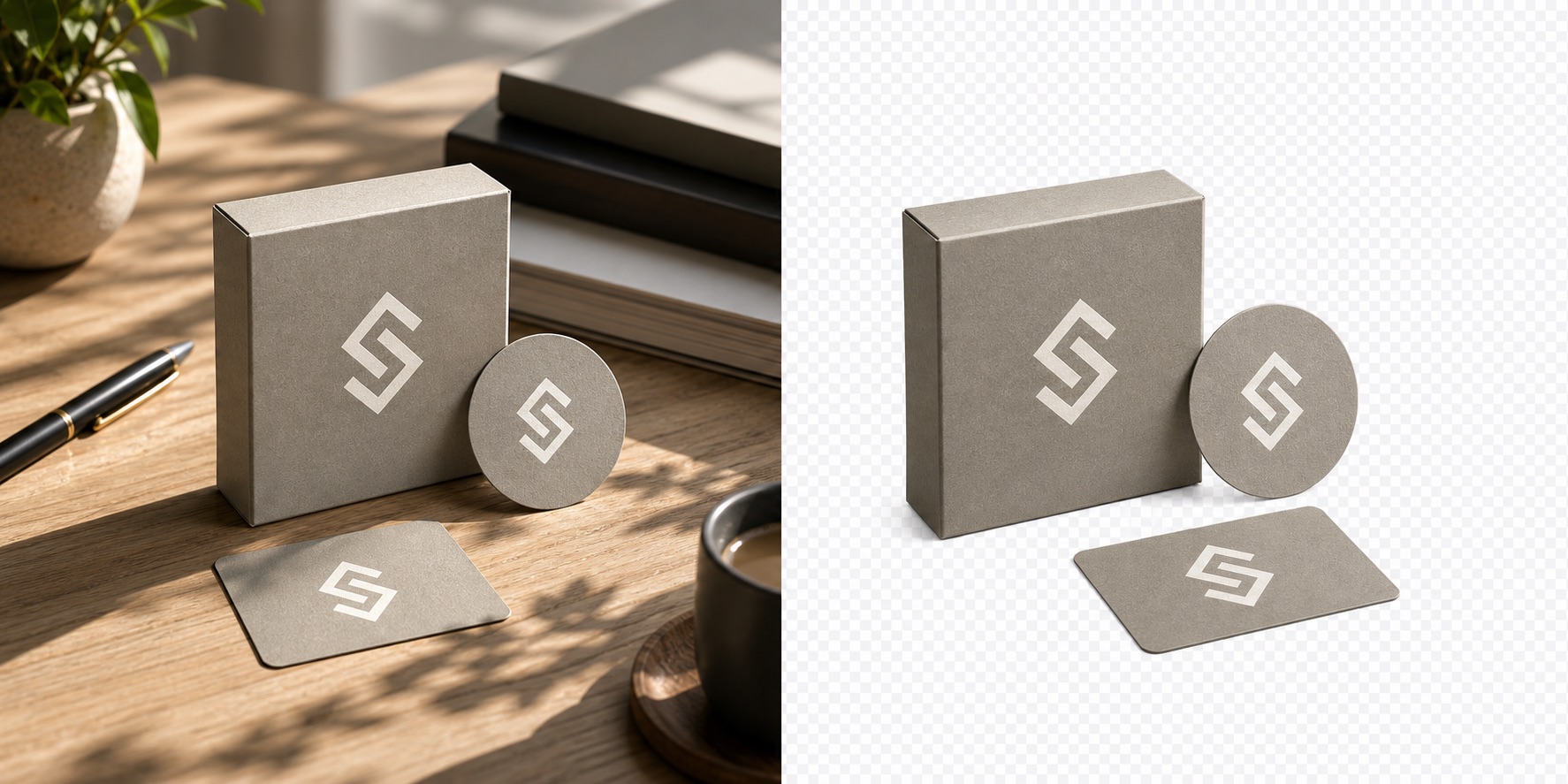
Built for ecommerce products, profile photos, avatars, logos, and marketing images
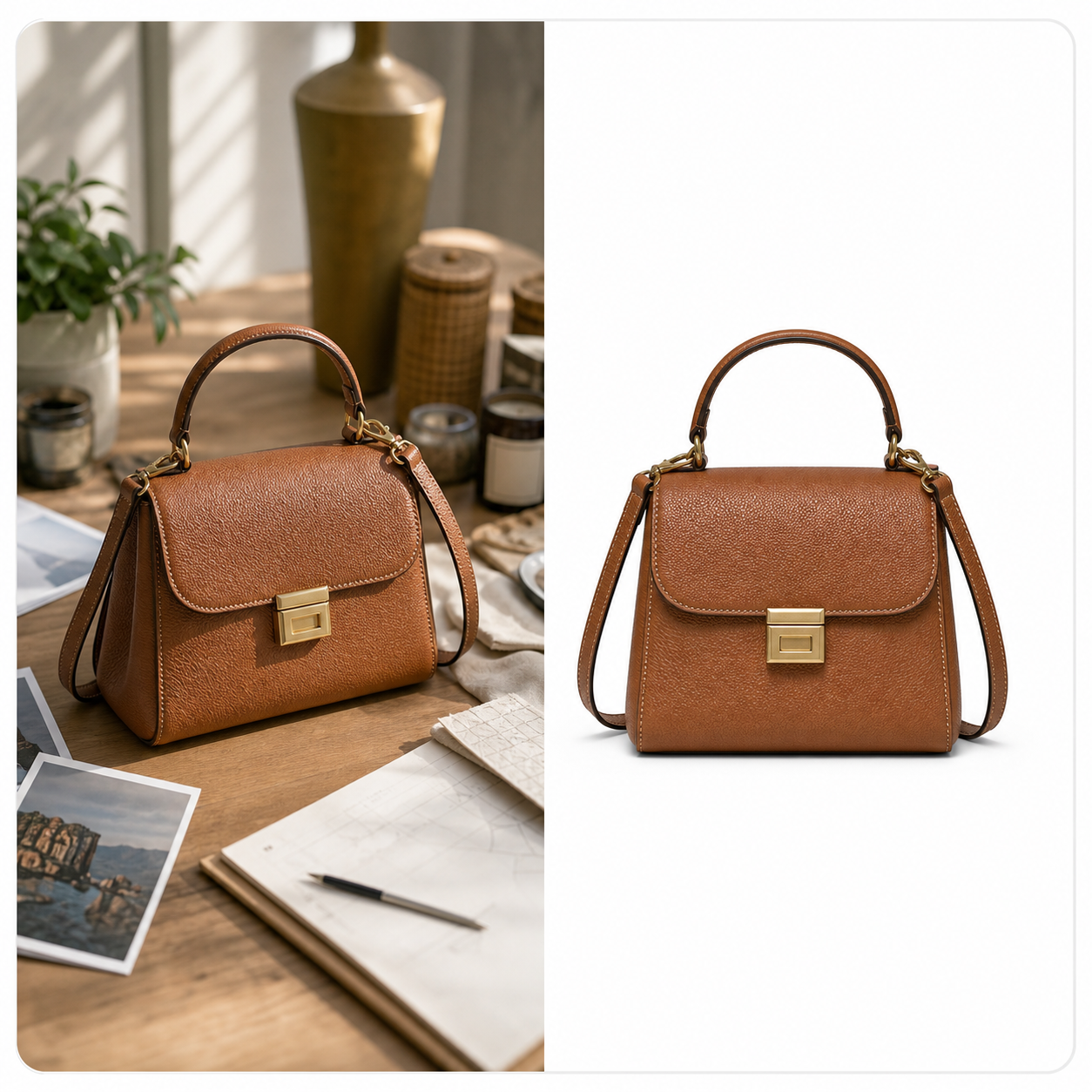
Remove messy backgrounds from product images and prepare clean transparent, white, or branded visuals for online stores and marketplace listings.

Cut out people from busy scenes and create cleaner profile photos, avatars, team pictures, thumbnails, and social media portraits.
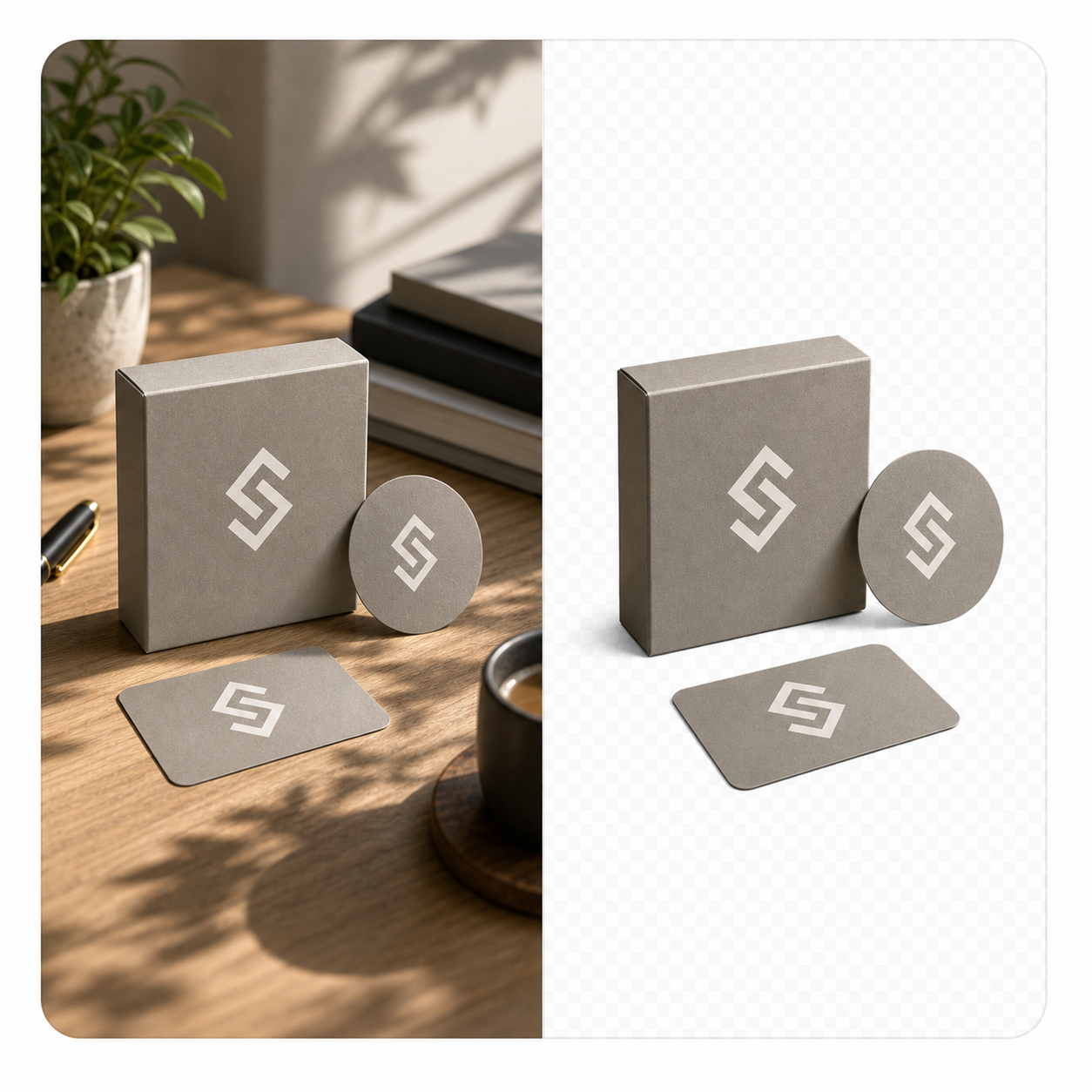
Remove plain or unwanted backgrounds from logos, icons, stickers, and brand assets so they can be placed into designs, slides, or websites.
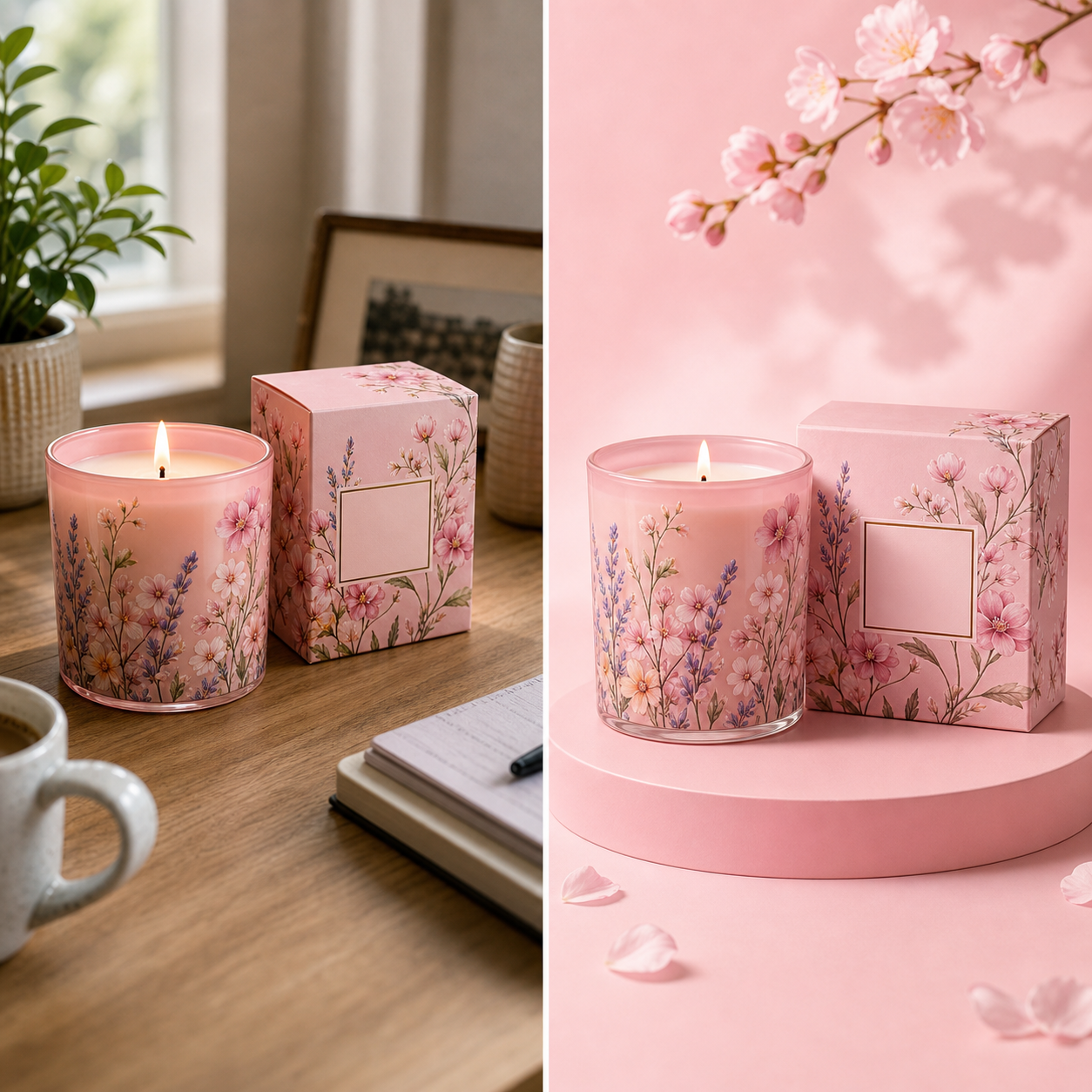
Create cutouts for ads, banners, profile covers, product posts, presentation graphics, and quick design layouts without opening a manual editor.

This Background Remover model is built for practical cutouts. It removes the background, protects the subject, and avoids changing the original product, face, object, color, or composition.
Together, these Background Remover controls cover subject detection, clean edges, product cutouts, avatar photos, transparent exports, batch removal, and private downloads while keeping the original subject intact.
Explore focused AI photo tools for cleanup, upscaling, sharpening, background editing, and restoration. Each one helps you move from a raw image to a cleaner result without complicated editing software.

Use AI Photo Enhancer before or after background removal when your image needs better lighting, color, clarity, or detail for portraits, products, travel photos, and everyday pictures.
Try Photo Enhancer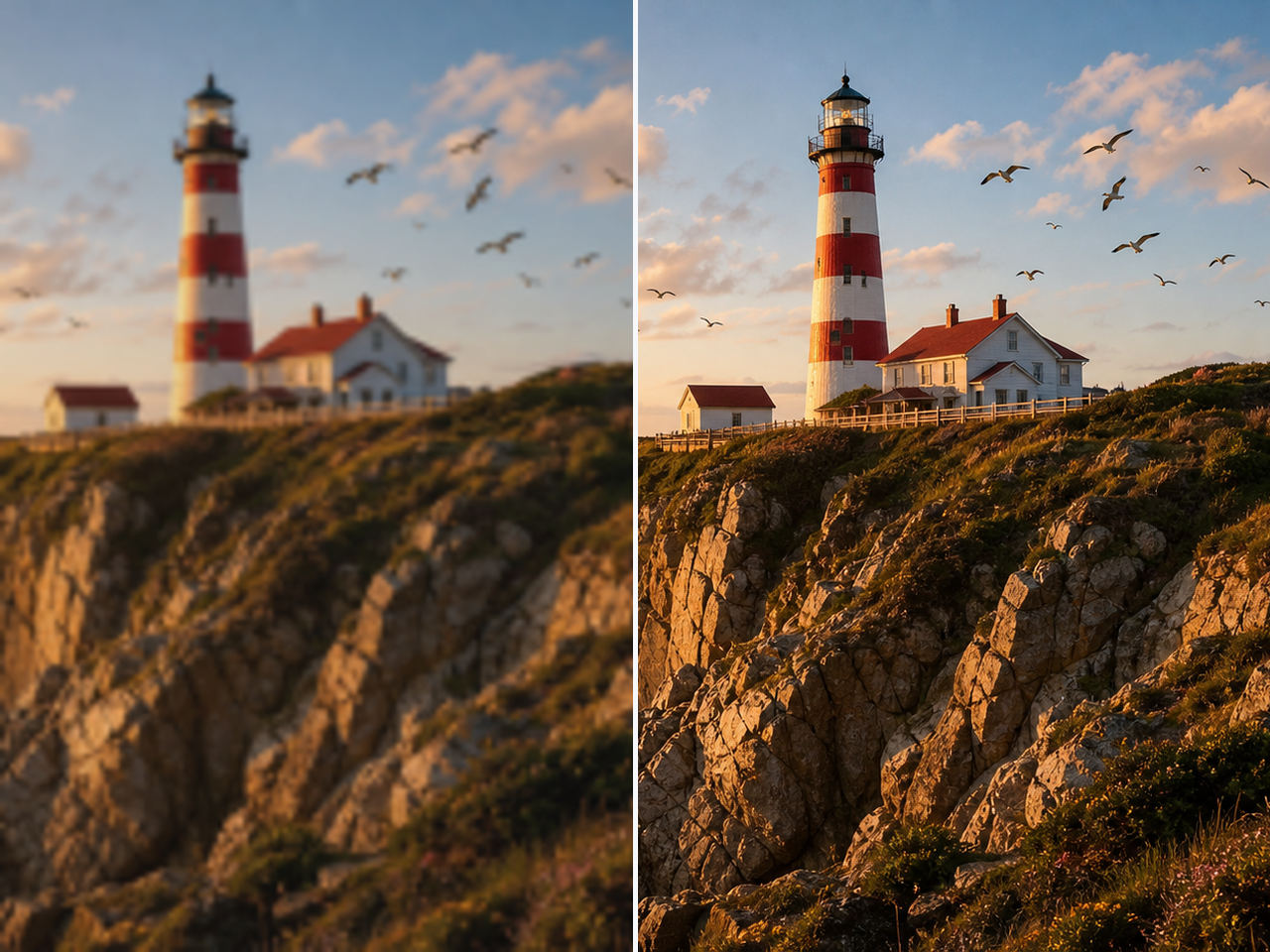
Make product photos, cutouts, profile images, and design assets larger for HD previews, printing, stores, wallpapers, and marketing layouts.
Try Image Upscaler
Clean grainy product photos, night portraits, indoor shots, and low-light images before placing them on transparent, white, or branded backgrounds.
Try Denoise Photo
Recover clearer details from soft, shaky, or motion-blurred photos before using them as product images, avatars, headshots, or cutout assets.
Try Unblur ImageFor creators, sellers, teams, and designers, Background Remover creates cleaner product photos, profile photos, mockups, marketing, and brand assets in a simple workflow.

Creator
"Background Remover helped me turn busy portrait shots into clean profile images. The cutout looked natural and was ready to post."

Store Owner
"I used Background Remover on product photos with messy tables and walls. The transparent PNGs made my listings look much cleaner."

Designer
"For quick mockups, Background Remover saves time. I can isolate a subject and place it into layouts without manual masking."

Marketing Lead
"We use Background Remover for social ads and campaign images. It makes product and people cutouts fast enough for daily content."

Small Business Owner
"My shop photos were inconsistent before. Background Remover helped create cleaner white-background product images in minutes."

Brand Designer
"The edge quality was better than a quick lasso selection. Background Remover kept the product shape clean and easy to reuse."

Office Manager
"We needed simple staff headshots for a presentation. Background Remover cleaned the backgrounds without needing design software."

Online Seller
"Batch remove bg made my product cleanup faster. I could export several images and keep the store style more consistent."
Creator
"Background Remover helped me turn busy portrait shots into clean profile images. The cutout looked natural and was ready to post."
Store Owner
"I used Background Remover on product photos with messy tables and walls. The transparent PNGs made my listings look much cleaner."
Designer
"For quick mockups, Background Remover saves time. I can isolate a subject and place it into layouts without manual masking."
Marketing Lead
"We use Background Remover for social ads and campaign images. It makes product and people cutouts fast enough for daily content."
Small Business Owner
"My shop photos were inconsistent before. Background Remover helped create cleaner white-background product images in minutes."
Brand Designer
"The edge quality was better than a quick lasso selection. Background Remover kept the product shape clean and easy to reuse."
Office Manager
"We needed simple staff headshots for a presentation. Background Remover cleaned the backgrounds without needing design software."
Online Seller
"Batch remove bg made my product cleanup faster. I could export several images and keep the store style more consistent."
Short answers to the common questions about AI background removal, transparent exports, product photos, avatars, and supported formats.
Background Remover removes the background from images using AI. It detects the main subject, separates it from the original scene, and lets you export a clean transparent, white, or custom-background result for product photos, avatars, headshots, logos, and everyday images.