Upload a Blurry Photo
Choose a JPG, PNG, or WebP affected by soft focus, camera shake, motion blur, low light, compression, or a quick phone capture. Unblur Image works best when the subject is still visible but needs clearer edges and details.
Use ZEnhancer Unblur Image to fix blurry photos with AI. Unblur Image helps remove motion blur, sharpen soft details, recover clearer faces, and restore readable everyday images online for free with no signup.

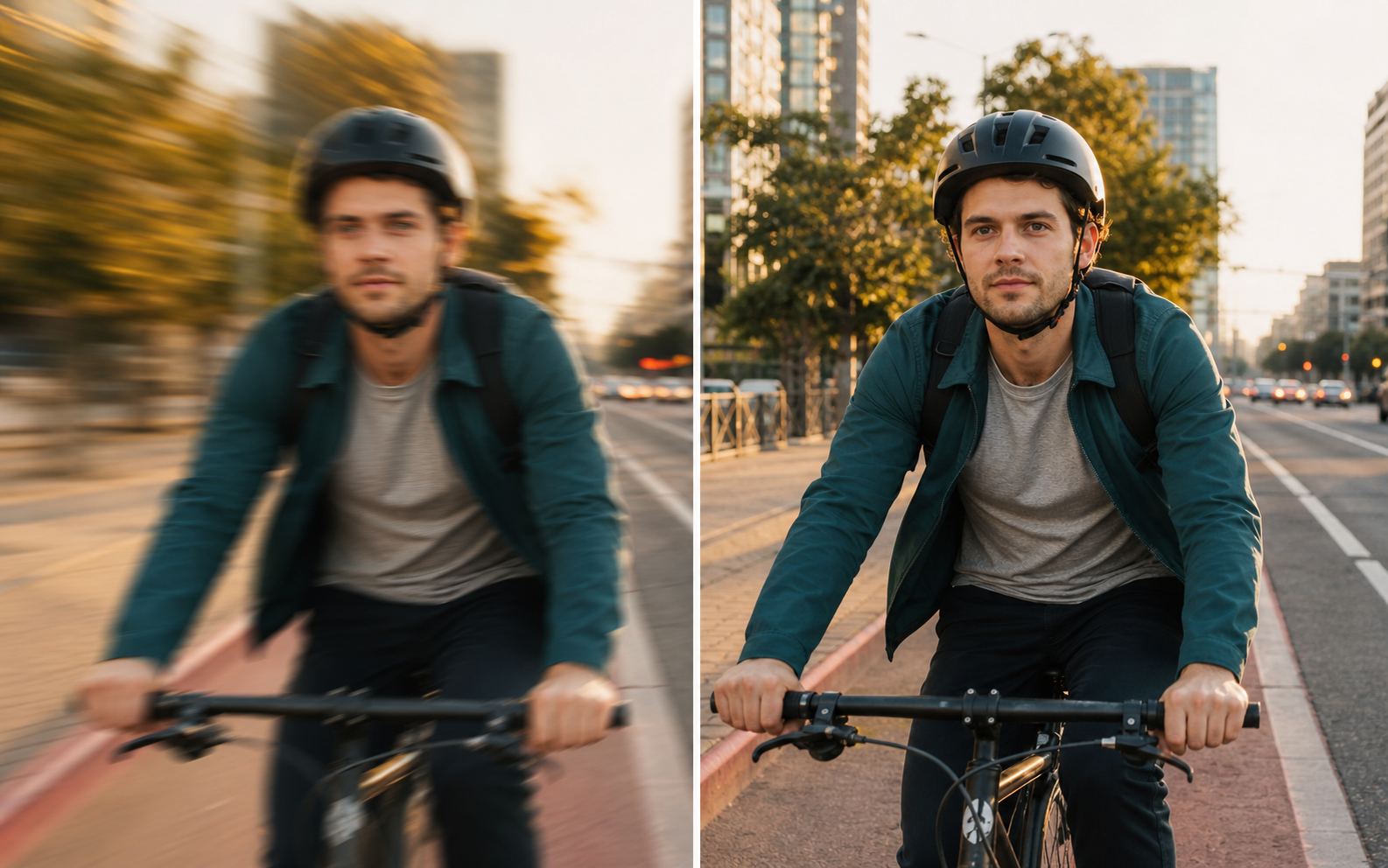
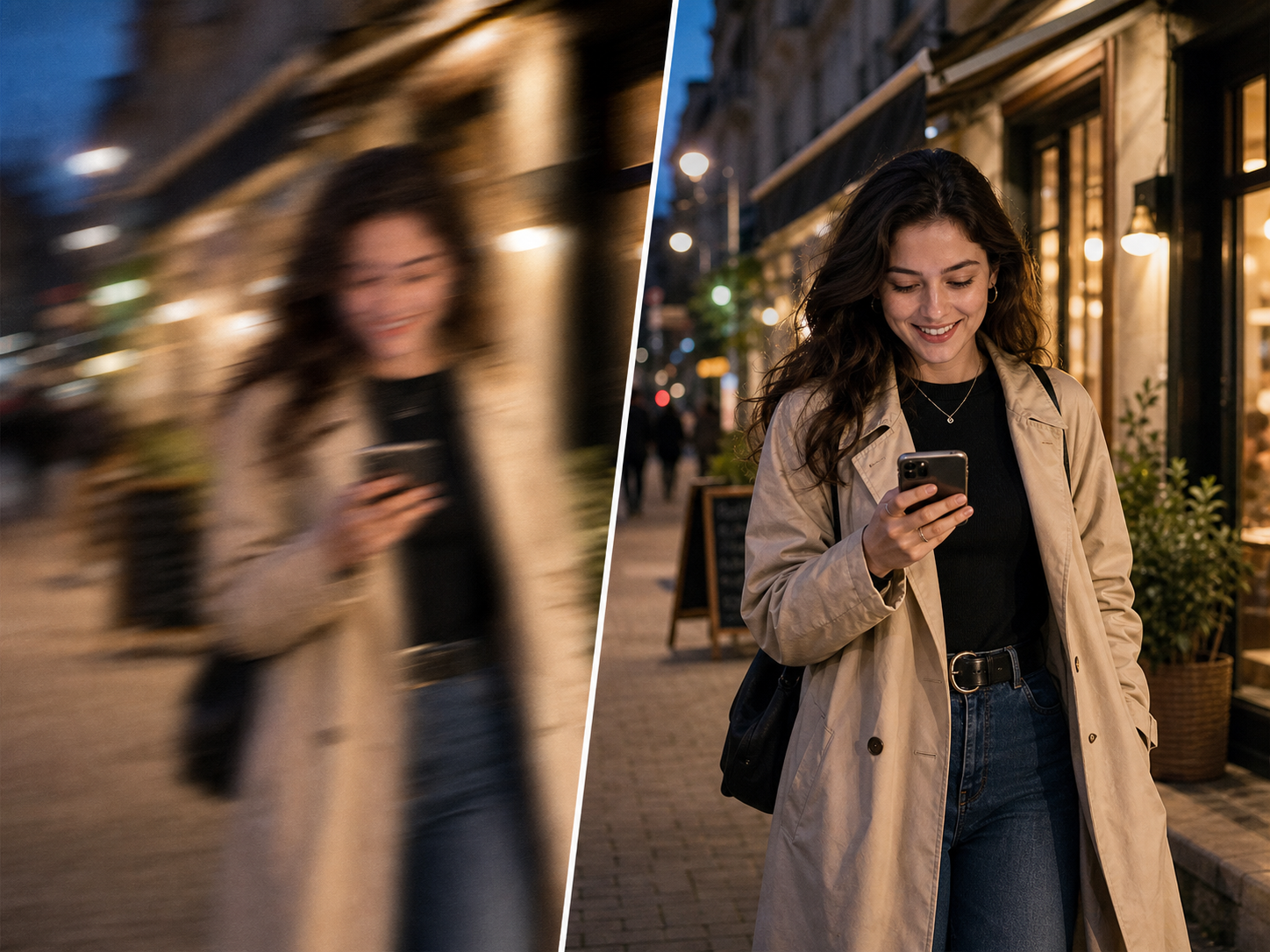
Clean up motion blur from cycling, sports, kids running, concerts, and other fast moments.
AI Unblur ModelDrag an image here or choose a blurry photo.
Upload up to 10 blurry images at once. JPG, PNG, and WebP supported.
Output format
AI unblurredUnblur Image should feel simple: upload a blurry photo, let AI read the blur pattern, then download a clearer image that still looks natural.
Choose a JPG, PNG, or WebP affected by soft focus, camera shake, motion blur, low light, compression, or a quick phone capture. Unblur Image works best when the subject is still visible but needs clearer edges and details.
Unblur Image analyzes the blur direction, facial detail, object edges, texture, color, and noise. Then it reduces blur and restores cleaner local detail while keeping the original crop, people, background, and composition intact.
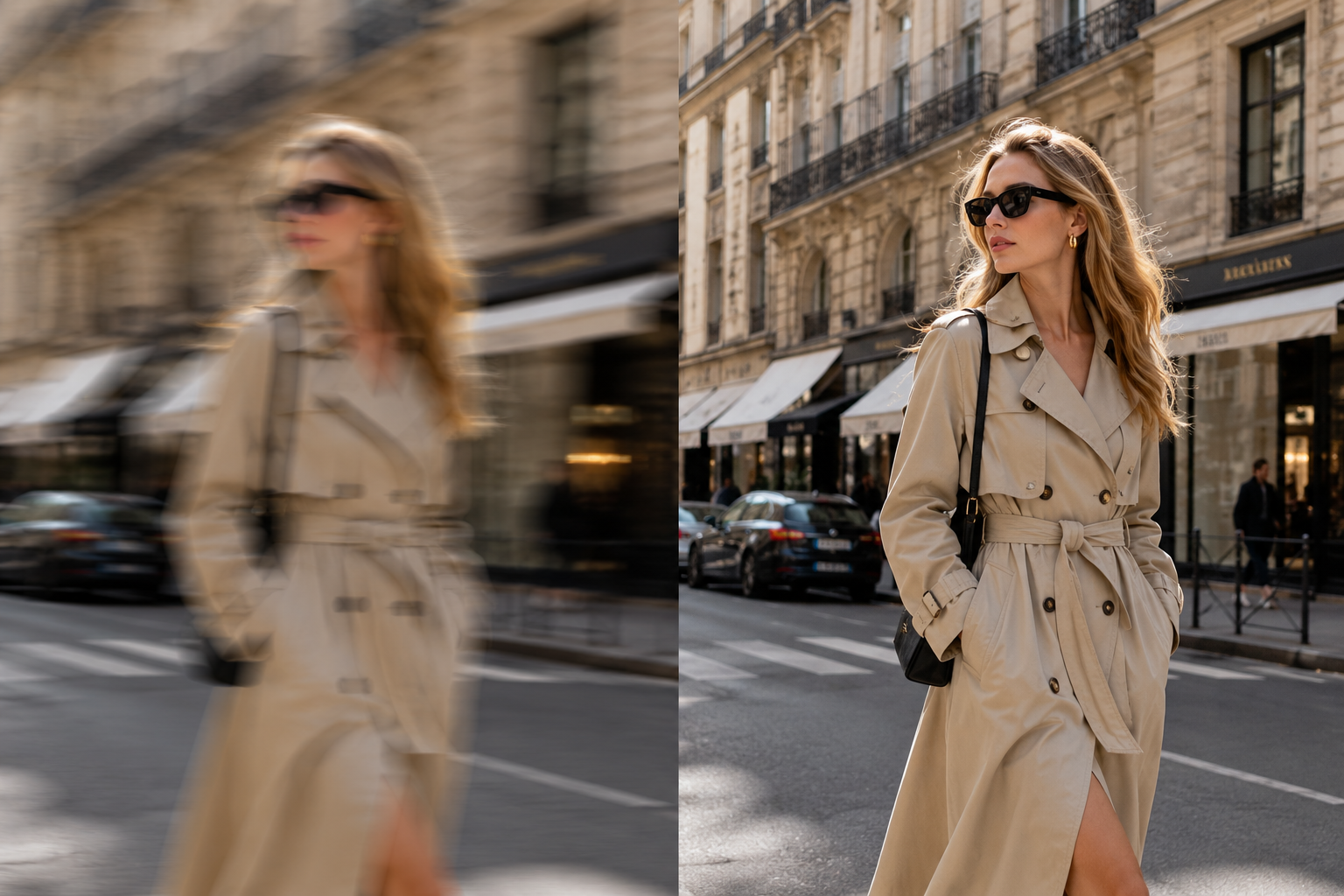
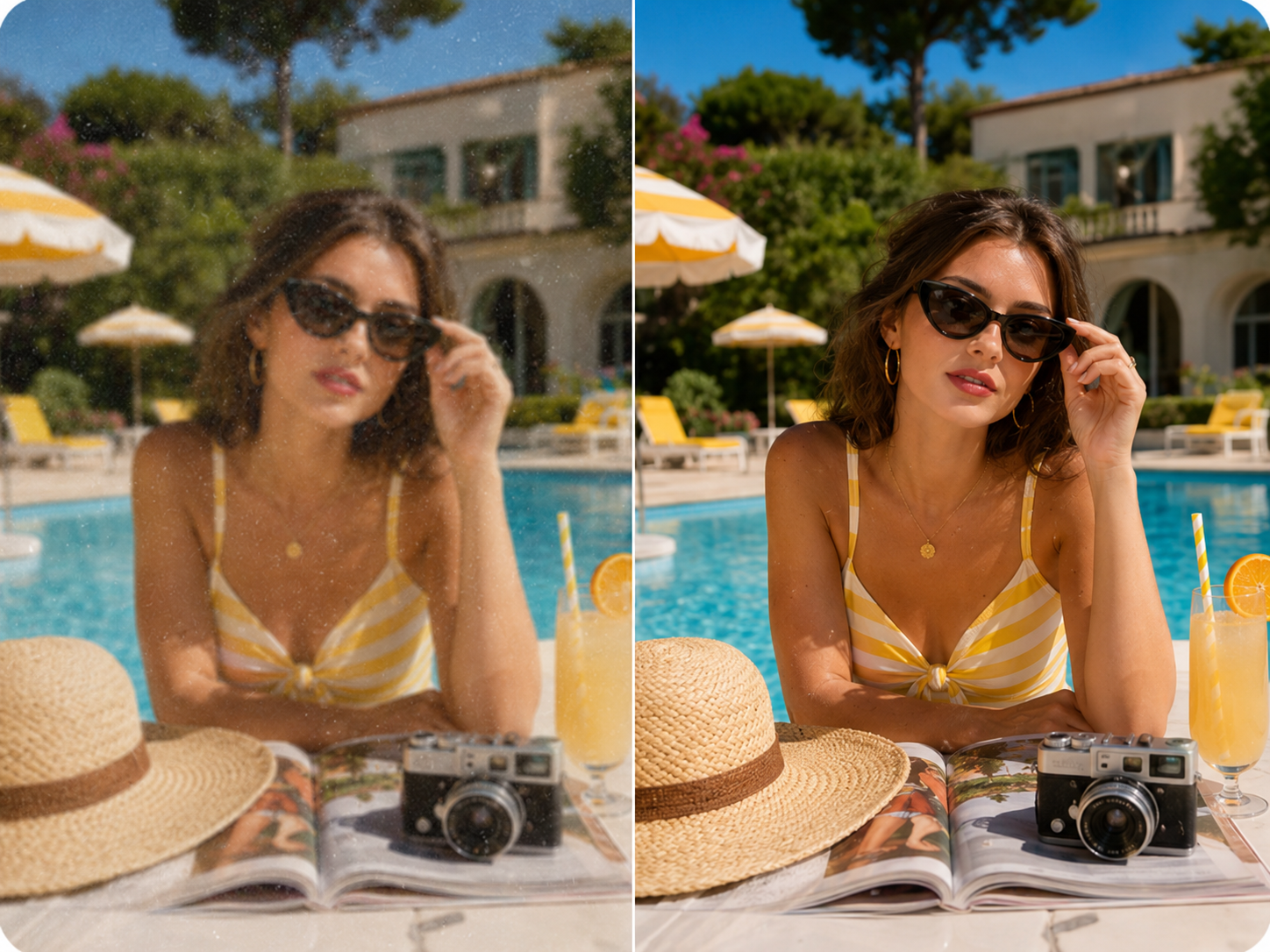
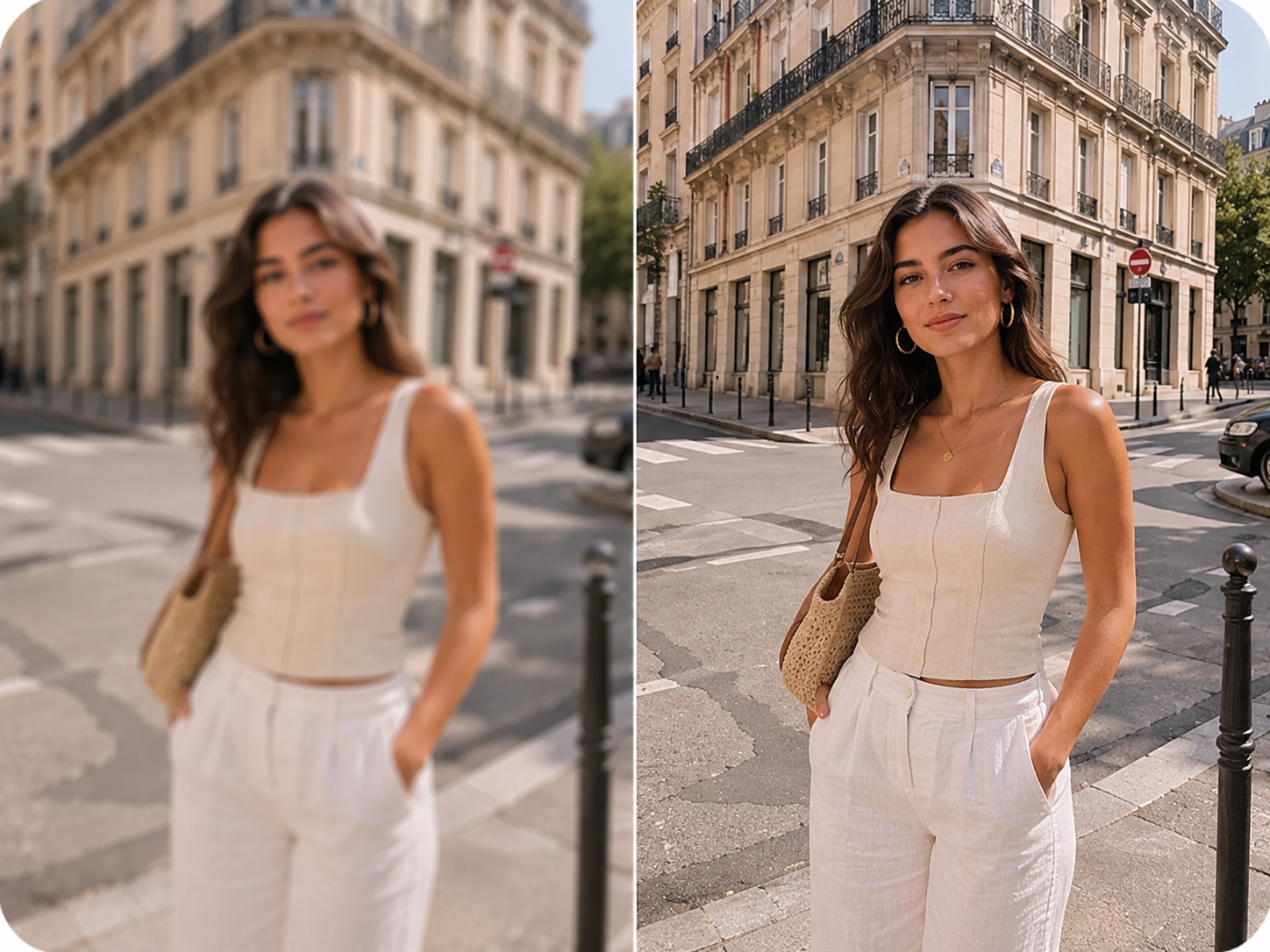
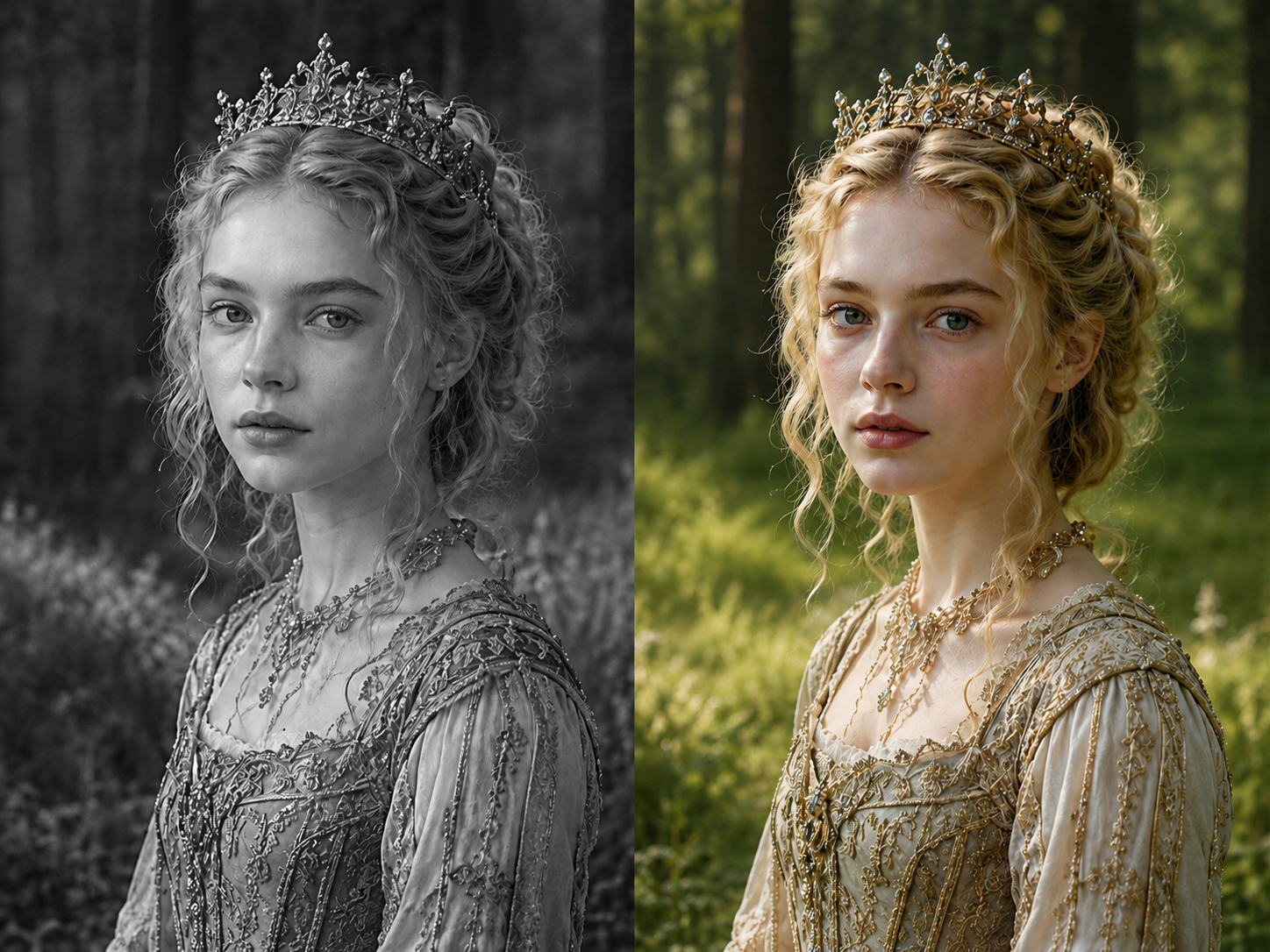
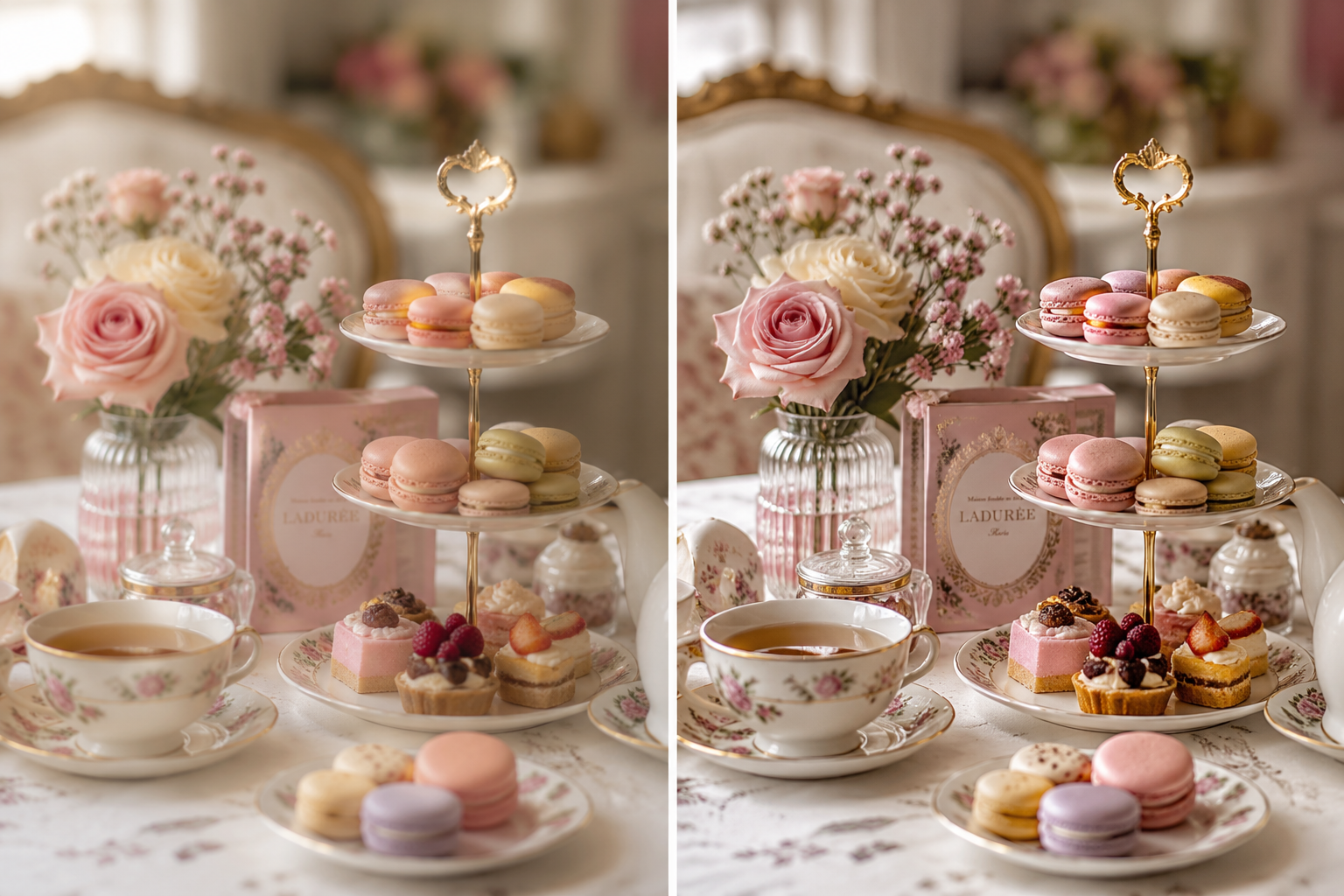
Compare the before and after, check that the clearer result still feels natural, then download the Unblur Image output in PNG, JPG, or WebP for social posts, work files, albums, stores, or personal archives.
A useful Unblur Image tool does more than push a sharpness slider. It studies motion blur, soft focus, compression haze, faces, edges, and texture so the result looks clearer without becoming harsh.
Unblur Image is designed for the blur that happens when the camera, subject, or hand moves at the wrong moment. A cyclist passes the frame, a child turns toward the cake, a pet runs through the park, or a phone shot catches a shaky second. Unblur Image studies directional streaks and soft edges, then rebuilds clearer structure where the source still contains recoverable information. The goal is not a dramatic fantasy remake. The goal is a clean Unblur Image result that makes faces, clothing, food, objects, and background detail easier to see.
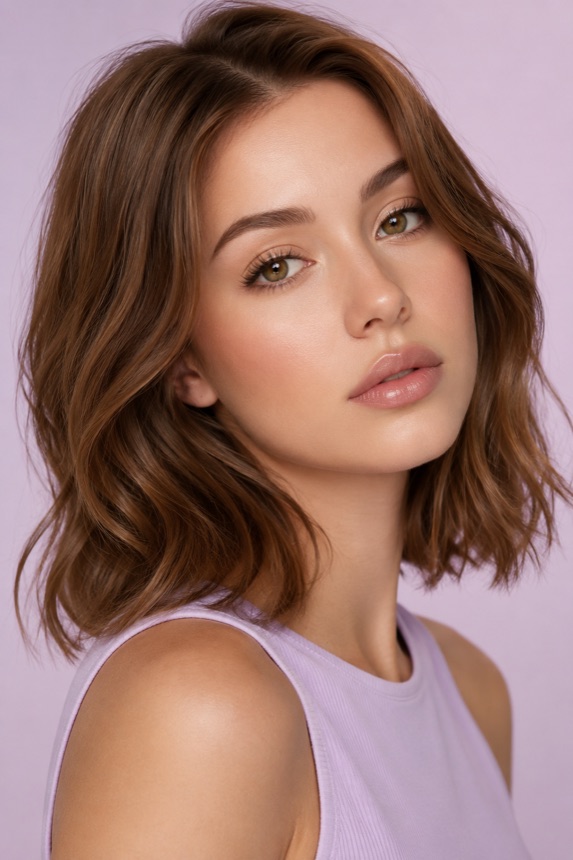
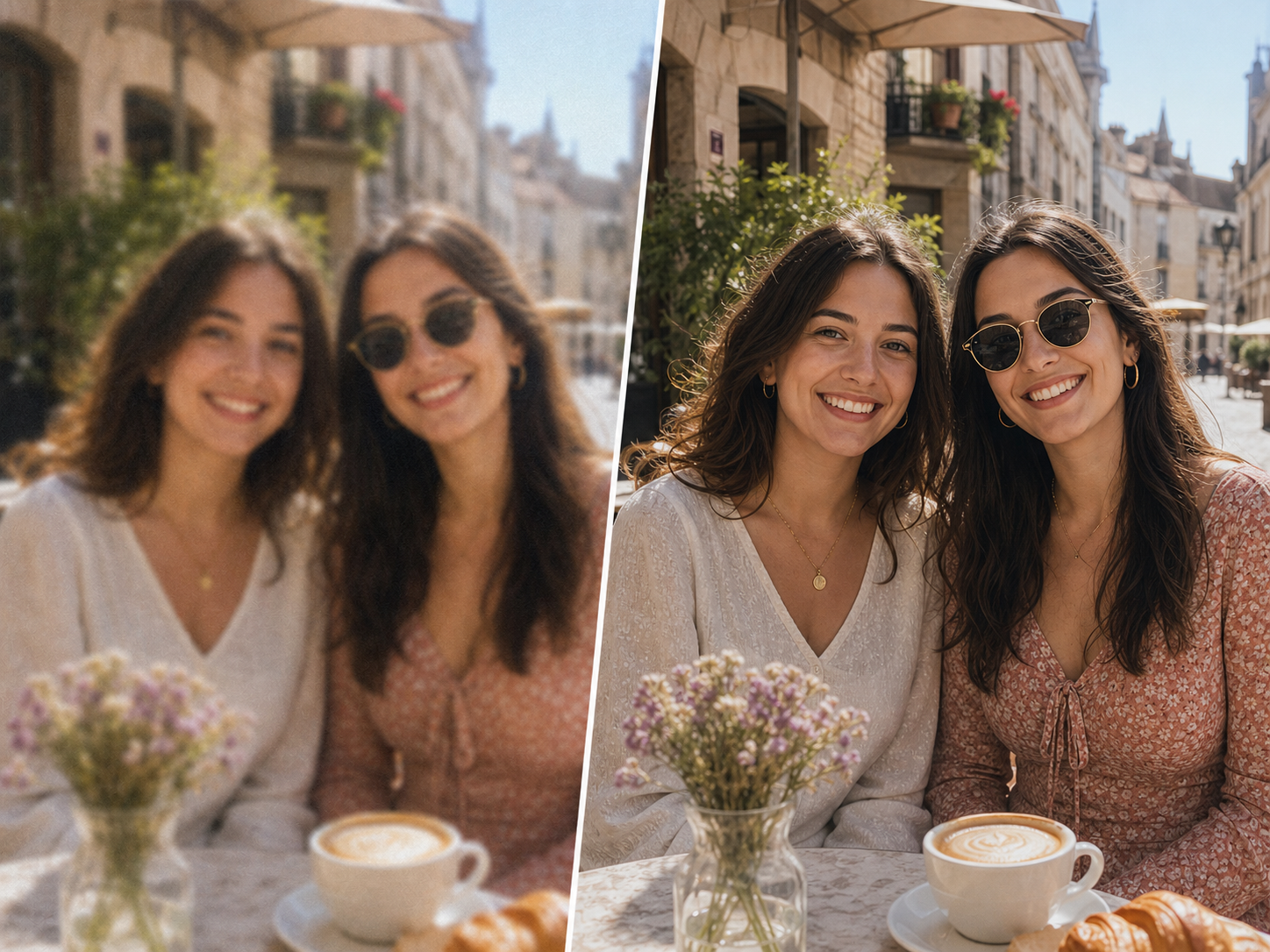
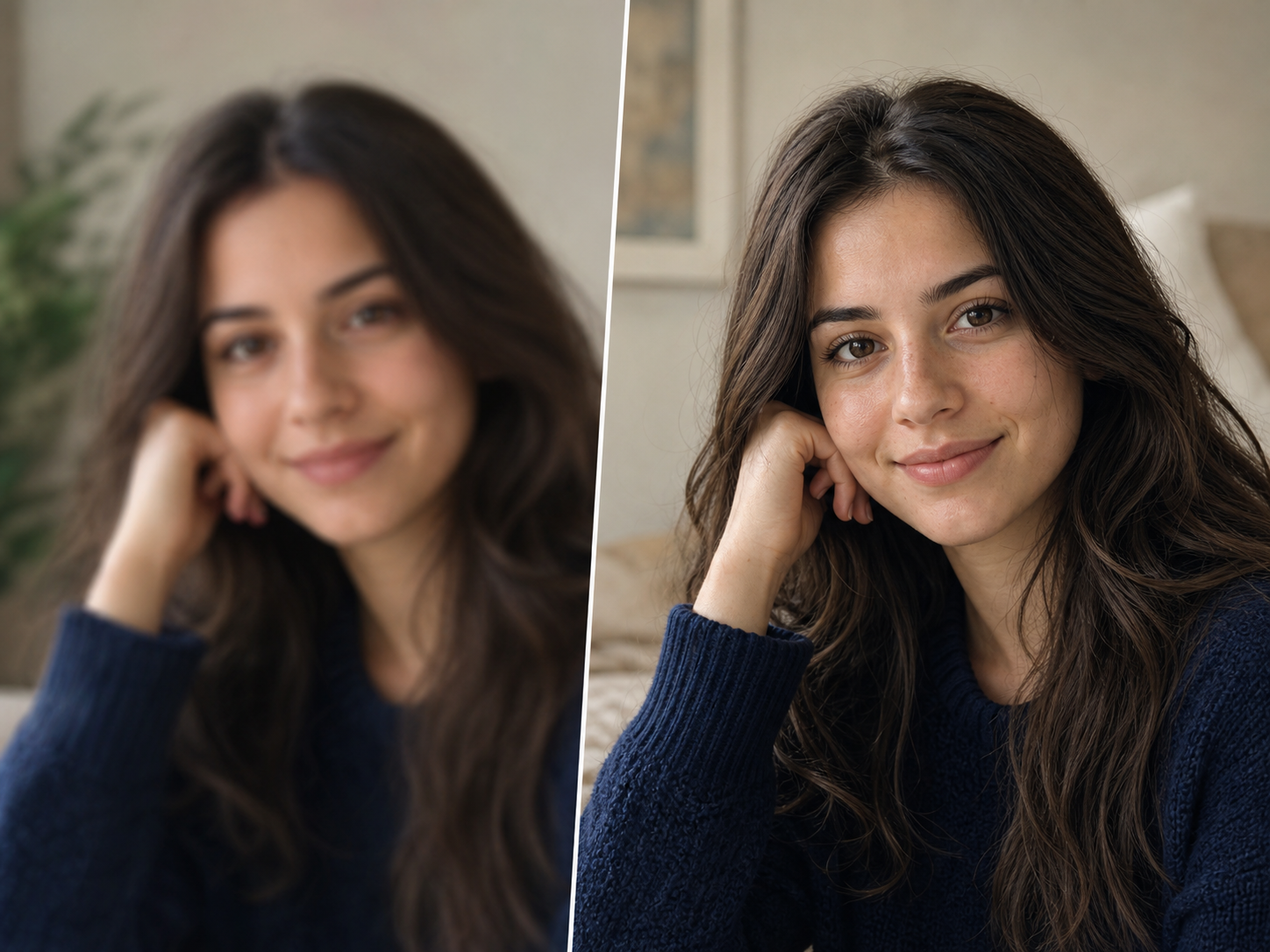
Soft focus can make a good portrait feel unusable even when the expression is perfect. Unblur Image improves eyes, hair, skin texture, clothing edges, and small face details without making skin plastic or changing identity. A normal sharpening filter can add halos around a face, but Unblur Image balances clarity, denoising, and natural contrast. Use Unblur Image for profile photos, family snapshots, event pictures, dating photos, team headshots, and quick portraits that need a cleaner first impression.
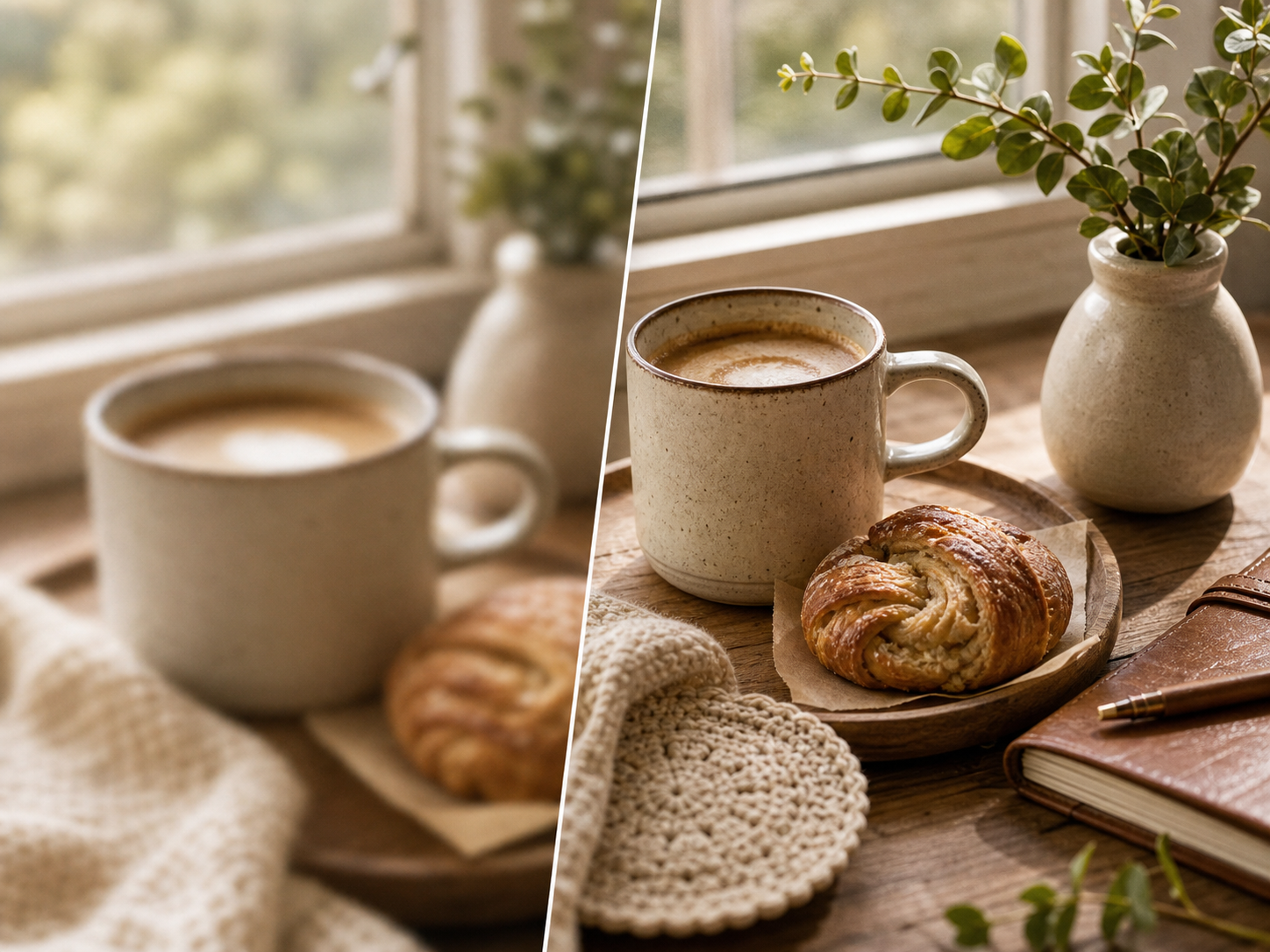
Many blurry images are also compressed, noisy, or dark. Unblur Image helps remove that cloudy look from saved social photos, messaging-app downloads, restaurant shots, product previews, indoor pictures, and low-light phone images. It sharpens visible detail while smoothing harsh artifacts, so the final Unblur Image export is easier to read and share. If the source image is too tiny or completely smeared, any honest Unblur Image tool has limits, but mild and moderate blur can often become much clearer.
Use Unblur Image when a favorite photo almost works but blur gets in the way. Unblur Image can help action shots, portraits, food photos, travel images, old phone pictures, screenshots, and work photos look clearer for sharing, printing, posting, or keeping.


Built for portraits, action shots, food photos, and travel images
AfterUse Unblur Image to clean up movement in sports, cycling, kids running, pets playing, concerts, street photos, and other fast moments where the subject is worth saving.

Unblur Image helps birthdays, group photos, family snapshots, wedding candids, school events, and quick phone portraits look clearer without replacing the real people in the frame.

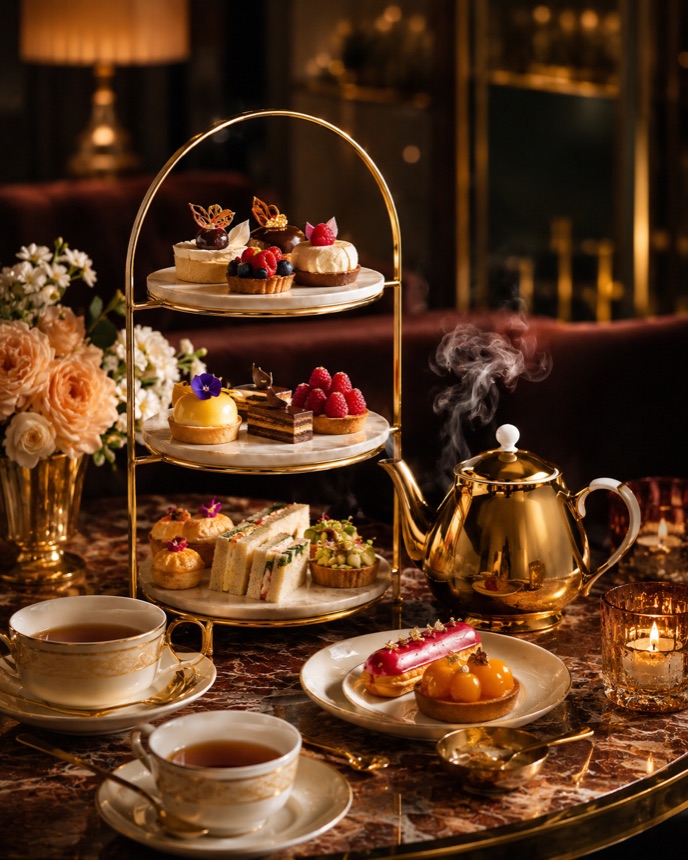
Unblur Image can improve restaurant photos, product details, handmade items, listing images, and social content where a soft capture hides texture, edges, labels, or important detail.

Use Unblur Image for travel streets, landmarks, documents, work photos, screenshots, and quick captures that need clearer structure before you send, post, archive, or print them.

This Unblur Image model is built for practical clarity. It repairs recoverable blur, protects the original scene, and avoids turning your upload into an artificial generated photo.
Together, these Unblur Image controls cover motion blur, soft focus, face clarity, batch cleanup, and private downloads while keeping the original photo intact.
Explore focused AI photo tools for cleanup, upscaling, sharpening, and restoration. Each one helps you move from a tired image to a cleaner result without complicated editing software.

Use AI Photo Enhancer when your image looks dull, noisy, or low quality. It improves clarity, lighting, color, and fine details for portraits, travel photos, product images, and everyday pictures.
Try Photo Enhancer
Use photo restoration for scratched, faded, torn, or stained images. ZEnhancer repairs visible damage, recovers lost contrast, sharpens faces, and prepares old photos for sharing, archiving, or printing.
Restore Photo
Make small or low-resolution images larger for printing, sharing, product pages, wallpapers, and family albums. ZEnhancer upscales photos while keeping edges cleaner and details more natural.

Use Sharpen Image when a photo is not badly blurred but still lacks crisp detail. Improve edges, textures, facial details, pet photos, product shots, and screenshots with a cleaner finish.
Real workflows from creators, families, photographers, teams, and store owners who need clearer images without complicated editing.
Creator
"Unblur Image saved a motion-blurred street portrait I wanted to post. The face looked clearer without turning into a different person."
Store Owner
"A few product shots were just soft enough to look cheap. Unblur Image cleaned the edges and texture before I uploaded the listing."
Photographer
"I use Unblur Image for quick client previews when a good candid has a little shake. It gives me a clean first pass fast."
Event Planner
"Birthday and party photos are never perfect. Unblur Image made the best moments clearer enough for galleries and thank-you posts."
Parent
"My kid never sits still, so half my favorite photos are blurry. Unblur Image helped several family shots become worth keeping."
Designer
"The results were cleaner than a simple sharpen filter. Unblur Image reduced blur without adding harsh halos around every edge."
Office Manager
"We used Unblur Image on quick work photos before sending a report. Details were easier to read and the files stayed natural."
Traveler
"Some travel shots were shaky from walking. Unblur Image made the street scenes clearer without changing the mood of the photos."
Creator
"Unblur Image saved a motion-blurred street portrait I wanted to post. The face looked clearer without turning into a different person."
Store Owner
"A few product shots were just soft enough to look cheap. Unblur Image cleaned the edges and texture before I uploaded the listing."
Photographer
"I use Unblur Image for quick client previews when a good candid has a little shake. It gives me a clean first pass fast."
Event Planner
"Birthday and party photos are never perfect. Unblur Image made the best moments clearer enough for galleries and thank-you posts."
Parent
"My kid never sits still, so half my favorite photos are blurry. Unblur Image helped several family shots become worth keeping."
Designer
"The results were cleaner than a simple sharpen filter. Unblur Image reduced blur without adding harsh halos around every edge."
Office Manager
"We used Unblur Image on quick work photos before sending a report. Details were easier to read and the files stayed natural."
Traveler
"Some travel shots were shaky from walking. Unblur Image made the street scenes clearer without changing the mood of the photos."
Short answers to the questions people ask before they use an online Unblur Image tool on photos that matter.
Unblur Image reduces blur in photos affected by motion, camera shake, soft focus, compression, or low-light softness. Instead of only adding sharpness, Unblur Image analyzes the image and rebuilds cleaner visible detail where the source still has enough information. It helps faces, food, pets, products, travel photos, screenshots, and everyday pictures look clearer.