Step 1
Upload Your Image
Choose a JPG, PNG, or WebP from your device. Image Upscaler works well on 1080P portraits, product photos, compressed social images, travel shots, pet photos, and older files that need 4K, 8K, or 16K clarity.
Use ZEnhancer AI enhancement to improve 1080P photos toward crisp 4K, 8K, or 16K clarity and recover sharper details for prints, wallpapers, product images, and creative projects. Single-image processing needs no account.
4K
Clarity
Turn a 1080P everyday photo into a cleaner 4K, 8K, or 16K image without leaving the browser.
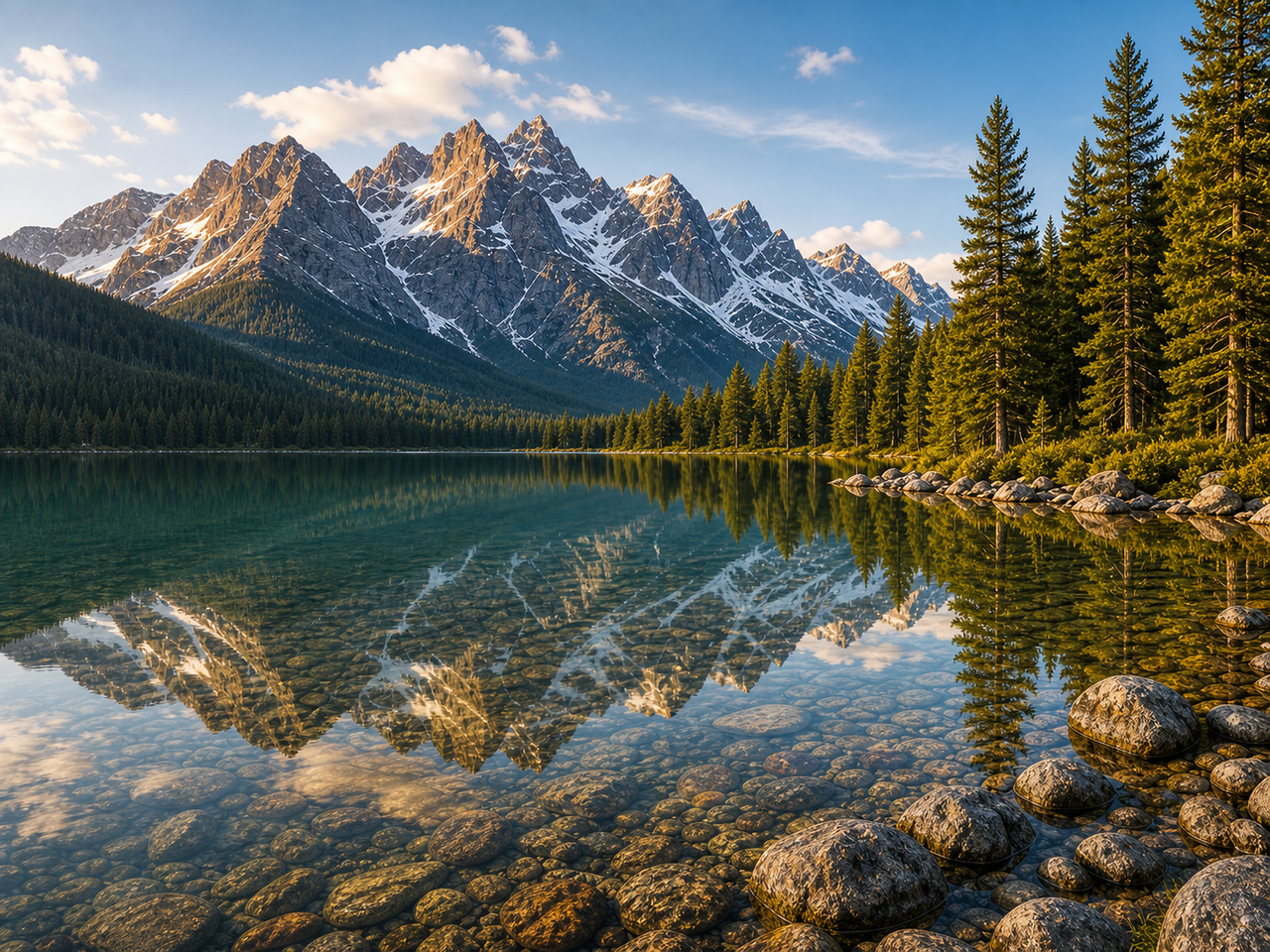
Enhance a 1080P photo into sharper 4K clarity.
Upload up to 10 images at once. JPG, PNG, and WebP supported.
Target clarity
Output format
 AI upscaled
Image Upscaler should feel simple: upload a 1080P photo, choose 4K, 8K, or 16K, let AI rebuild clarity, then download a sharper file that still looks like the original.
Choose a JPG, PNG, or WebP from your device. Image Upscaler works well on 1080P portraits, product photos, compressed social images, travel shots, pet photos, and older files that need 4K, 8K, or 16K clarity.
The Image Upscaler analyzes edges, faces, textures, shadows, compression artifacts, and fine details. Then it improves the image for your selected 4K, 8K, or 16K target while preserving the original crop, aspect ratio, people, objects, and background.
Compare the before and after, check natural detail, and download the Image Upscaler result in PNG, JPG, or WebP. Use the larger file for printing, ecommerce, profiles, slides, or creative work.
A useful Image Upscaler does more than stretch pixels. It improves resolution, sharpens recoverable detail, protects natural texture, and exports a cleaner image for real use.
ZEnhancer Image Upscaler enhances 1080P photos into 4K, 8K, or 16K clarity without only stretching pixels. It keeps the same subject, crop, angle, and framing while rebuilding cleaner edges, smoother curves, and more usable detail for downloads, screenshots, product images, profile photos, and everyday pictures.
A good Image Upscaler should make existing detail easier to see, not replace the whole image. Improve faces, hair, fabric, product surfaces, pet fur, landscapes, and small object edges while reducing compression artifacts, soft blur, and over-sharpened halos.
Prepare larger, cleaner images for print layouts, online stores, social posts, wallpapers, portfolios, presentations, and profile pictures. Export as PNG for higher quality, JPG for smaller sharing files, or WebP when you need faster web performance.
Use ZEnhancer Image Upscaler to enhance 1080P photos into 4K, 8K, or 16K clarity with AI. Make portraits, product photos, landscapes, pet pictures, screenshots, and old photos look larger, sharper, and clearer without recreating them by hand.
Start Image Upscaler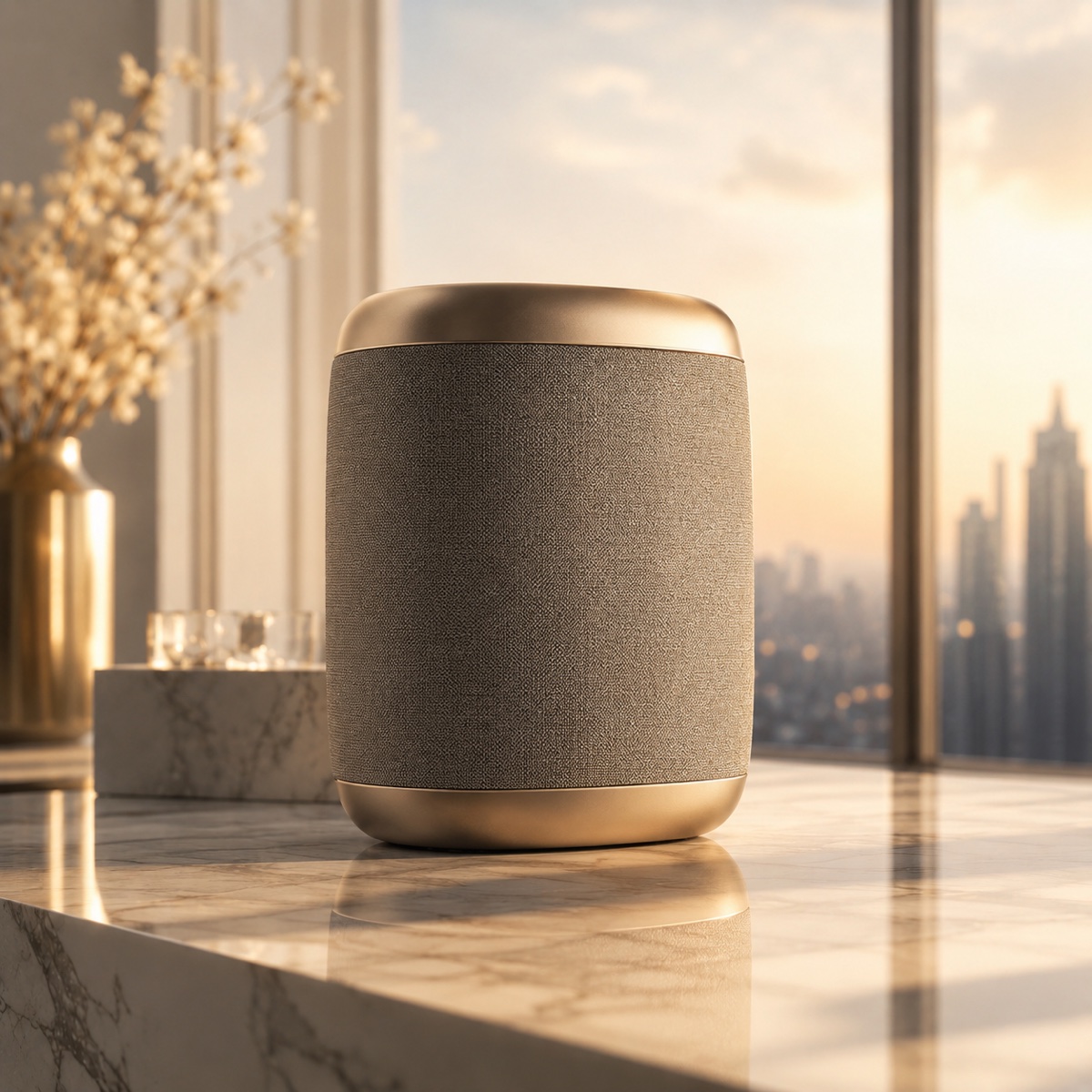
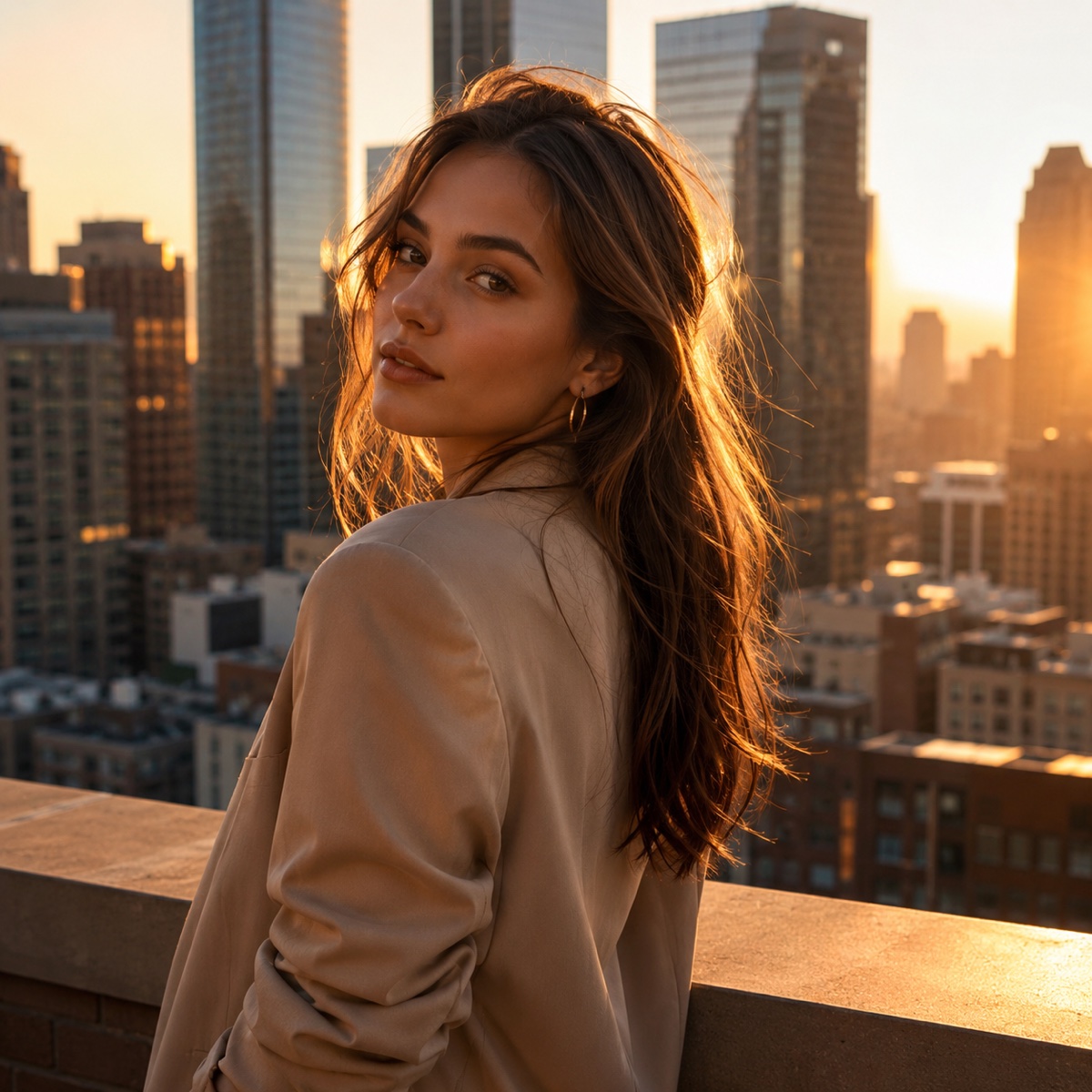
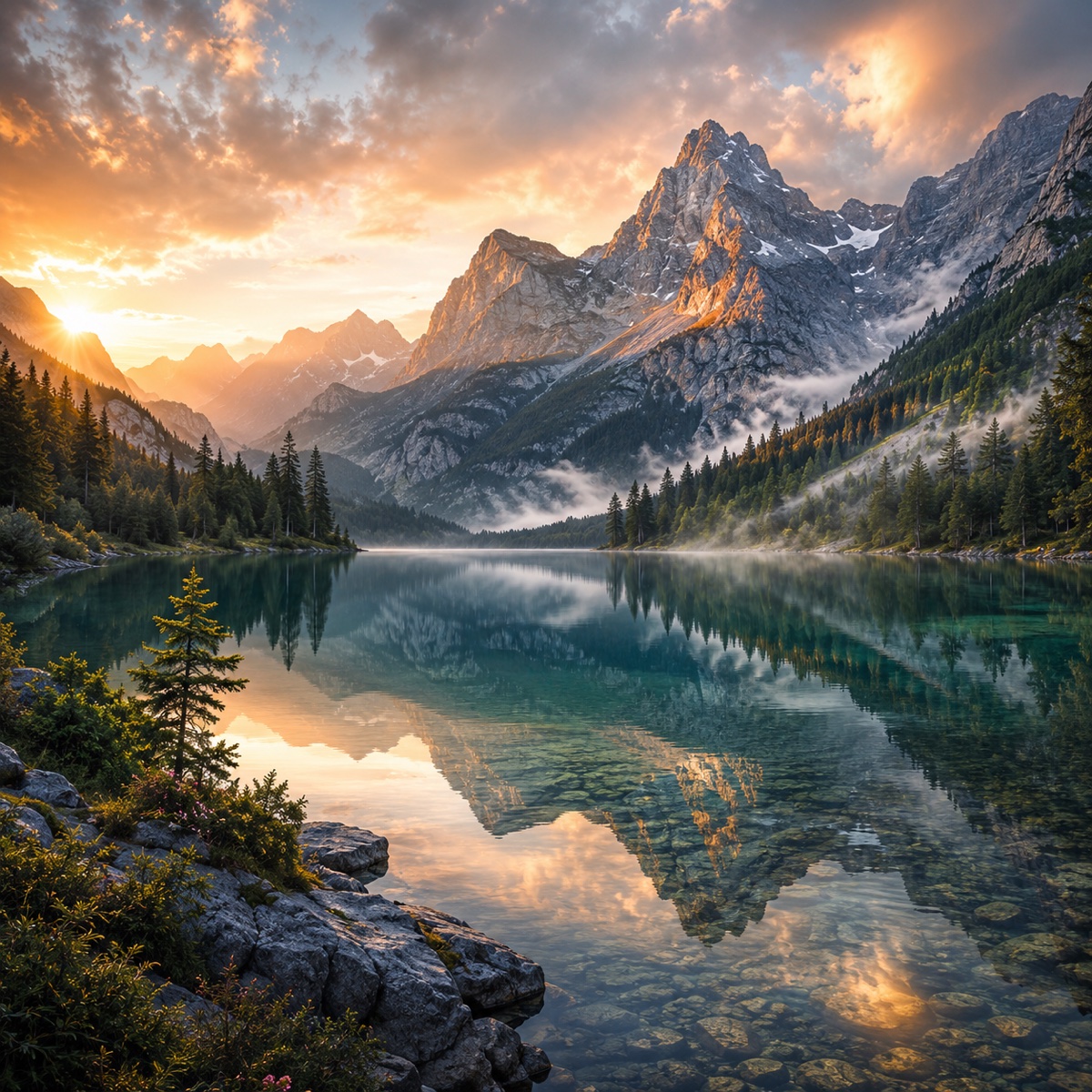
Built for product photos, portraits, travel images, pets, and prints
1080P4KTurn standard 1080p photos into crisp 4K images for wallpapers, desktop backgrounds, and high-resolution screens. ZEnhancer’s AI Image Upscaler enhances details, improves clarity, and keeps your image looking natural.
1080P4KEnhance 1080P images to 8K for posters, wall art, product displays, and professional printing. Our AI upscaling technology improves sharpness while preserving textures, edges, and fine details.
1080P4KUpscale photos to 16K for large-format displays, premium printing, and detailed creative projects. ZEnhancer helps recover image detail at higher resolutions without making the result look overly processed.
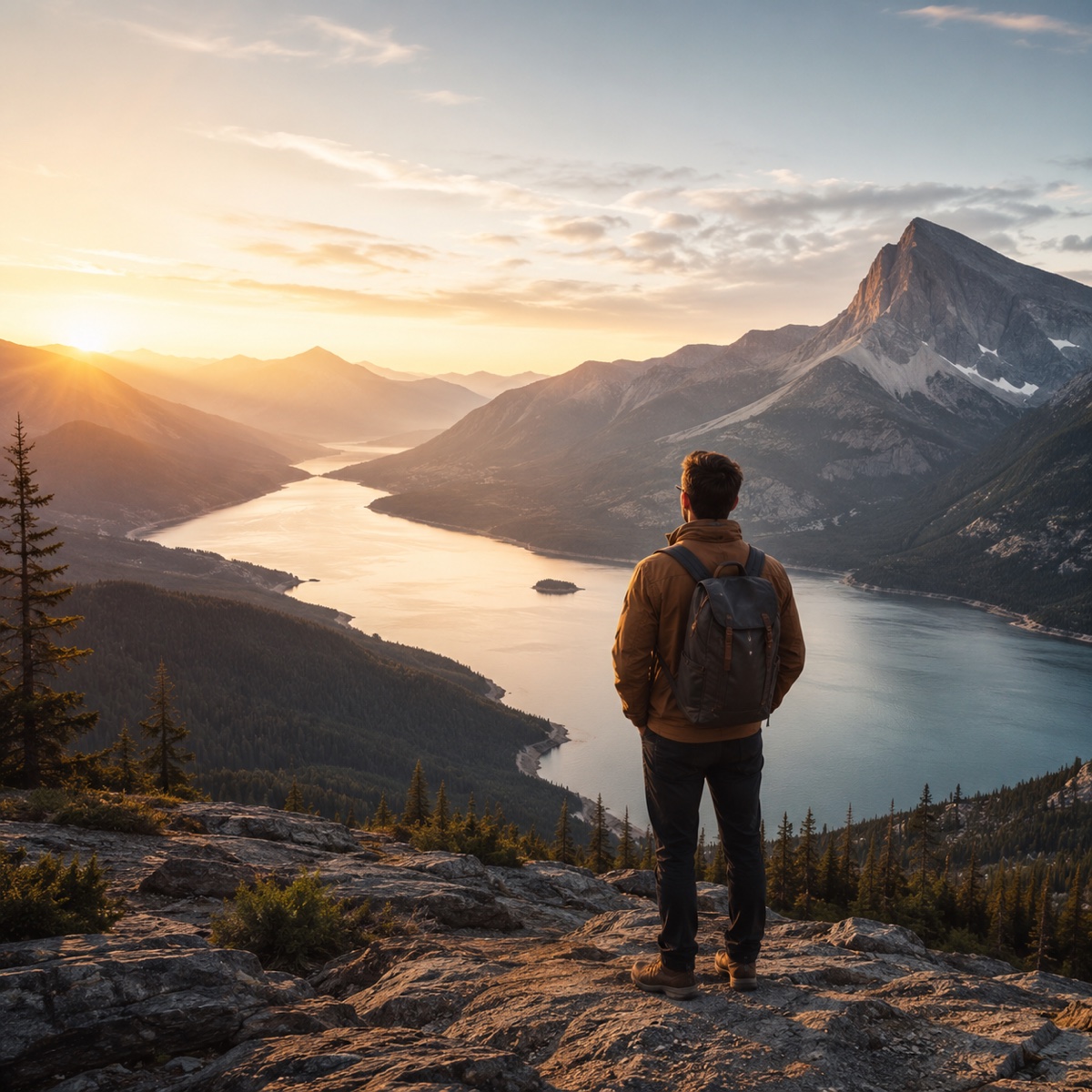 1080P4K
Restore faded, blurry, or older 1080P vintage photos with AI upscaling. Bring old family pictures and historical images back to life with clearer details, sharper edges, and modern display quality.

This Image Upscaler is built for faithful enlargement. It studies the uploaded image first, then increases visible clarity without changing the crop, identity, layout, or image character.
Together, these Image Upscaler controls cover higher resolution, batch cleanup, private uploads, and print-ready detail without changing the original image character.
Explore focused AI photo tools for cleanup, upscaling, sharpening, and restoration. Each one helps you move from a tired image to a cleaner result without complicated editing software.
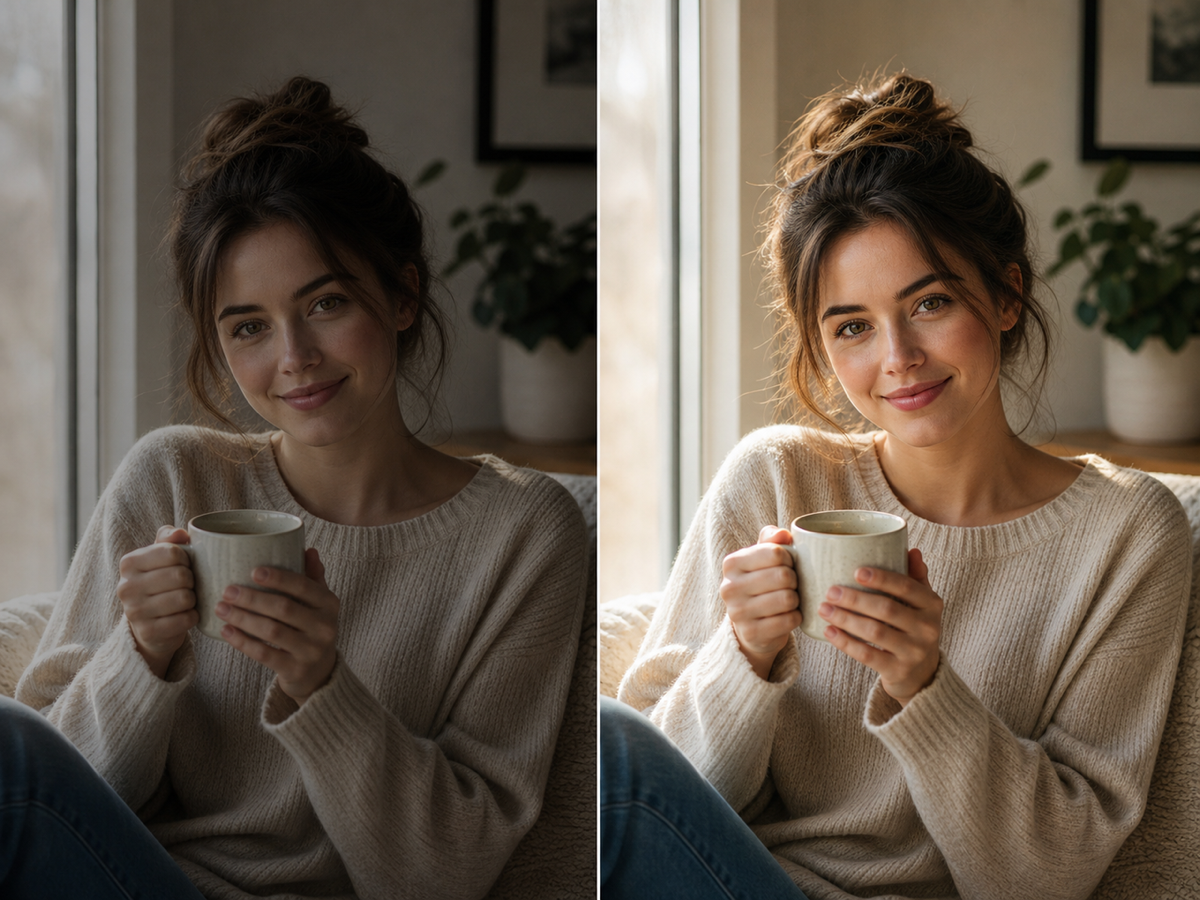
Use AI Photo Enhancer when your image looks dull, noisy, or low quality. It improves clarity, lighting, color, and fine details for portraits, travel photos, product images, and everyday pictures.
Try Photo Enhancer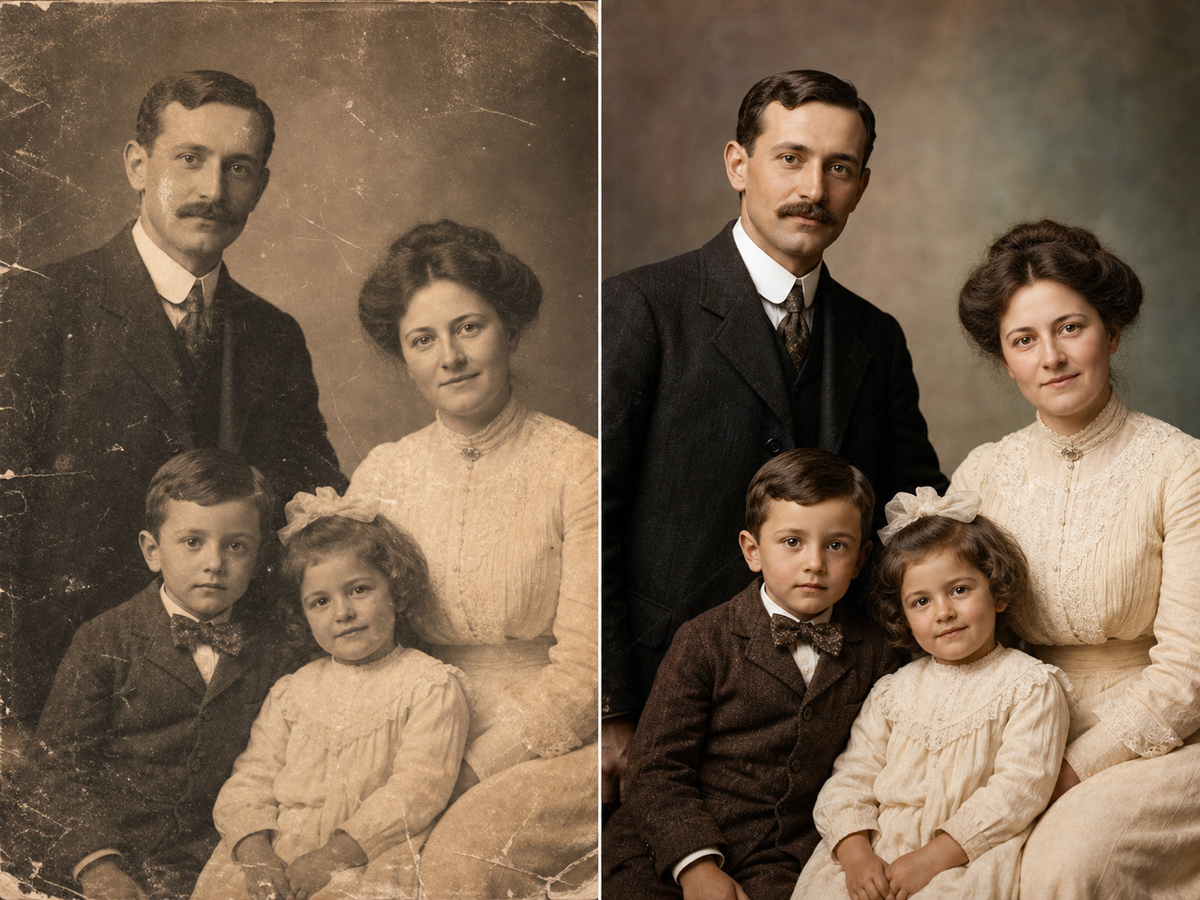
Use photo restoration for scratched, faded, torn, or stained images. ZEnhancer repairs visible damage, recovers lost contrast, sharpens faces, and prepares old photos for sharing, archiving, or printing.
Restore Photo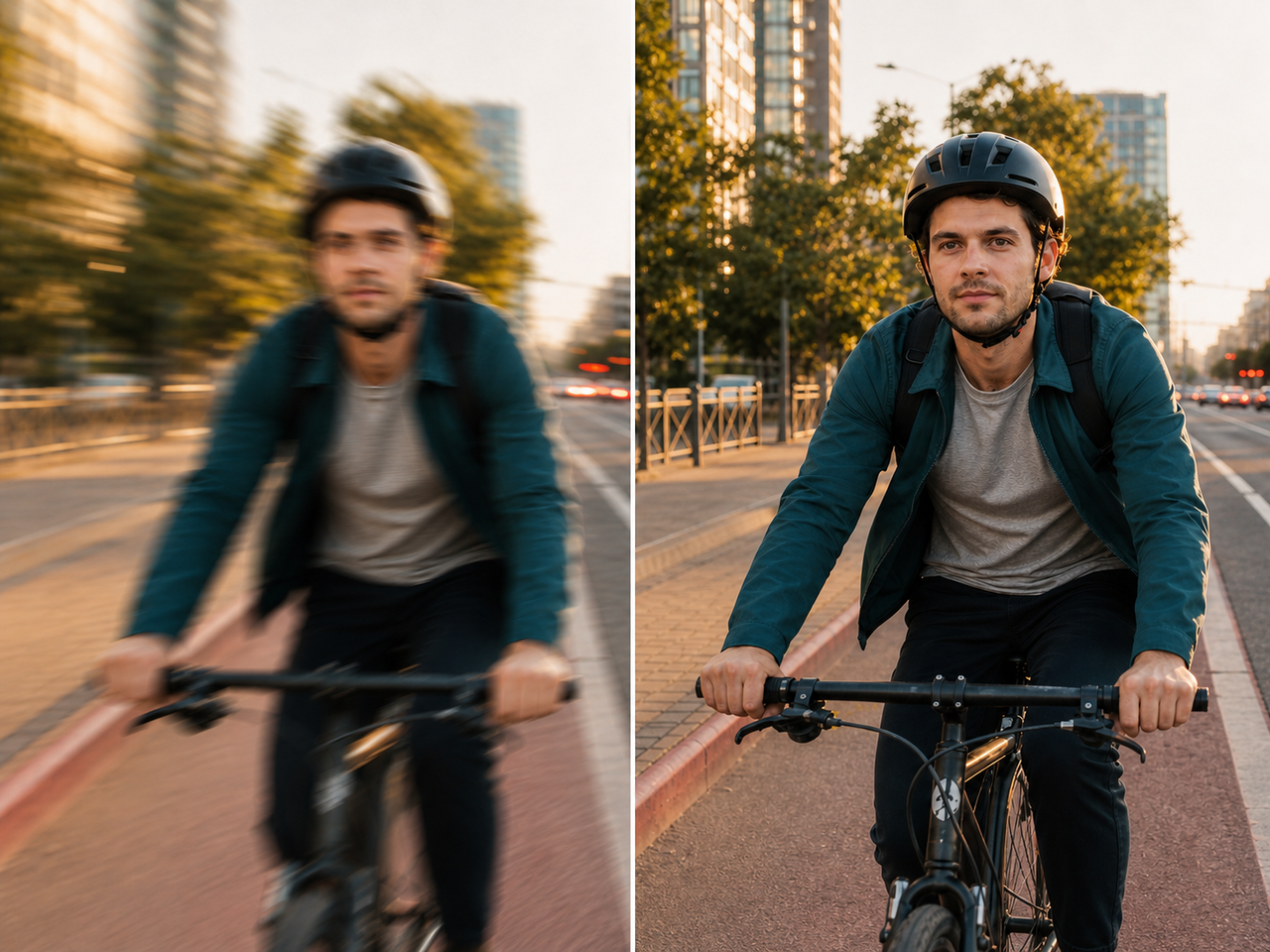
Recover clearer details from photos affected by soft focus, slight motion blur, camera shake, or compression. Use Unblur Image for faces, screenshots, food photos, work images, and everyday pictures that need a cleaner look.
Try Unblur Image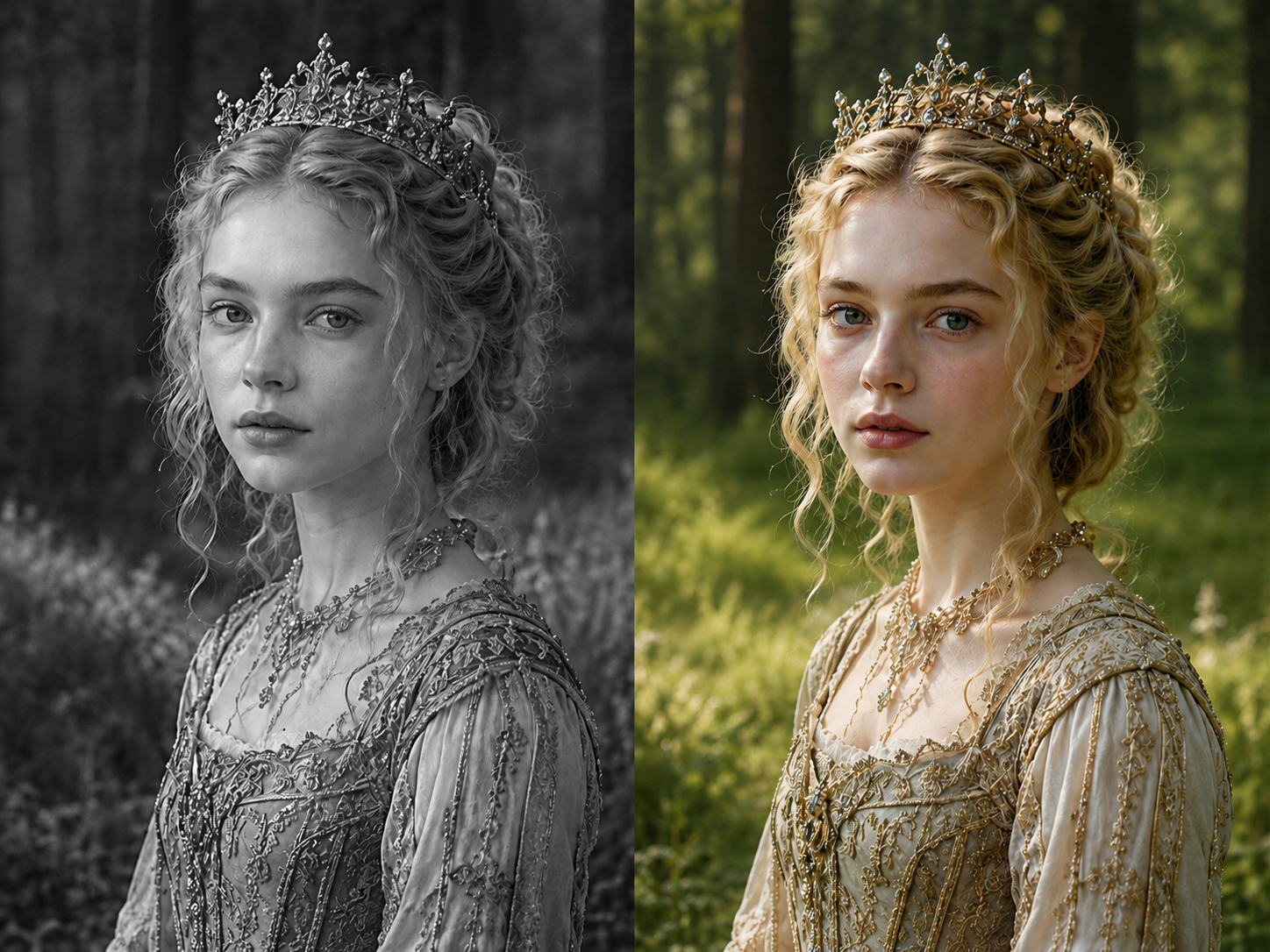
Add natural color to old family photos, portraits, weddings, archives, and black-and-white scans while preserving the original people, expressions, crop, and memory.
Start Photo Colorizer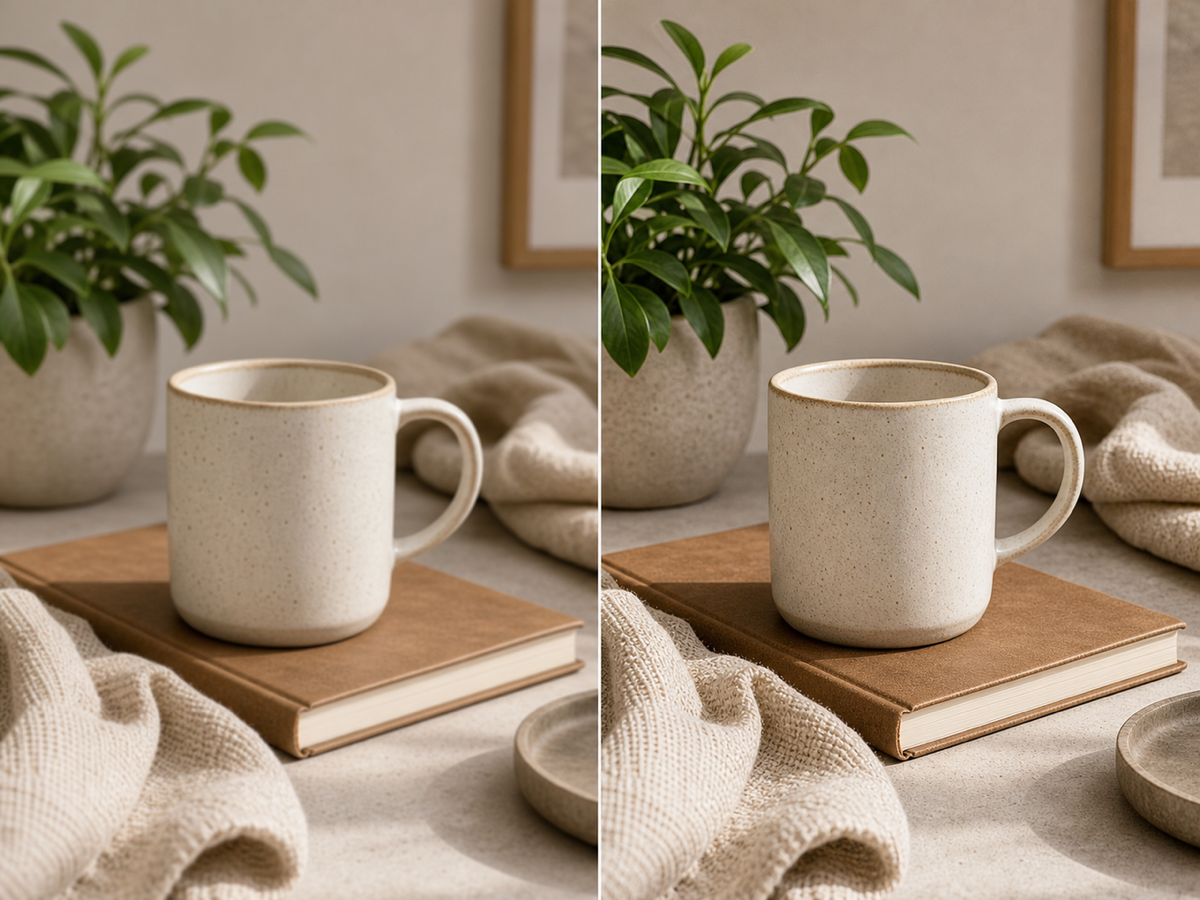
Use Sharpen Image when a photo is not badly blurred but still lacks crisp detail. Improve edges, textures, facial details, pet photos, product shots, and screenshots with a cleaner finish.
Start Sharpen ImageReal workflows from sellers, photographers, designers, bloggers, and small business owners who need larger images without a long editing session.

Etsy Seller
"My product photos were too small for new listings. Image Upscaler made them larger and cleaner without changing the handmade details."
Print Shop Owner
"Customers bring phone photos all the time. The Image Upscaler result gives us a better starting file before cards, posters, and framed prints."

Photographer
"I use it for quick previews when a client sends a tiny reference image. It sharpens enough detail without giving faces that plastic look."
Real Estate Assistant
"Old listing photos looked soft after cropping. Image Upscaler helped us prepare cleaner web images and kept rooms and lines natural."

Student Designer
"I needed a 1080P image to look sharp on a presentation board. Image Upscaler saved it from looking fuzzy on a large classroom screen."

Graphic Designer
"For quick layout comps, this is a useful first pass. It gives me a larger image with cleaner texture before I do any final polish."
Travel Blogger
"Some of my older trip photos were too small for blog headers. Image Upscaler made them clearer without turning skies and buildings strange."

Pet Store Owner
"Pet photos lose detail fast on ads. Image Upscaler helped fur and eyes look cleaner and kept the original expression."
Etsy Seller
"My product photos were too small for new listings. Image Upscaler made them larger and cleaner without changing the handmade details."
Print Shop Owner
"Customers bring phone photos all the time. The Image Upscaler result gives us a better starting file before cards, posters, and framed prints."
Photographer
"I use it for quick previews when a client sends a tiny reference image. It sharpens enough detail without giving faces that plastic look."
Real Estate Assistant
"Old listing photos looked soft after cropping. Image Upscaler helped us prepare cleaner web images and kept rooms and lines natural."
Student Designer
"I needed a 1080P image to look sharp on a presentation board. Image Upscaler saved it from looking fuzzy on a large classroom screen."
Graphic Designer
"For quick layout comps, this is a useful first pass. It gives me a larger image with cleaner texture before I do any final polish."
Travel Blogger
"Some of my older trip photos were too small for blog headers. Image Upscaler made them clearer without turning skies and buildings strange."
Pet Store Owner
"Pet photos lose detail fast on ads. Image Upscaler helped fur and eyes look cleaner and kept the original expression."
Short answers to the questions people ask before using an online Image Upscaler for prints, stores, social posts, and everyday photo cleanup.
Image Upscaler enhances a 1080P or compressed image into 4K, 8K, or 16K clarity and improves perceived detail at the same time. Instead of only stretching pixels, Image Upscaler analyzes visible structure and rebuilds cleaner edges, textures, faces, objects, and background detail. The result is a sharper high-resolution image that is easier to print, publish, crop, or share while still preserving the original composition.