Upload a Black-and-White Photo
Choose a JPG, PNG, or WebP scan, portrait, family picture, archive image, or vintage photo. Photo Colorizer works best when faces, clothing, background, and lighting are visible enough for natural color prediction.
Use ZEnhancer Photo Colorizer to add natural color to black-and-white photos online. Photo Colorizer brings gentle, realistic color to faces, clothing, skies, backgrounds, and old family pictures while preserving the original photo.
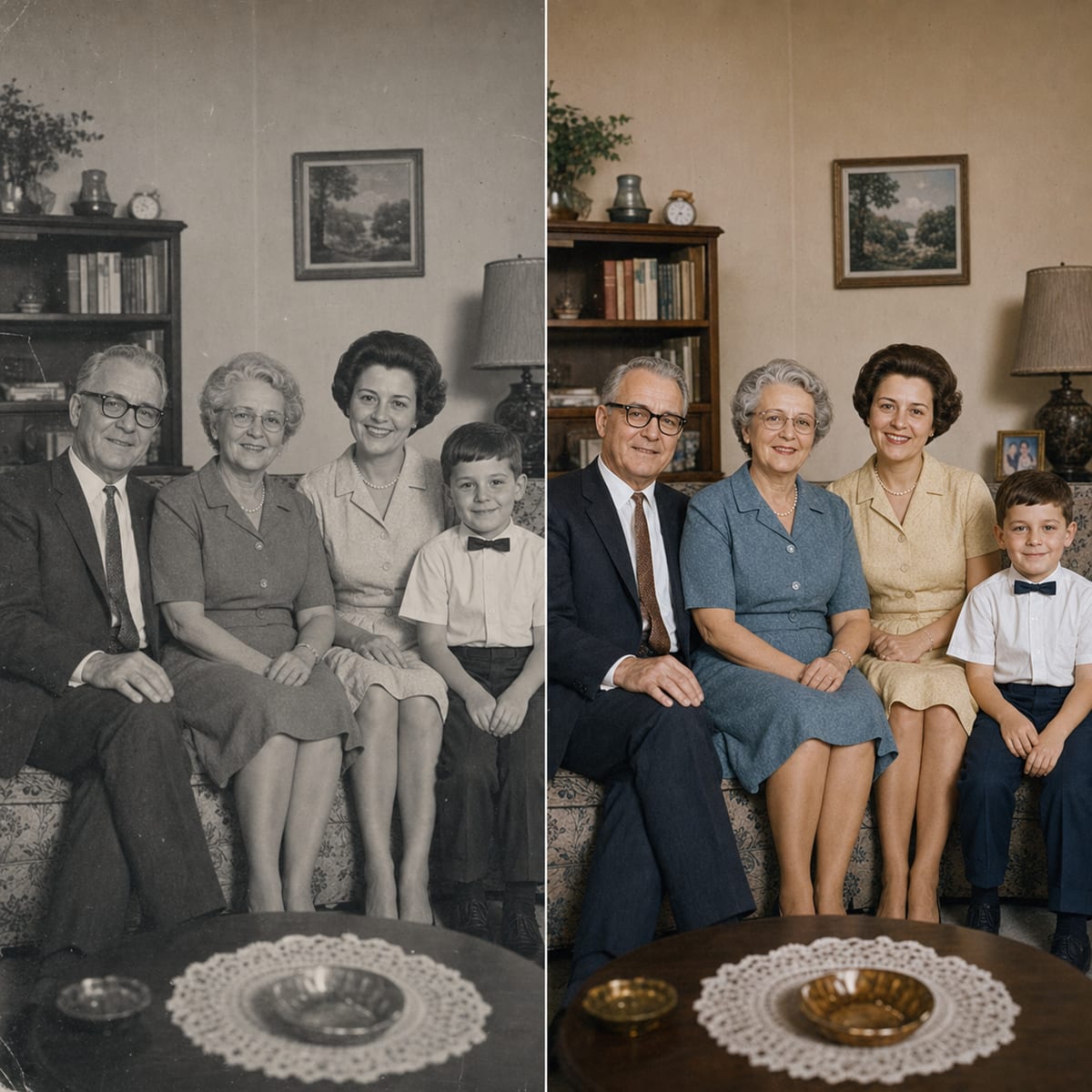
AfterAdd gentle color to inherited family photos while keeping faces, clothing, and memory intact.
AI Colorizer ModelDrag an image here or choose a black-and-white photo to colorize.
Upload up to 10 black-and-white images at once. JPG, PNG, and WebP supported.
Color style
AI colorizedPhoto Colorizer should feel simple: upload a black-and-white photo, let AI add believable color, then download a refreshed image that still respects the original.
Choose a JPG, PNG, or WebP scan, portrait, family picture, archive image, or vintage photo. Photo Colorizer works best when faces, clothing, background, and lighting are visible enough for natural color prediction.
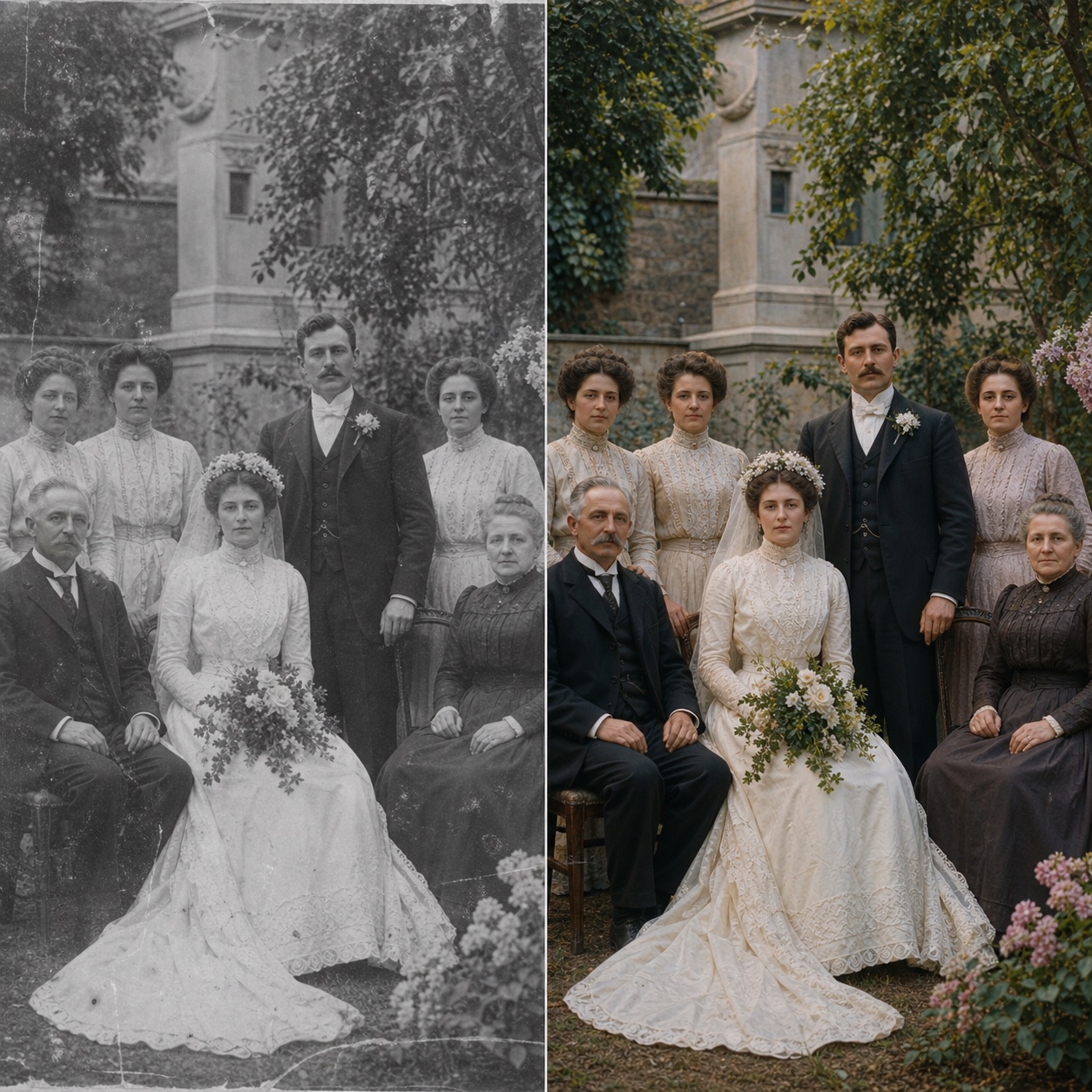
Photo Colorizer analyzes faces, skin, hair, clothing, objects, skies, plants, buildings, and background context. Then it adds gentle color while preserving the original crop, people, expressions, and old-photo character.
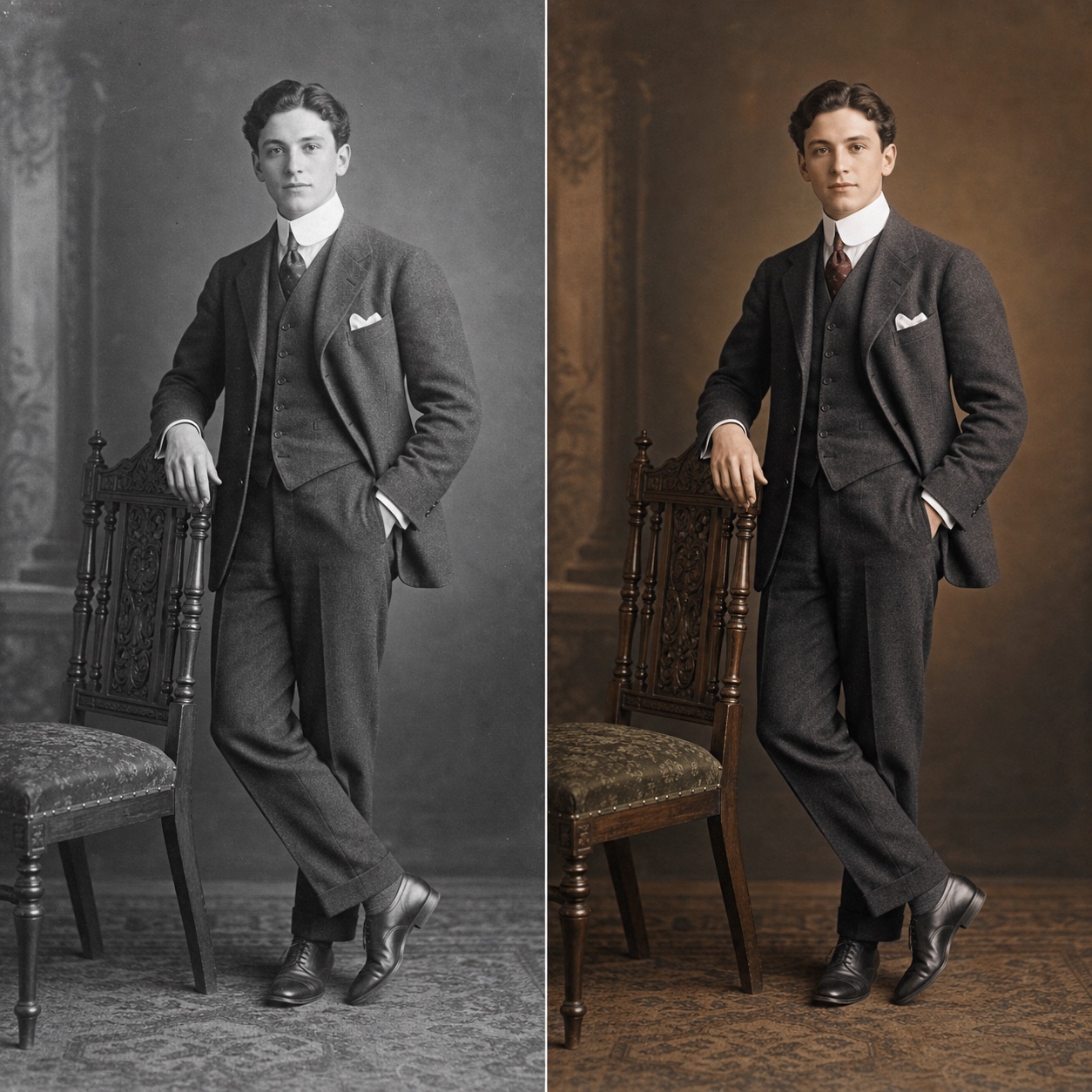
Compare the before and after, check that colors look natural, then download the Photo Colorizer output in PNG, JPG, or WebP for family albums, social posts, gifts, archives, or prints.
Photo Colorizer adds natural color while protecting the original photo. It focuses on believable skin, clothing, skies, plants, buildings, background context, and old-photo character instead of making the image look artificial.
Add natural color to grayscale family photos, portraits, wedding pictures, street scenes, and archive images. Photo Colorizer predicts likely tones for skin, clothing, skies, plants, buildings, and backgrounds.
Keep people at the center of the photo. Photo Colorizer focuses on believable skin tones, hair, facial detail, clothing color, and background separation without making the image look like a cartoon.
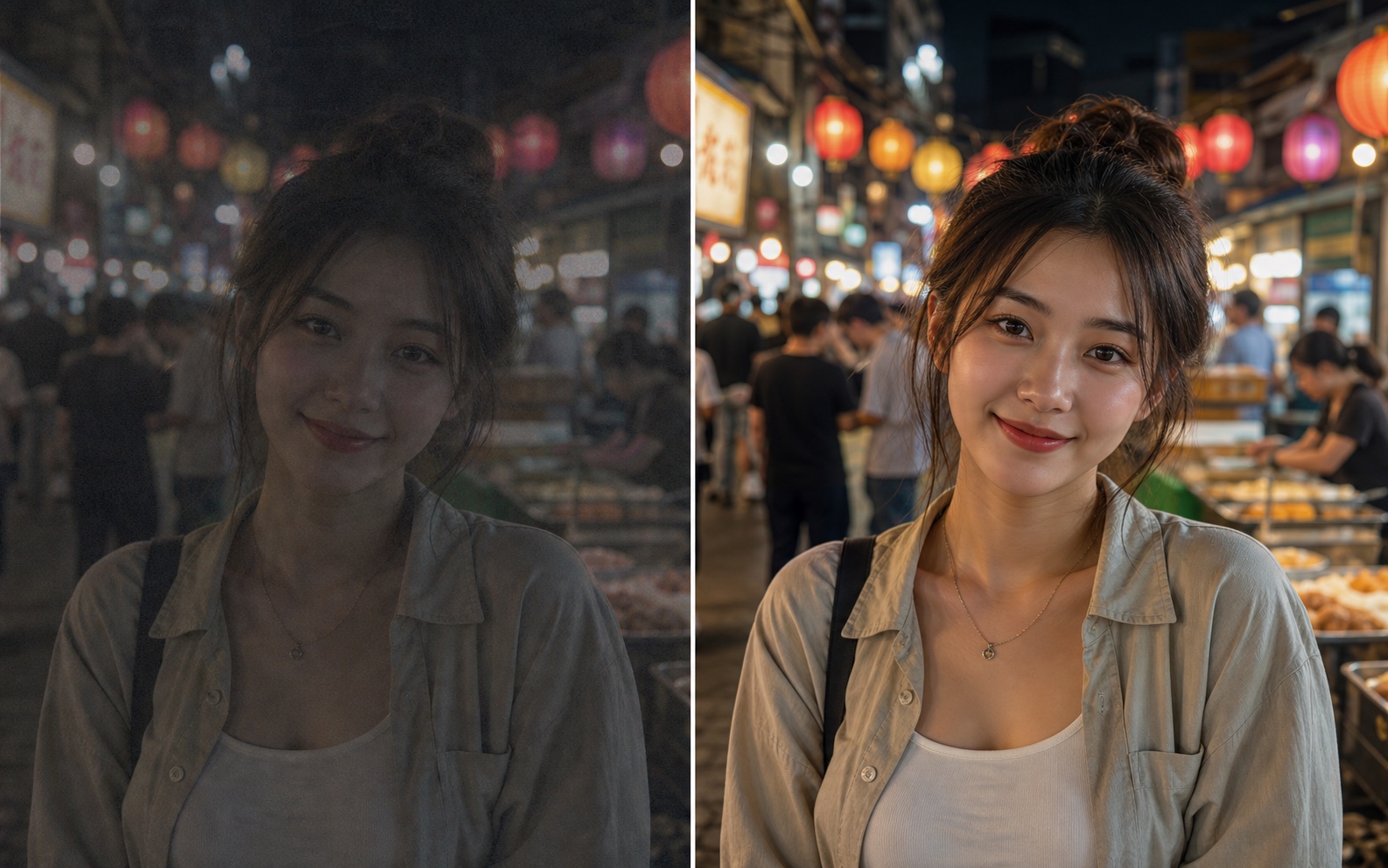
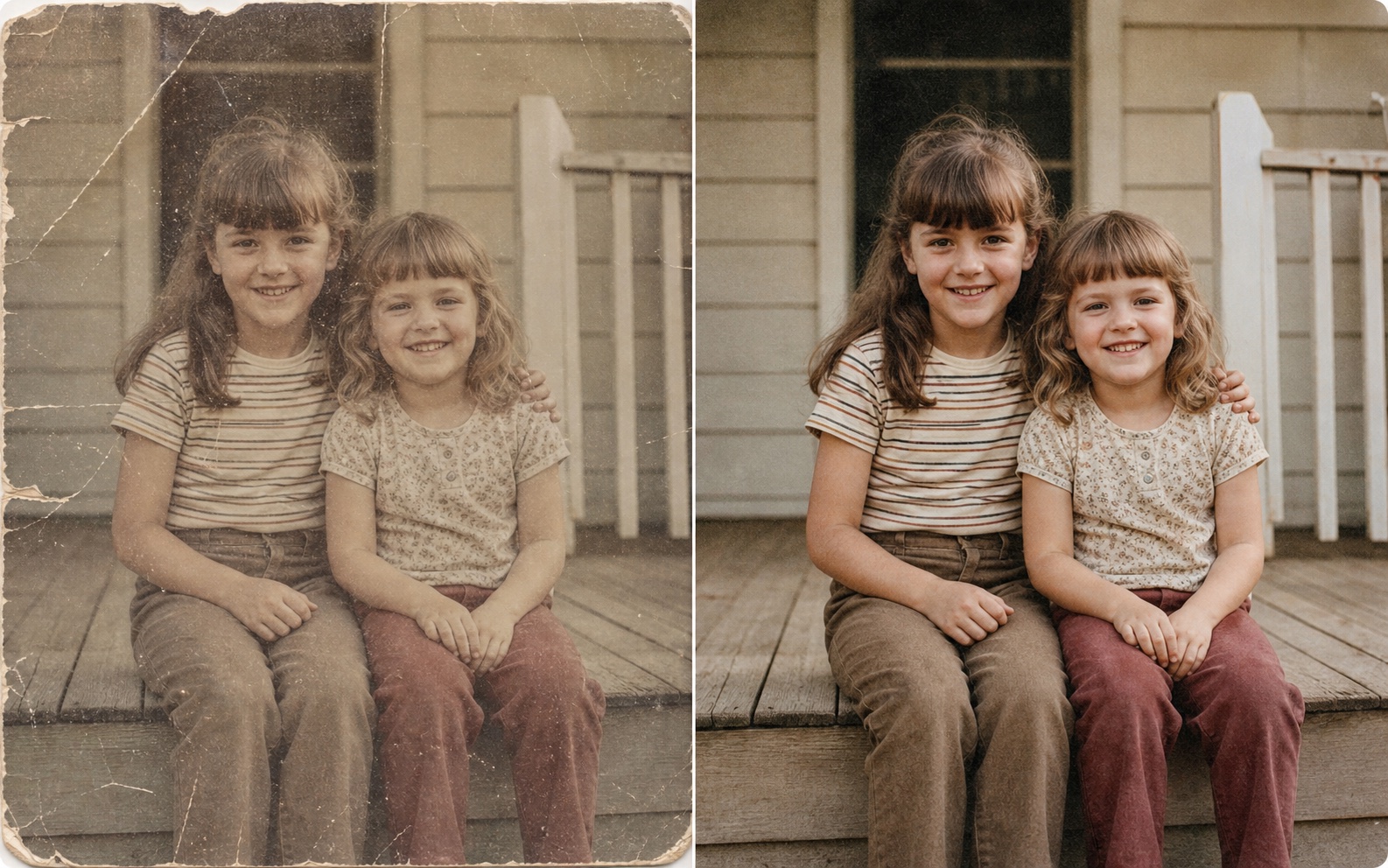
Old scans can be faded, yellowed, low contrast, or slightly damaged. Photo Colorizer can work alongside restoration and enhancement to produce a cleaner, colorized photo for sharing or printing.

Use Photo Colorizer when an old or black-and-white photo feels meaningful but distant. Add gentle color to family pictures, vintage portraits, weddings, archives, travel scenes, and historical images while keeping the original memory intact.


Built for family photos, portraits, weddings, archives, and prints

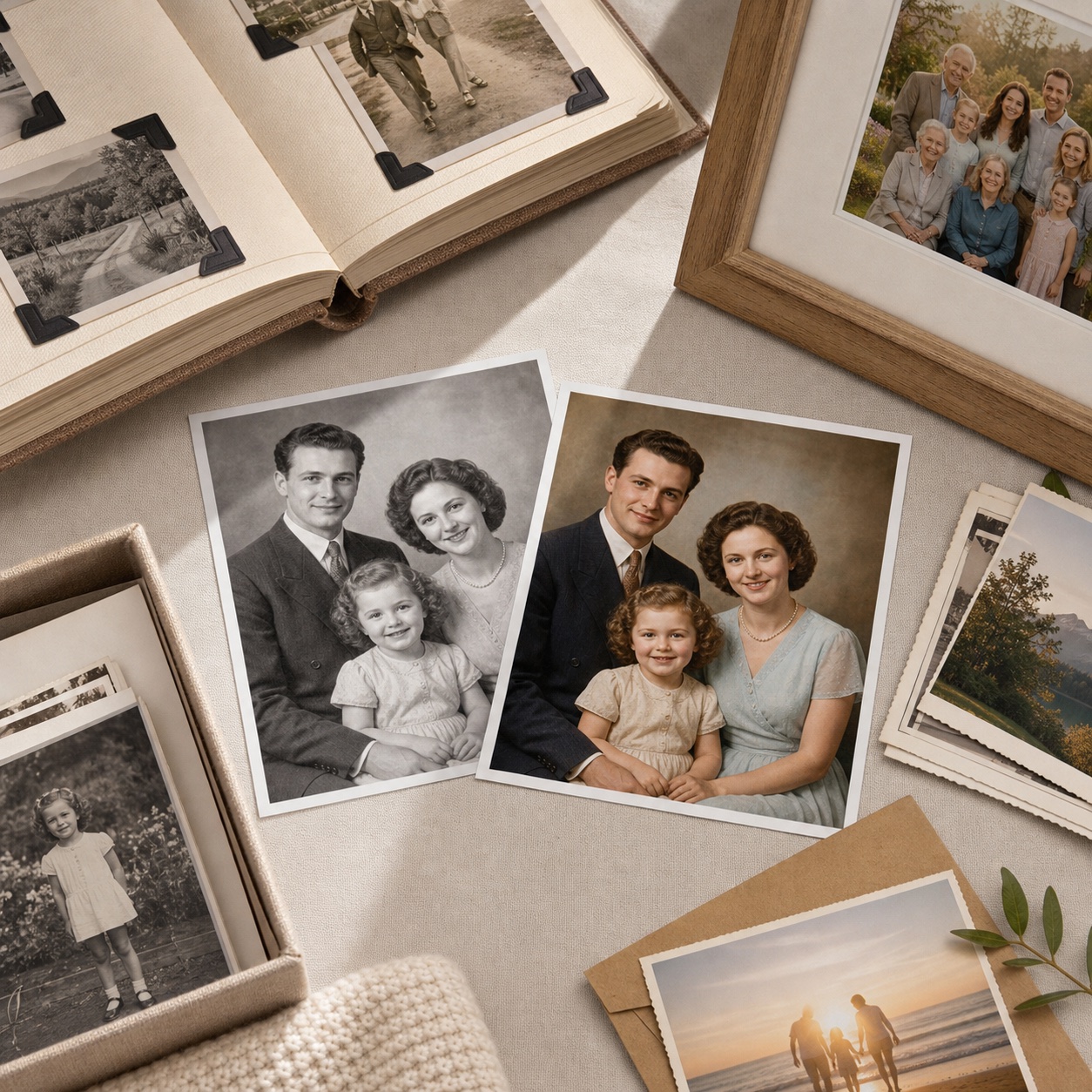
Bring family portraits, album scans, and inherited pictures closer to life with natural-looking skin, clothing, and background color.

Refresh black-and-white portraits with gentle tones while preserving faces, expressions, hair, clothing, and the old-photo mood.

Add believable color to wedding images, historical records, school photos, and archive scans for sharing, exhibits, and keepsakes.

Download colorized images for social posts, framed gifts, family albums, reunion slideshows, or printable digital backups.

This Photo Colorizer model is built for preservation-first color. It adds plausible tones to people, clothing, objects, skies, and backgrounds while keeping the original crop, expressions, and old-photo feeling.
Together, these Photo Colorizer controls cover natural color, face-aware tones, old-photo workflow, batch colorization, and private downloads while keeping the original photo intact.
Explore focused AI photo tools for cleanup, upscaling, sharpening, and restoration. Each one helps you move from a tired image to a cleaner result without complicated editing software.

Use AI Photo Enhancer when your image looks dull, noisy, or low quality. It improves clarity, lighting, color, and fine details for portraits, travel photos, product images, and everyday pictures.
Try Photo Enhancer
Use photo restoration for scratched, faded, torn, or stained images. ZEnhancer repairs visible damage, recovers lost contrast, sharpens faces, and prepares old photos for sharing, archiving, or printing.
Restore Photo
Make small or low-resolution images larger for printing, sharing, product pages, wallpapers, and family albums. ZEnhancer upscales photos while keeping edges cleaner and details more natural.
Try Image Upscaler
Recover clearer details from photos affected by soft focus, slight motion blur, camera shake, or compression. Use Unblur Image for faces, screenshots, food photos, work images, and everyday pictures that need a cleaner look.
Try Unblur Image
Use Sharpen Image when a photo is not badly blurred but still lacks crisp detail. Improve edges, textures, facial details, pet photos, product shots, and screenshots with a cleaner finish.
Start Sharpen ImageReal workflows from families, archivists, photographers, designers, and teams who need natural color without complicated editing.
Creator
"Photo Colorizer gave an old family portrait believable skin and clothing color without making it feel newly generated."
Family Archivist
"I used Photo Colorizer on archive scans before a reunion slideshow. The photos felt warmer but still faithful."
Photographer
"The Natural style is restrained enough for old portraits. Faces stayed recognizable and the colors did not look cartoonish."
Designer
"Photo Colorizer helped me prepare black-and-white wedding images for a keepsake layout without manual retouching."
Parent
"I colorized a picture of my grandparents and it suddenly felt easier to connect with. The original mood was still there."
Museum Volunteer
"The Classic style worked well for historical scans. It added color without making the archive images look too modern."
Office Manager
"Batch colorize saved time when our team needed several black-and-white photos prepared for a small exhibit."
Traveler
"I used Photo Colorizer on older travel photos from my family albums. Skies, buildings, and clothing looked natural."
Creator
"Photo Colorizer gave an old family portrait believable skin and clothing color without making it feel newly generated."
Family Archivist
"I used Photo Colorizer on archive scans before a reunion slideshow. The photos felt warmer but still faithful."
Photographer
"The Natural style is restrained enough for old portraits. Faces stayed recognizable and the colors did not look cartoonish."
Designer
"Photo Colorizer helped me prepare black-and-white wedding images for a keepsake layout without manual retouching."
Parent
"I colorized a picture of my grandparents and it suddenly felt easier to connect with. The original mood was still there."
Museum Volunteer
"The Classic style worked well for historical scans. It added color without making the archive images look too modern."
Office Manager
"Batch colorize saved time when our team needed several black-and-white photos prepared for a small exhibit."
Traveler
"I used Photo Colorizer on older travel photos from my family albums. Skies, buildings, and clothing looked natural."
Short answers to the questions people ask before they colorize black-and-white or old family photos online.
Photo Colorizer adds natural-looking color to black-and-white photos, including old family pictures, vintage portraits, wedding images, archive scans, and historical photos.