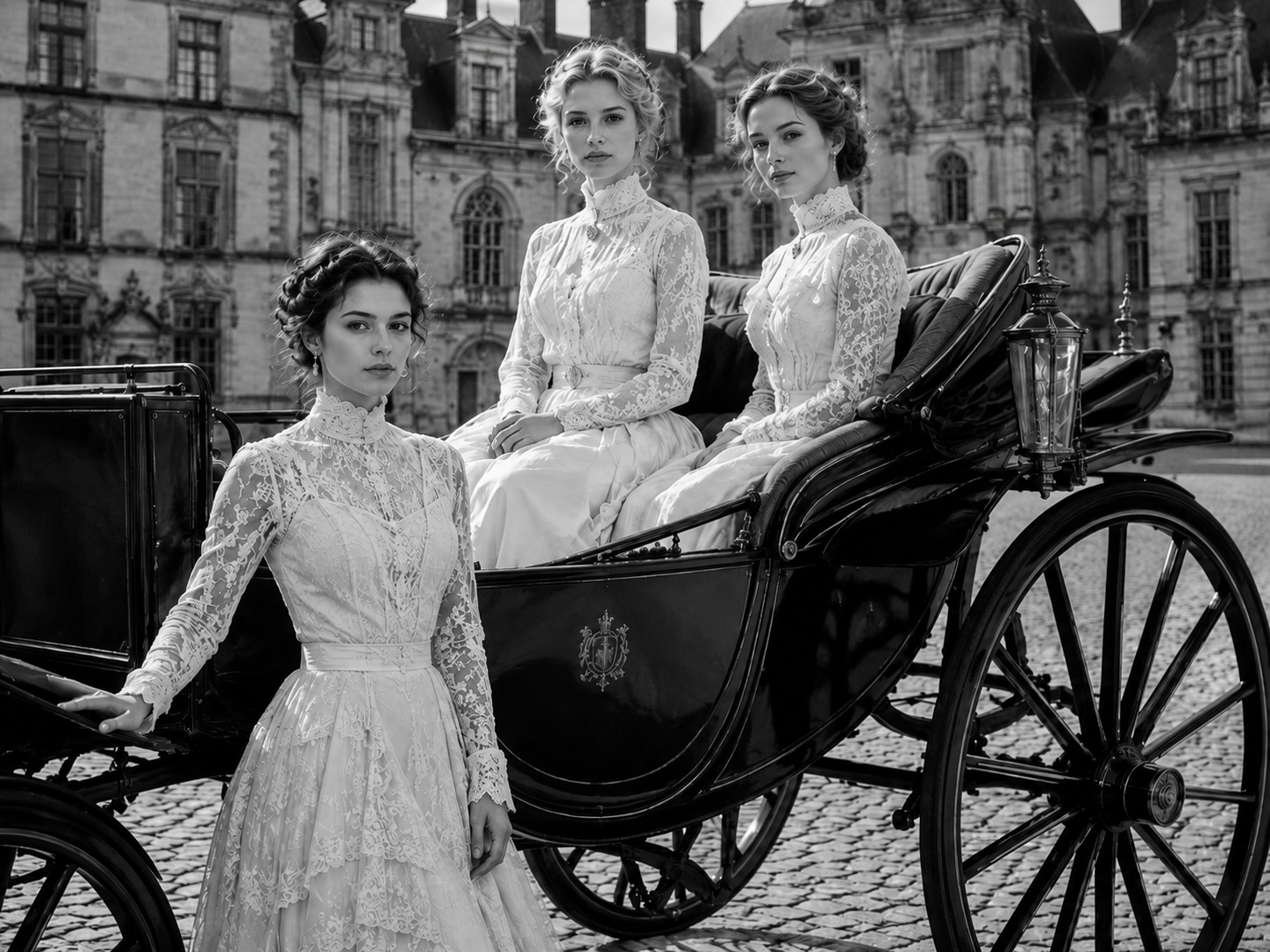
Step 1
Upload Your Photo
Choose an old scan, phone photo, or album snapshot from your device. Photo restoration works best when the full picture is visible, even if the edges are bent, faded, scratched, or stained.
Bring damaged, faded, or black-and-white photos back to life. Our AI photo restoration tool repairs scratches, enhances faces, restores lost details, and revives old memories online in seconds.
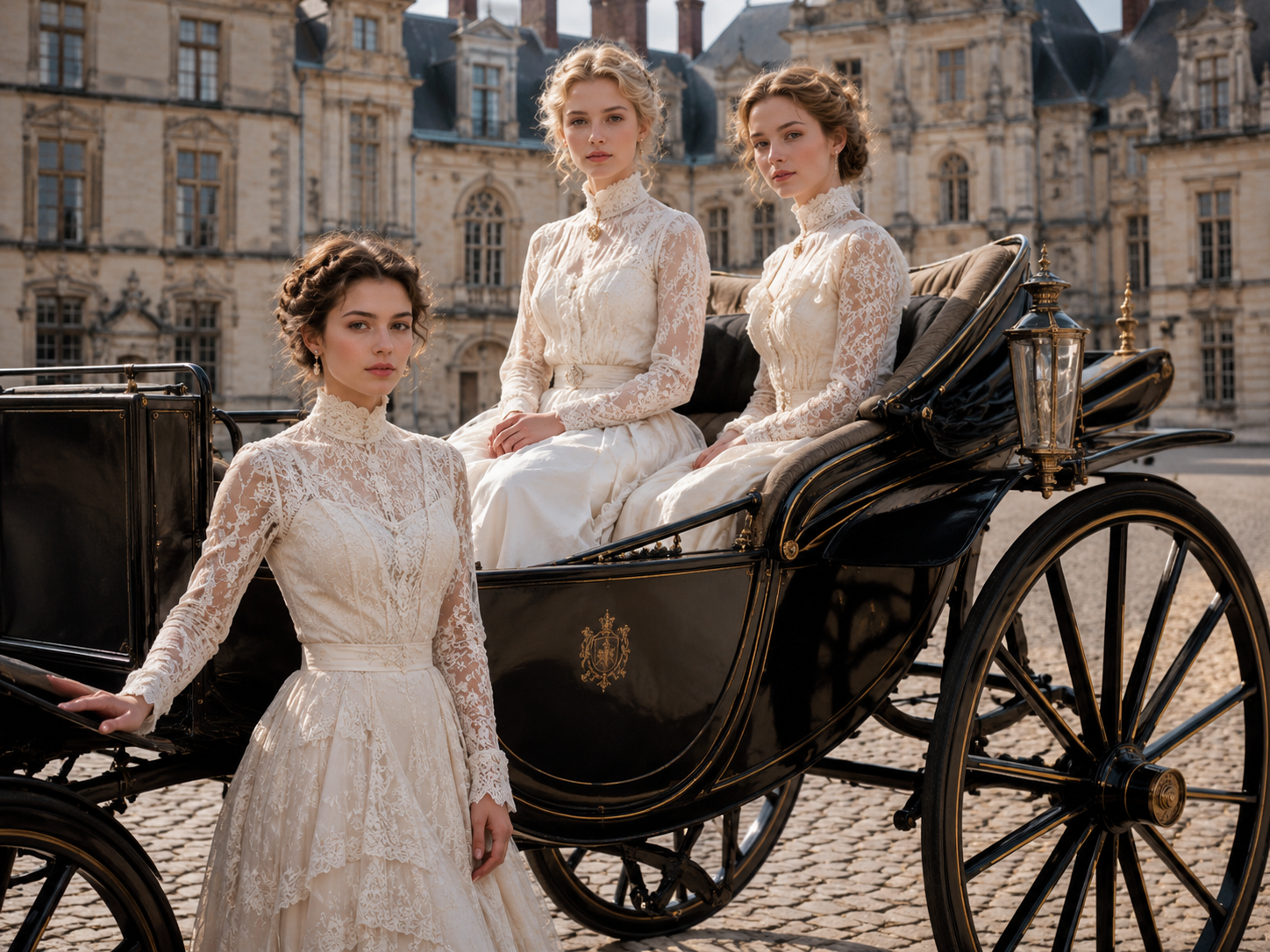 After
AfterRepair faded family photos, old album scans, and low-contrast portraits without leaving the browser.
 AI Restoration Model
Drag a scan here or choose a family photo.
Upload up to 10 old photos at once. JPG, PNG, and WebP supported.
Output format
AI restoredPhoto restoration should feel like a clean handoff: you give the tool a tired image, it gives you back something your family can actually see.
Choose an old scan, phone photo, or album snapshot from your device. Photo restoration works best when the full picture is visible, even if the edges are bent, faded, scratched, or stained.
Our AI photo restoration model studies scratches, dust, blur, faded color, weak contrast, and face detail, then rebuilds damaged areas with a natural old-photo finish.
Compare the before and after, check the repaired faces and background, then download a clean photo restoration result for sharing, printing, framing, or archiving.
Good photo restoration is not one magic filter. It is damage repair, tone recovery, face detail, and restraint working together on the same fragile scan.
Photo restoration should not smear a crack until the face looks waxy. We trace scratches, fold marks, dust spots, stains, and torn corners, then rebuild the missing pixels around them. The repaired area keeps the grain and light of the original print, so the photo restoration result still feels like your family photo, not a plastic remake.
Old prints turn yellow, magenta, blue, or flat gray. Photo restoration brings back balance first: skin, clothing, sky, wood, paper, and shadow start to separate again. If you choose color, the photo restoration model adds gentle, believable tones instead of loud cartoon color. Black-and-white images can stay black and white, only cleaner.
The eyes matter. The smile matters. Photo restoration sharpens faces with care, especially in portraits where a grandparent, parent, or child is the whole point of the image. The system enhances edges, hair, clothing texture, and facial detail while avoiding that overcooked AI look. Better clarity, not a new person.
Bring damaged, faded, or black-and-white photos back to life. Repair scratches, recover lost details, enhance faces, and restore old memories online in seconds.
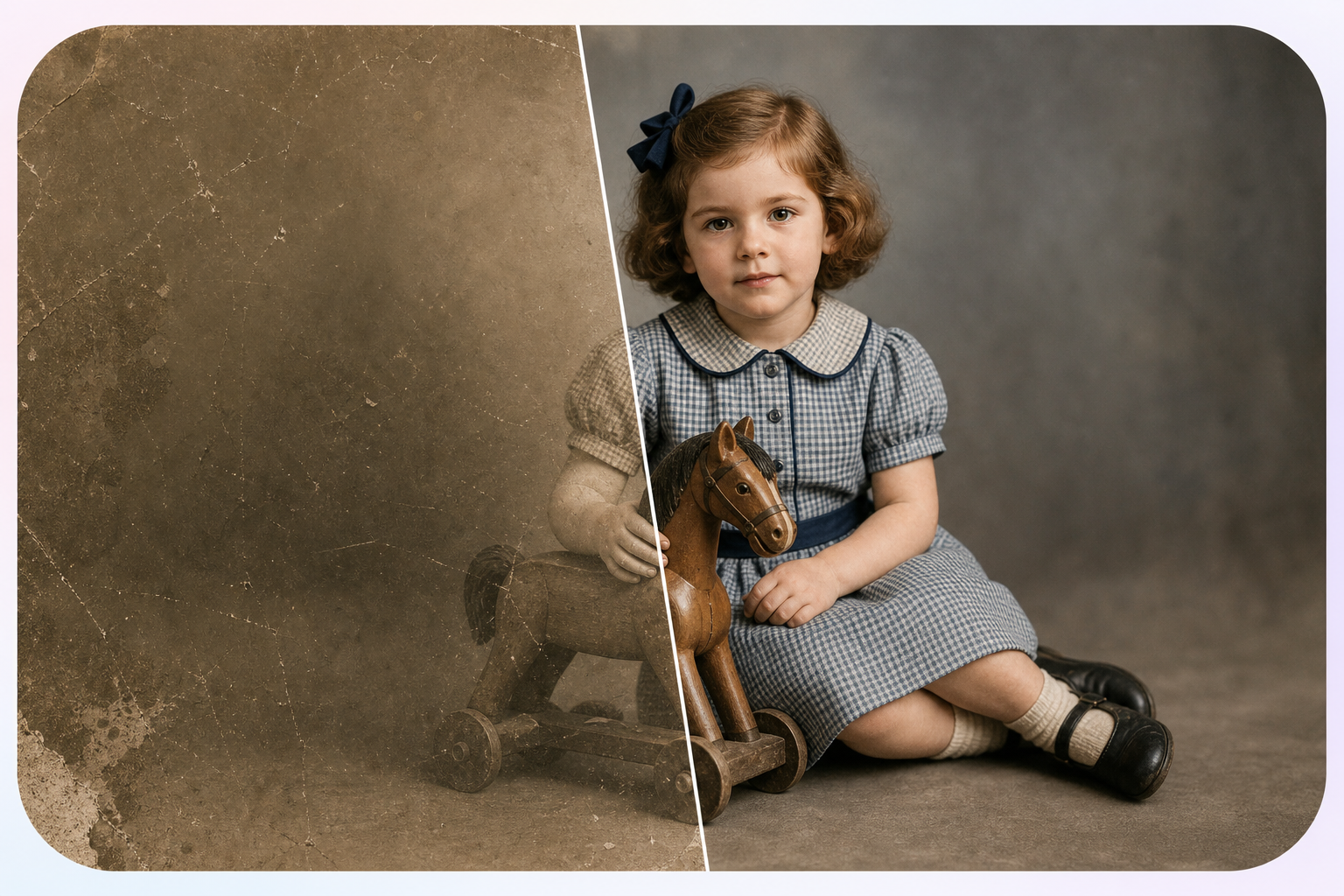

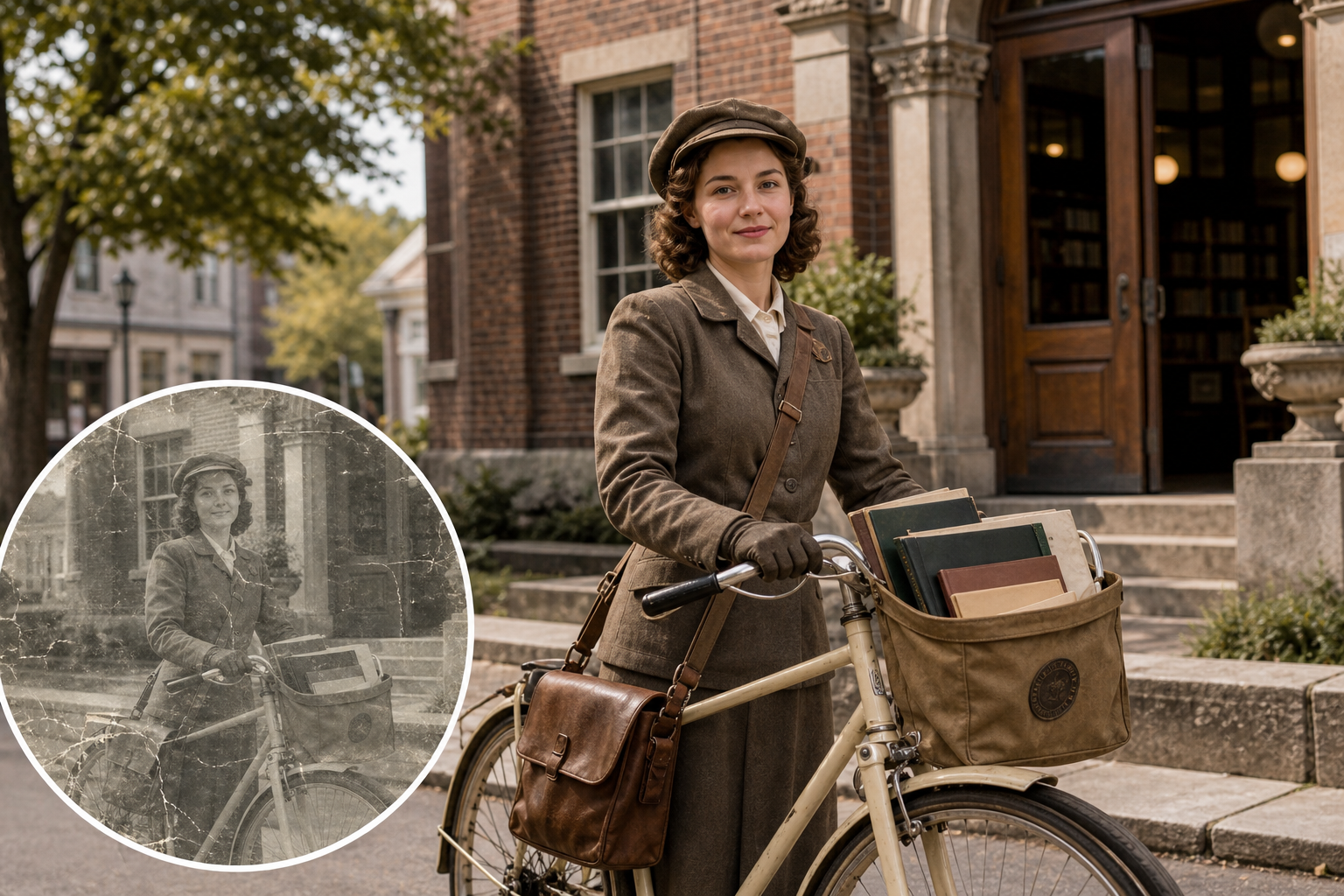
Built for families, vintage photos, archives, and prints
AfterFix torn, scratched, or aged family pictures while keeping the people, expressions, and original atmosphere natural.

Improve faded portraits and vintage photos with better contrast, sharper details, and more realistic colors.
Preserve old records, archival images, and historical photos with clean, detailed AI-powered restoration.
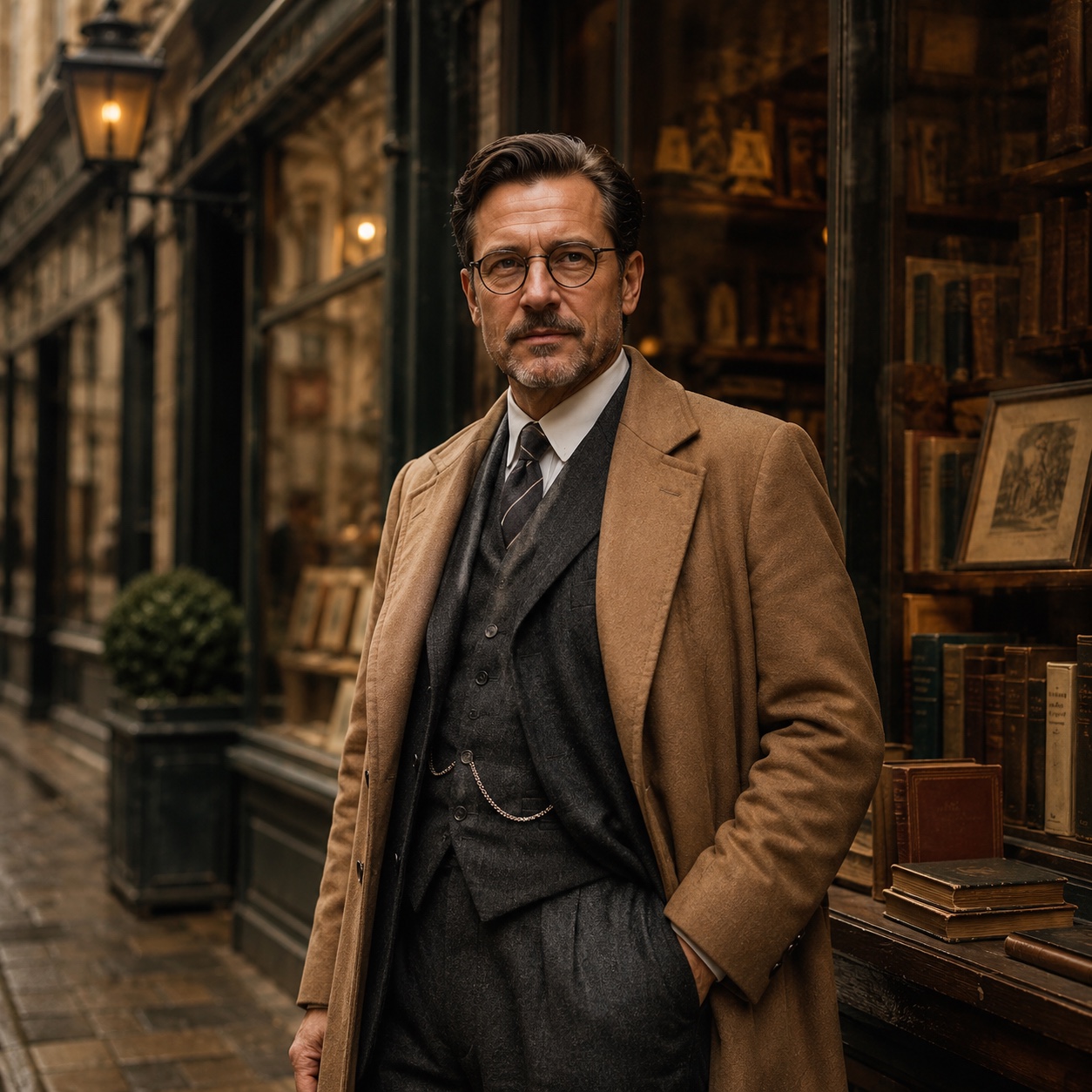
Restore and upscale old photos for albums, framed prints, keepsakes, and high-resolution digital backups.
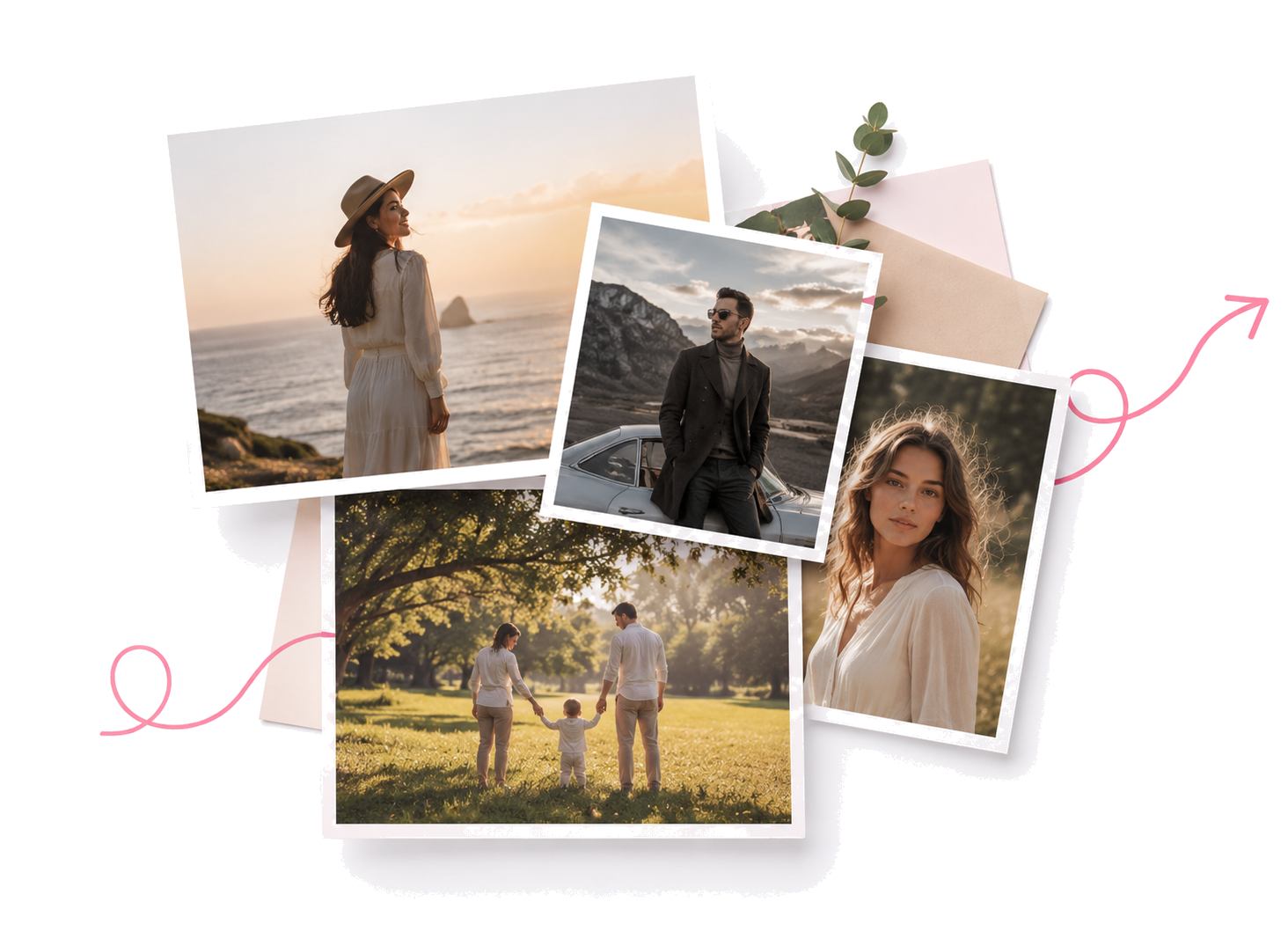
This photo restoration model acts more like a careful studio assistant than a paint bucket. It studies the image first, then repairs what time damaged.
Together, these restoration controls cover pixel repair, batch cleanup, private family archives, and print-ready detail while keeping the original photo character intact.
Explore focused AI photo tools for cleanup, upscaling, sharpening, and restoration. Each one helps you move from a tired image to a cleaner result without complicated editing software.
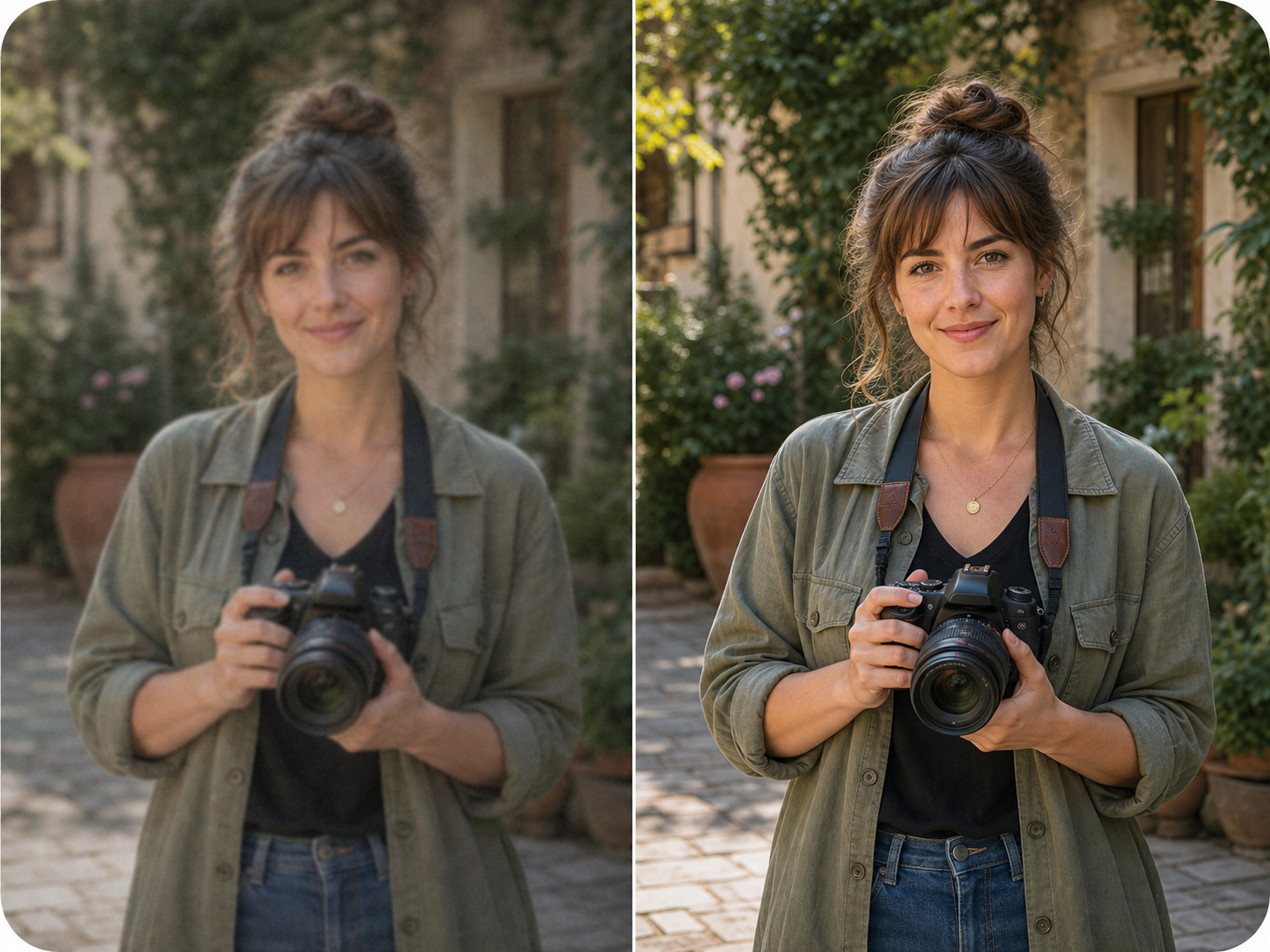
Use AI Photo Enhancer when your image looks dull, noisy, or low quality. It improves clarity, lighting, color, and fine details for portraits, travel photos, product images, and everyday pictures.
Try Photo Enhancer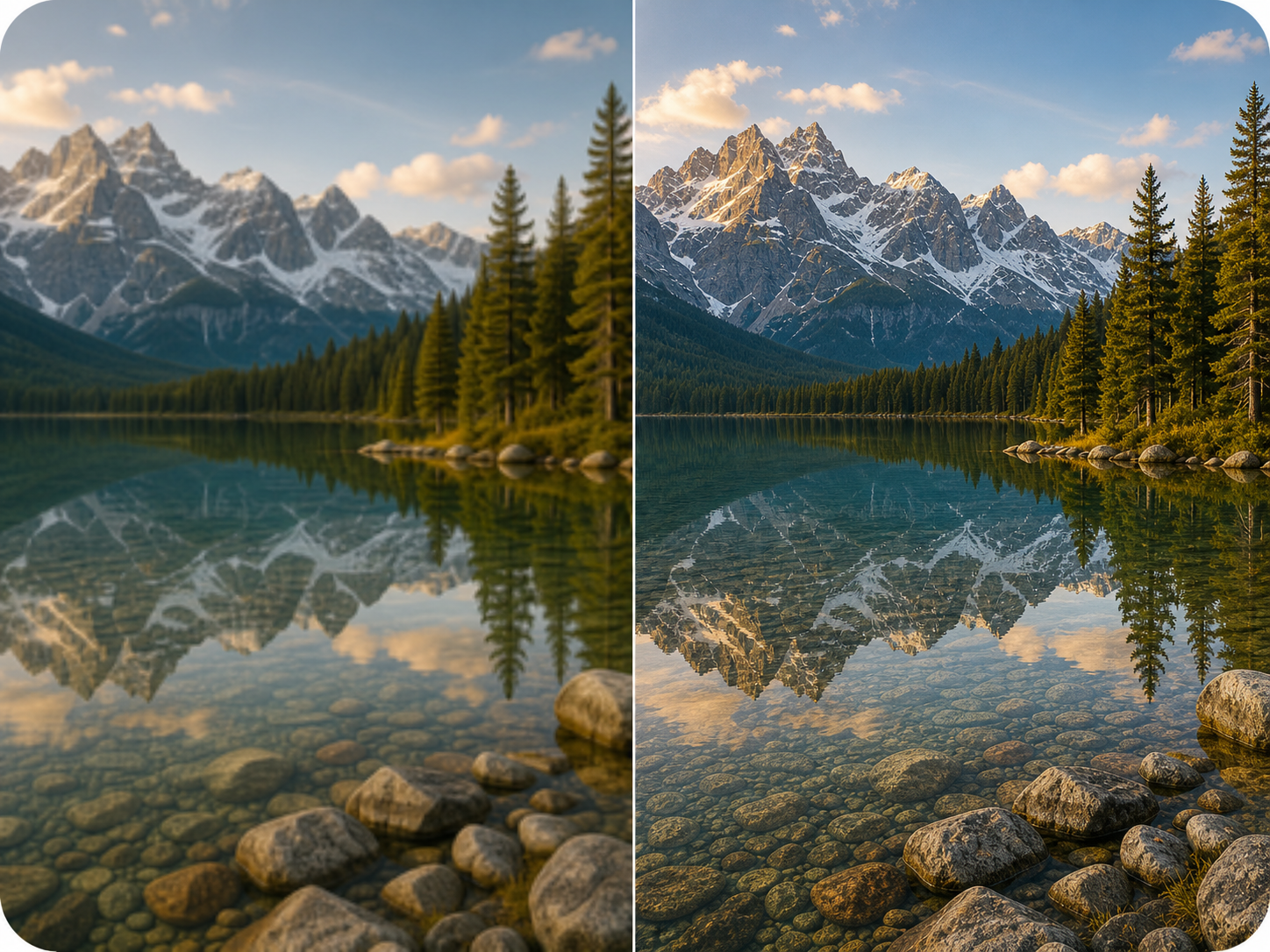
Make small or low-resolution images larger for printing, sharing, product pages, wallpapers, and family albums. ZEnhancer upscales photos while keeping edges cleaner and details more natural.
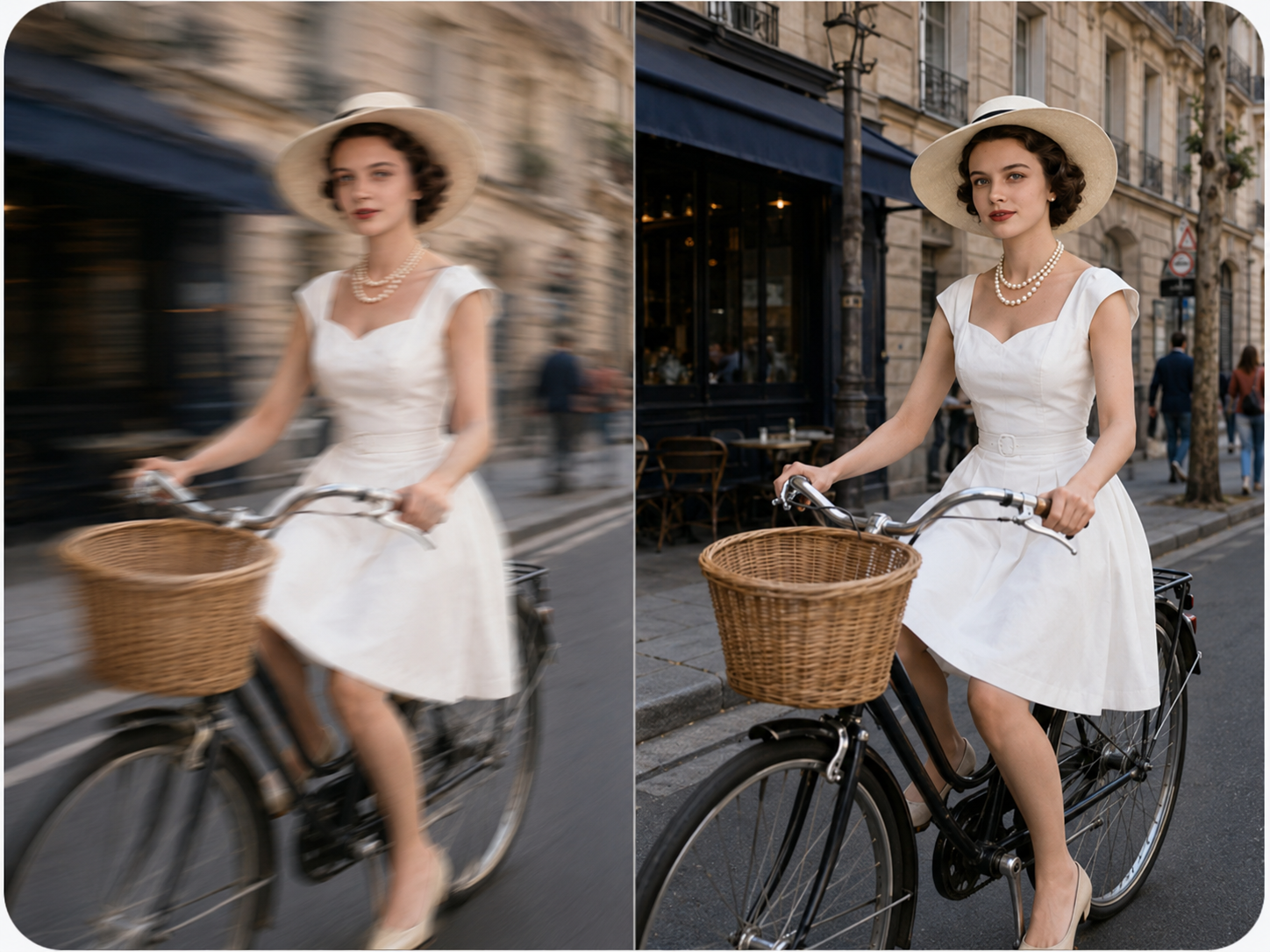
Recover clearer details from photos affected by soft focus, slight motion blur, camera shake, or compression. Ideal for faces, screenshots, old pictures, and photos that need a cleaner look.
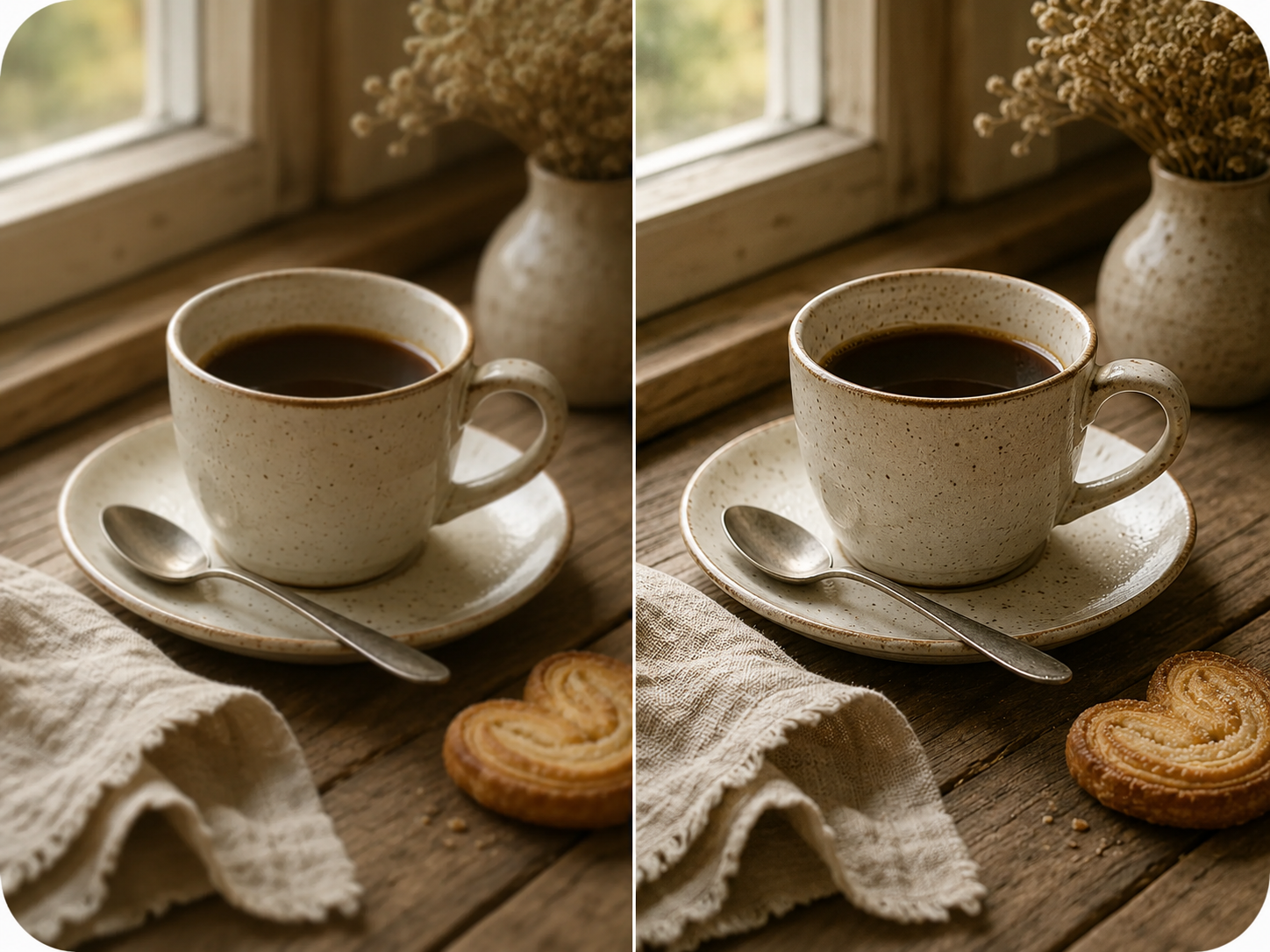
Use Sharpen Image when a photo is not badly blurred but still lacks crisp detail. Improve edges, textures, facial details, pet photos, product shots, and screenshots with a cleaner finish.
Real workflows from families, photographers, designers, and small business owners who need old photos restored with care.

Teacher
"We restored a box of faded portraits before our reunion. The faces looked clearer, but the photos still felt like our family history."

Print Shop Owner
"The restored files were clean enough for framed prints. It saved hours of manual cleanup before sending albums to production."

Photographer
"I use it when clients bring old family photos for tribute tables. Scratches fade away without making skin look artificial."

Retired Engineer
"Old scans from my grandparents' archive finally became readable. Details in clothing, eyes, and backgrounds came back naturally."

Parent
"I repaired a damaged photo of my mother in minutes. The result was soft, respectful, and ready to print for the family."

Graphic Designer
"For quick first passes, this is excellent. It handles fading, dust, and small tears while keeping enough texture for final edits."

Office Manager
"We tested it on community archive images. The restored versions looked cleaner for online viewing without losing vintage character."

Designer
"Preparing old photos for albums became much faster. The upscale and restoration balance works well for keepsake books."
Teacher
"We restored a box of faded portraits before our reunion. The faces looked clearer, but the photos still felt like our family history."
Print Shop Owner
"The restored files were clean enough for framed prints. It saved hours of manual cleanup before sending albums to production."
Photographer
"I use it when clients bring old family photos for tribute tables. Scratches fade away without making skin look artificial."
Retired Engineer
"Old scans from my grandparents' archive finally became readable. Details in clothing, eyes, and backgrounds came back naturally."
Parent
"I repaired a damaged photo of my mother in minutes. The result was soft, respectful, and ready to print for the family."
Graphic Designer
"For quick first passes, this is excellent. It handles fading, dust, and small tears while keeping enough texture for final edits."
Office Manager
"We tested it on community archive images. The restored versions looked cleaner for online viewing without losing vintage character."
Designer
"Preparing old photos for albums became much faster. The upscale and restoration balance works well for keepsake books."
Short answers to the questions people ask before they trust an online photo restoration tool with a picture that matters.
Yes, photo restoration can help with scratches, stains, tears, fading, blur, and missing corners. Very severe damage still has limits: if a face is completely gone, no honest photo restoration service can know exactly what was there. But partial damage, cracked surfaces, water marks, and faded contrast are exactly the problems this tool is built to repair.